A rush request in one step
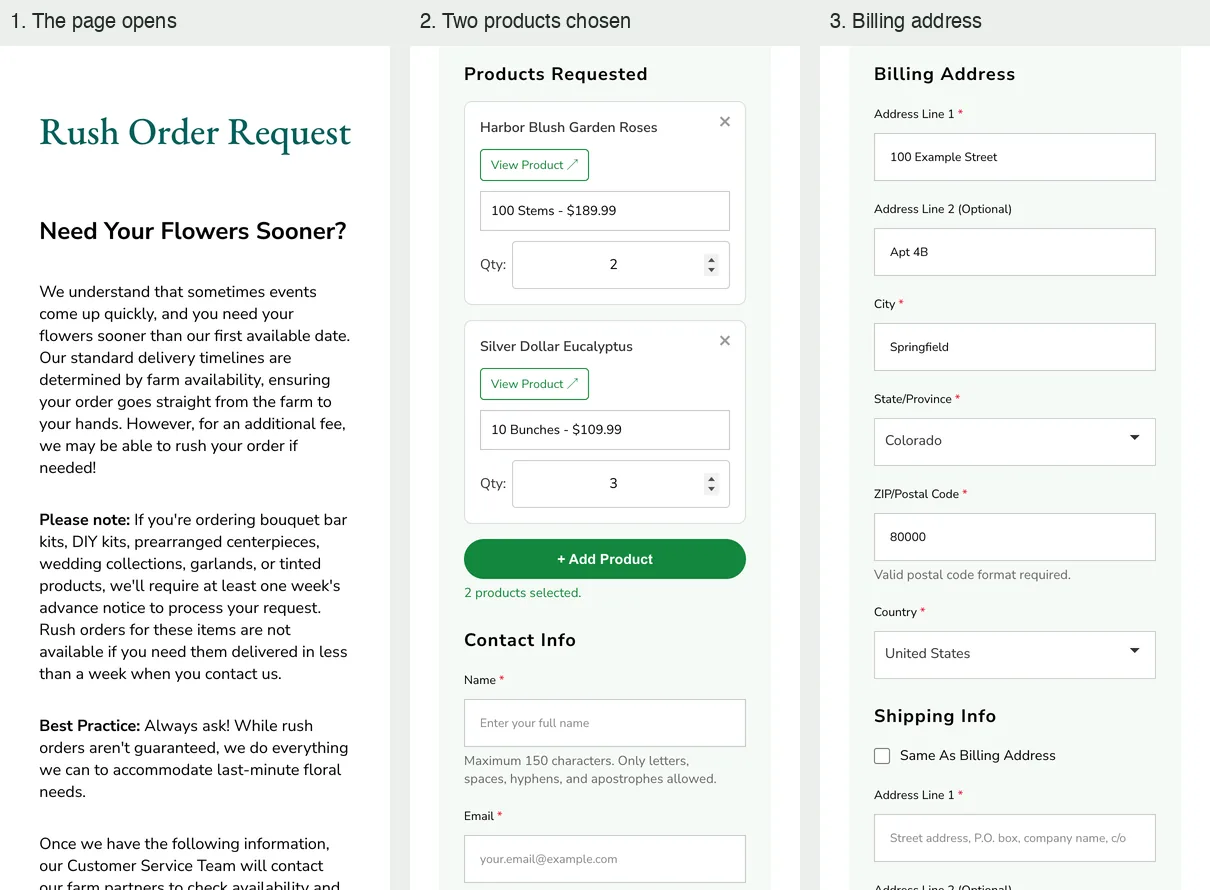
Customers choose event and delivery dates, pick exact products from the live catalog with size and quantity, and add contact details and addresses. The form checks it all before sending.
FiftyFlowers · Storefront and operations

Two storefront flows: rush-order requests that reach support as ready-to-answer tickets, and contest entries turned into review cards and draft store bundles.
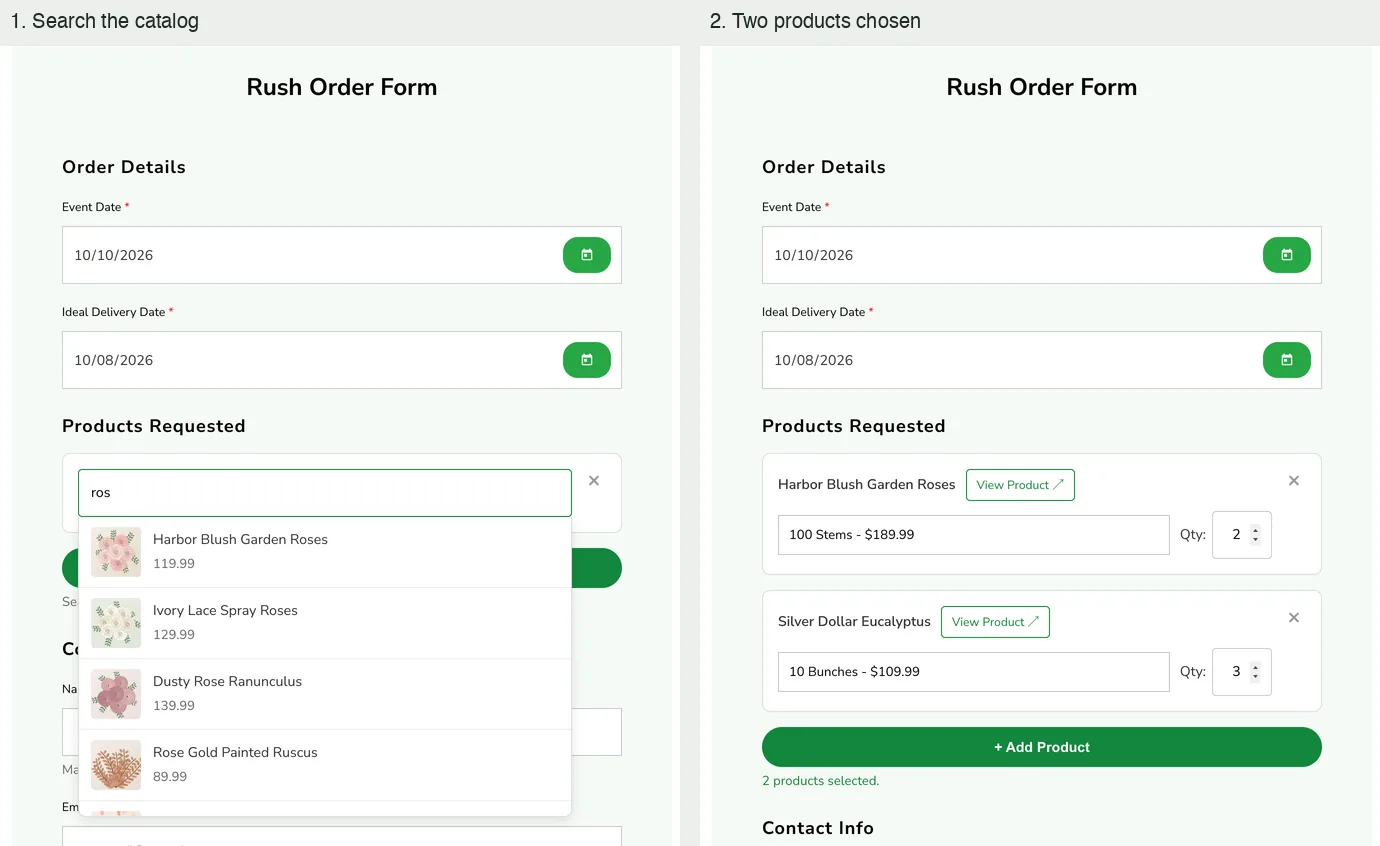
The rush-order form: searching the catalog, then two products chosen with size and quantity. A local run of the theme’s own form with invented products; nothing was typed into the live form.
The context
Some storefront requests need a person to act: flowers needed sooner than standard delivery, or a couple sharing their event for the yearly contest. Each has to reach the right team complete, with nothing to re-type.
My contribution
Built the rush-order form and its request function, from a one-day prototype to the live version. Built the processing step behind the existing Share Your Flair form, ran it over every 2025 entry, then repaired and audited the media.
The product
Three parts follow: the rush form in use, what customer service receives, and what the contest step writes for one entry.
Customers choose event and delivery dates, pick exact products from the live catalog with size and quantity, and add contact details and addresses. The form checks it all before sending.
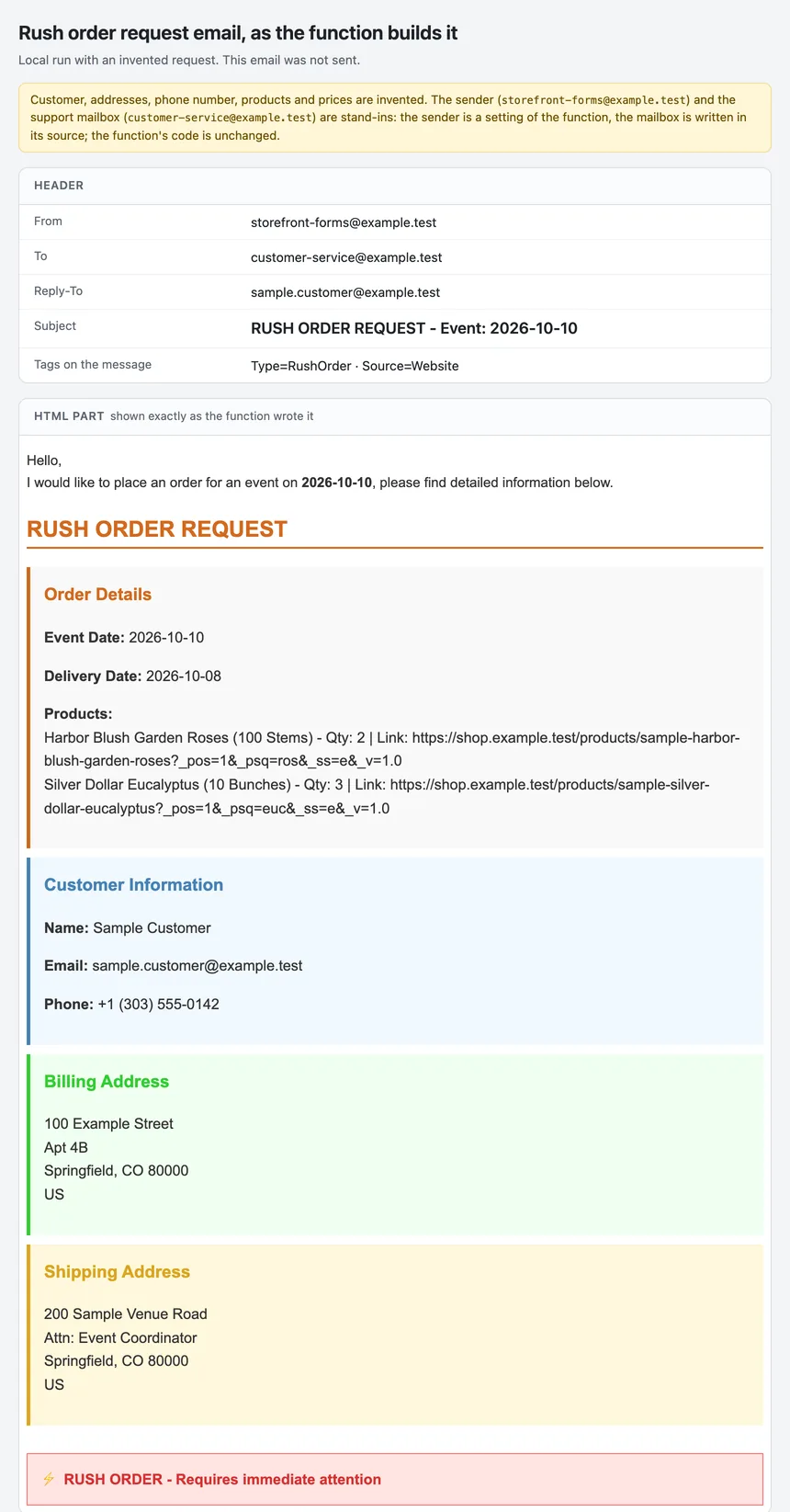
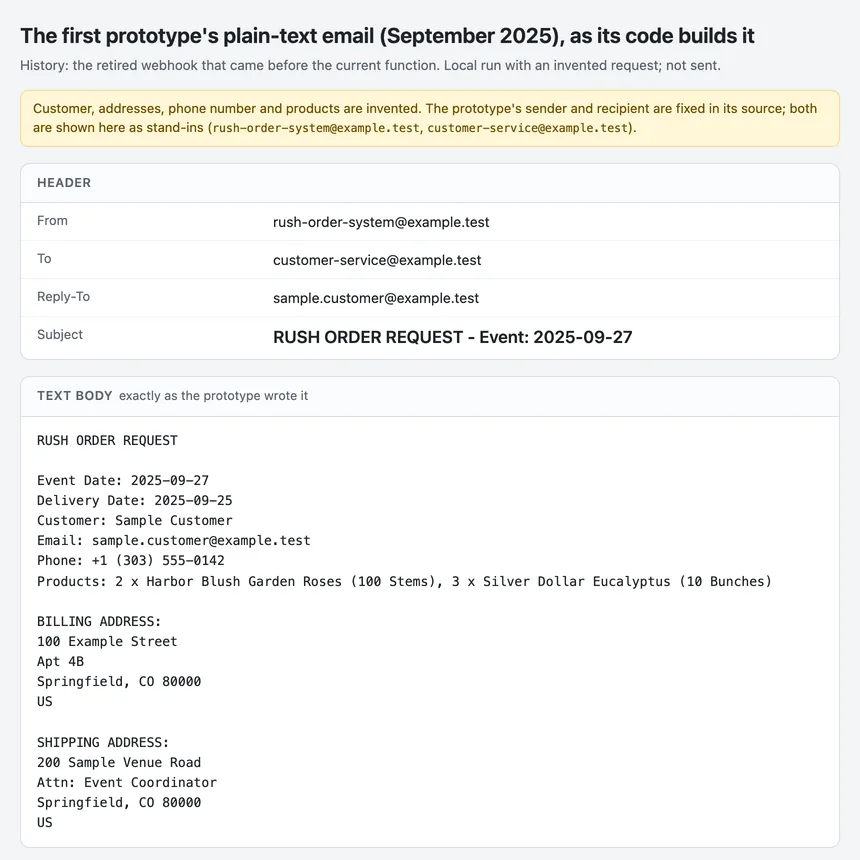
Each request becomes one formatted email to the customer-service inbox with the customer as reply-to, so it opens as a helpdesk ticket the team can answer directly.
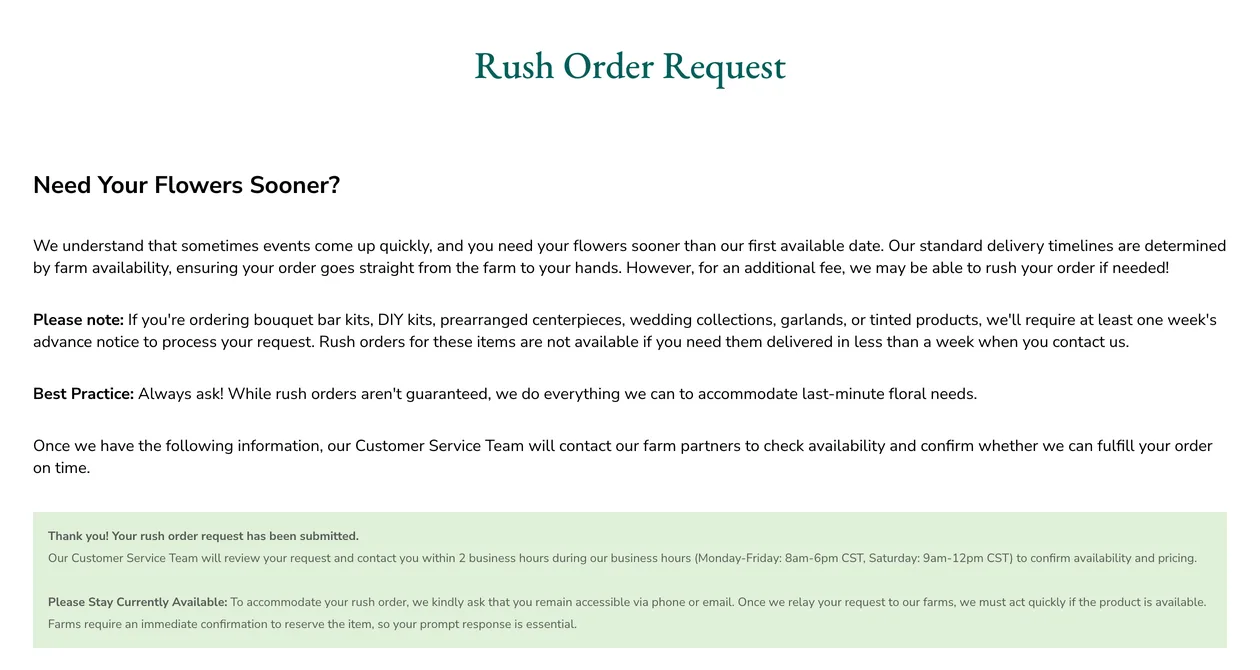
The customer immediately sees a thank-you that explains the next step and asks them to stay reachable while farms are contacted.
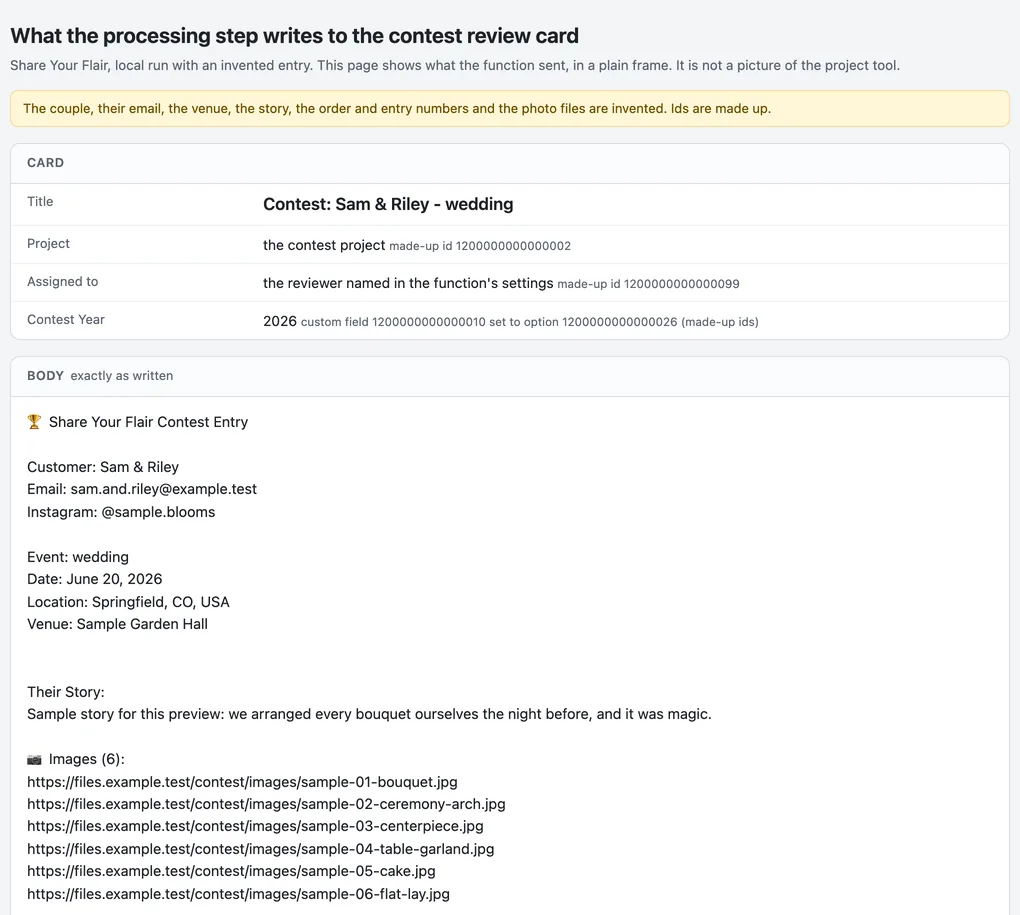
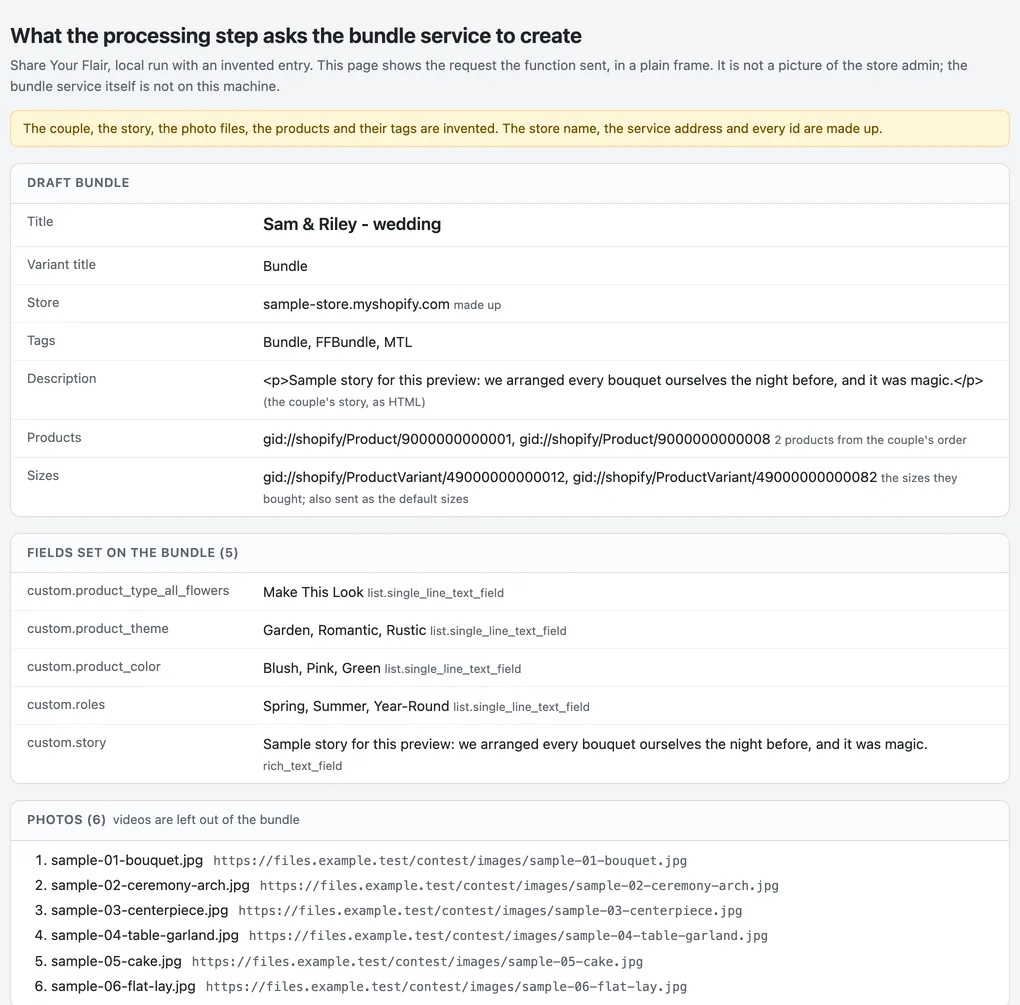
The Share Your Flair step turns a saved contest entry into two review cards for marketing and a draft store bundle built from the couple’s photos, story and ordered products.
Every 2025 entry went through it. After a May 2026 repair, a read-only audit found none of the 640 media links broken and every draft photo in place.
At a glance / simplified product view
Rush orders · the storefront form
Live on the storefront since October 2025
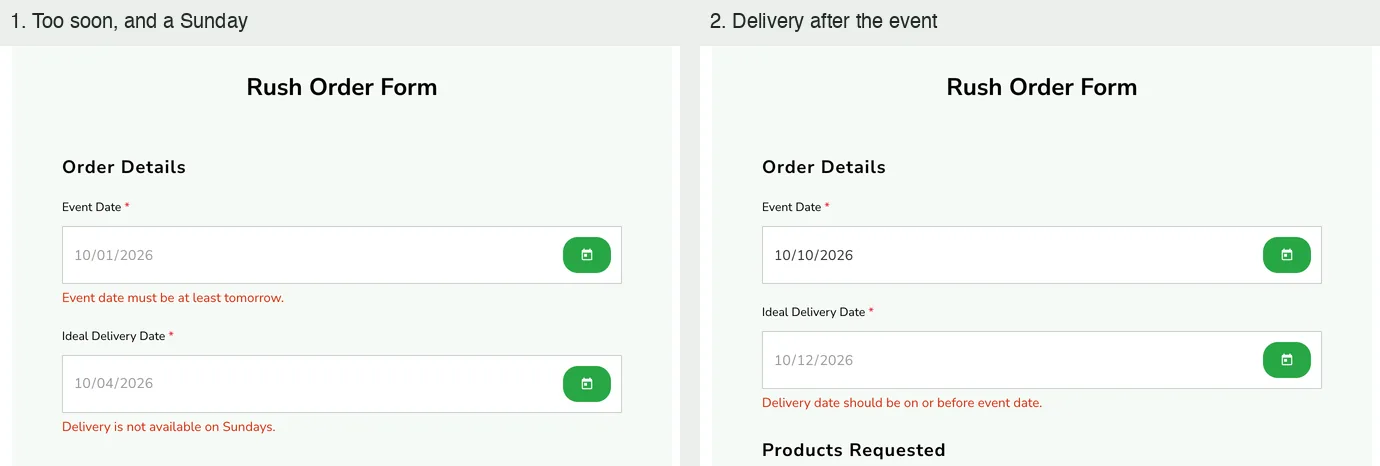
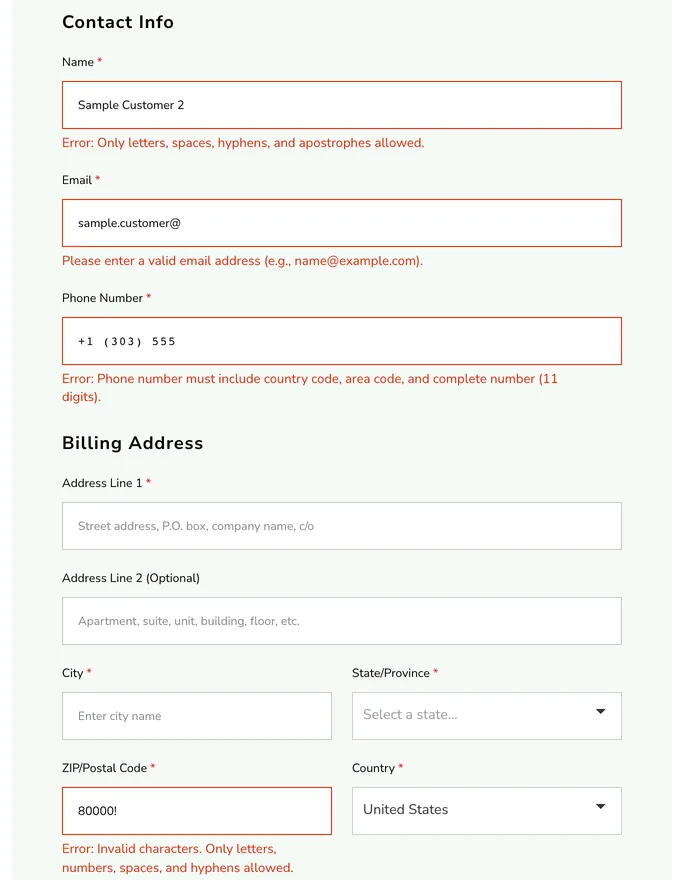
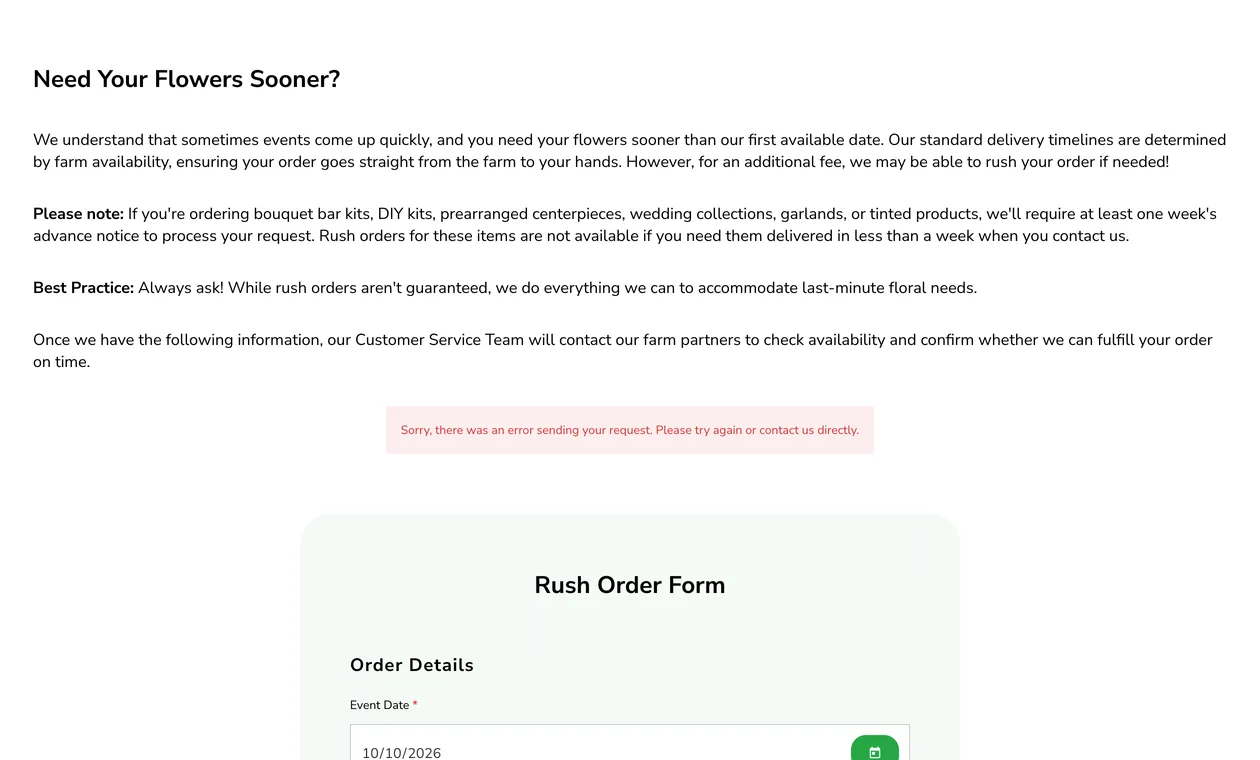
A customer who needs flowers sooner than standard delivery fills in one form: dates, exact products from the catalog with size and quantity, contact details and addresses. The form checks each part as it goes and refuses what cannot work, such as a Sunday delivery. These pictures are the store theme’s own form running on my machine with invented products and an invented customer. Nothing was typed into the live form.
Rush orders · the request function
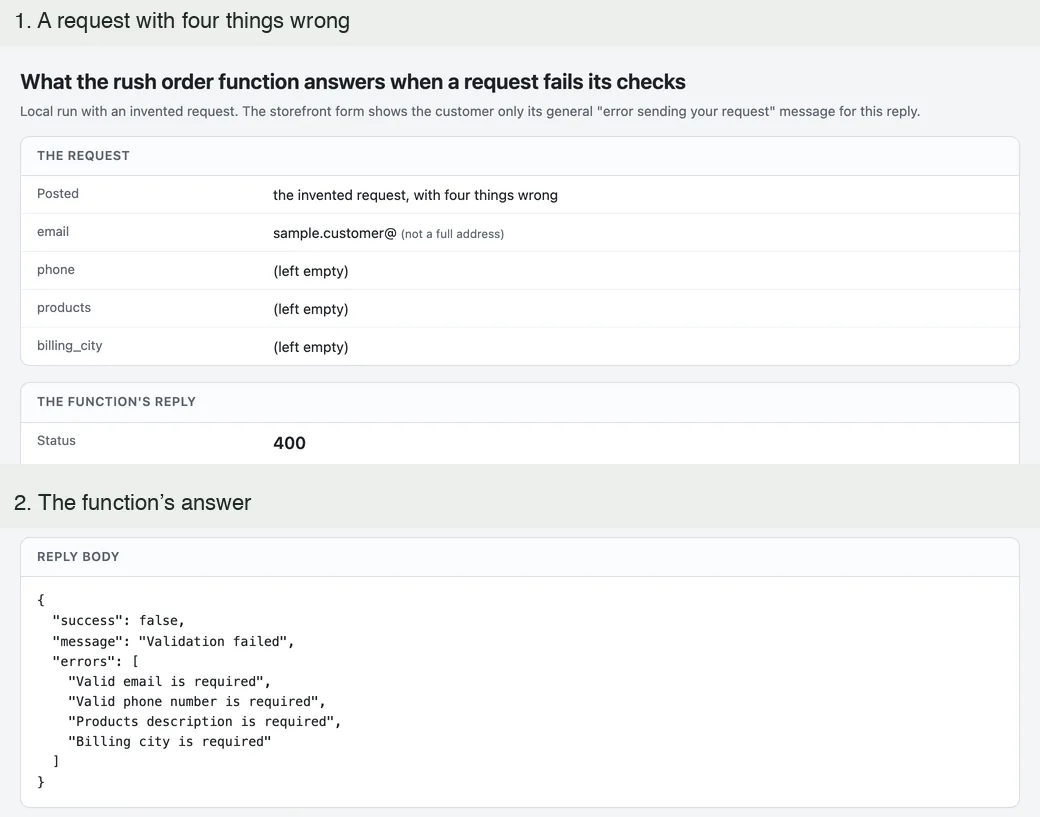
The request function checks everything again, then writes one email in the customer’s voice with the customer as reply-to, so it opens as a helpdesk ticket the team can answer without re-typing anything. These are the function’s own outputs for the request typed into the local form. The mail service was replaced by a recorder, and nothing was sent.
Share Your Flair · the processing step
Run on every 2025 entry · fixes for new entries awaiting release
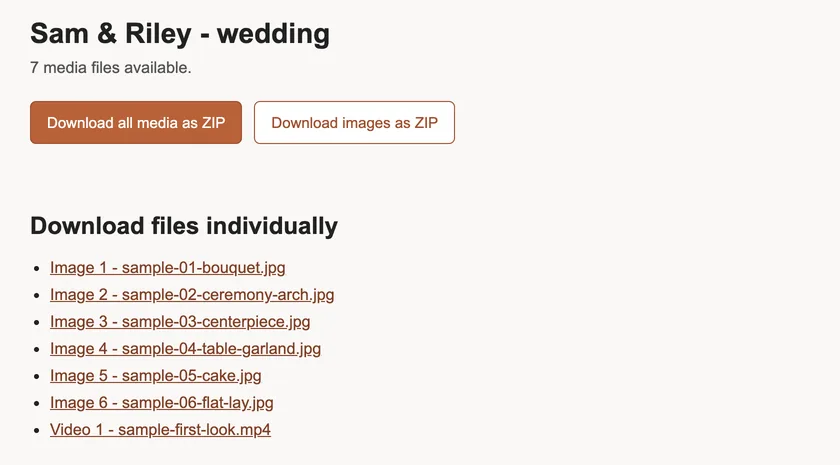
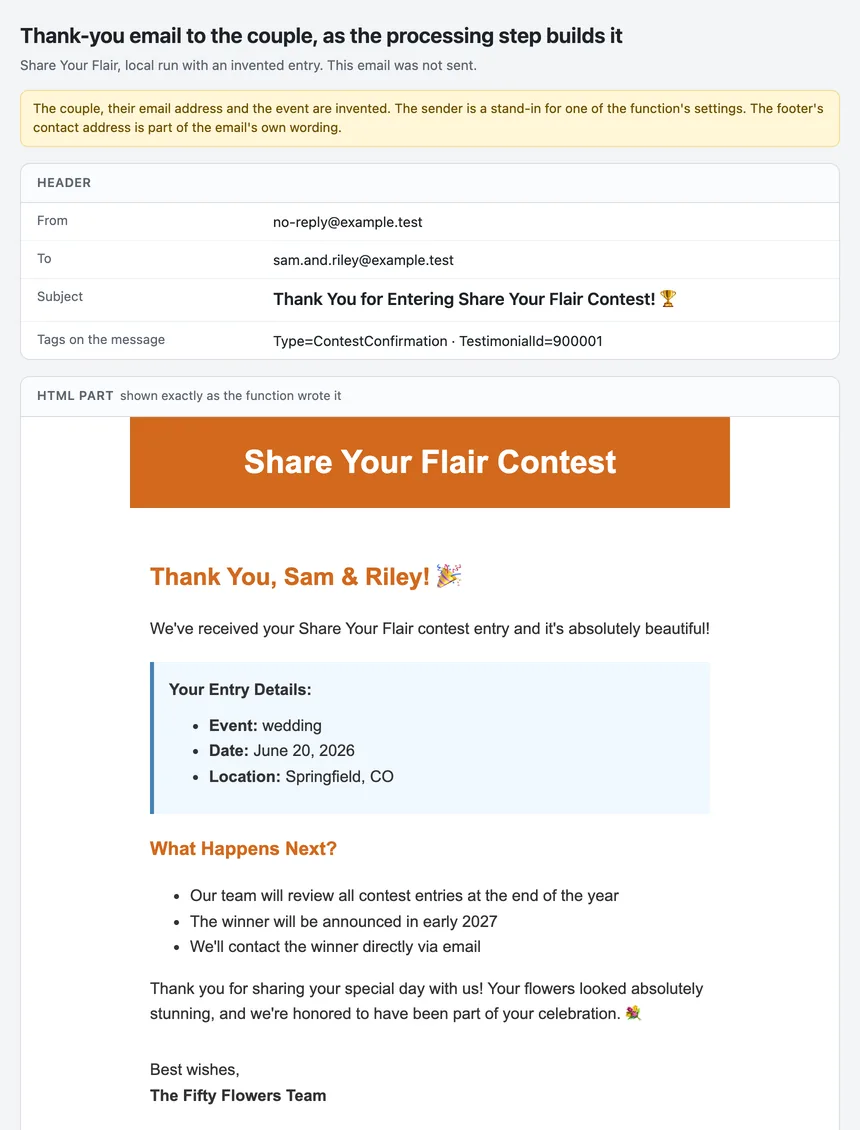
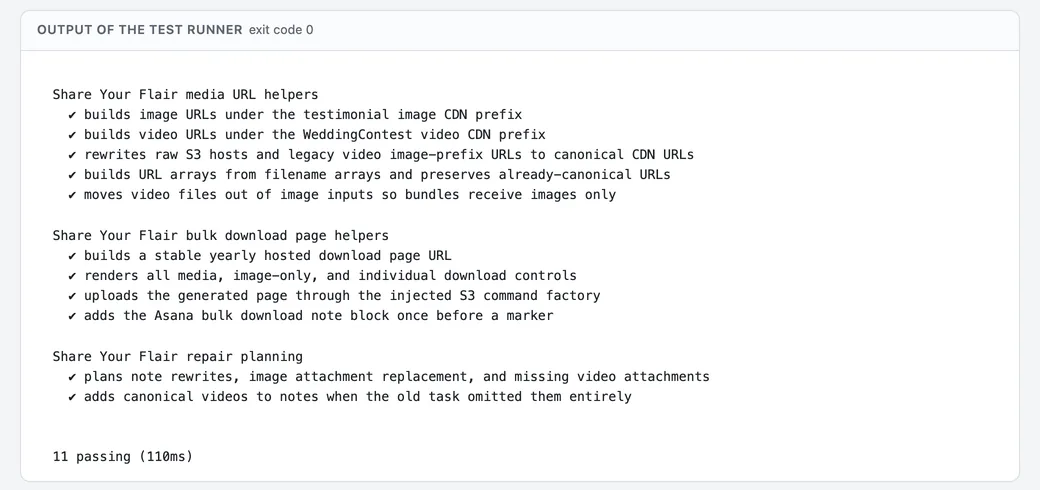
When a couple shares their event, the processing step turns the saved entry into a contest review card, a Make This Look card, a draft store bundle built from their photos, story and ordered products, a page that downloads all their media in one click, and a thank-you email. These pictures show what the step writes, from one run of its own code on my machine with an invented entry and every outside service replaced by a recorder. They are plain renders of what was written, not screenshots of the team’s tools.
Engineering choices
The rush email is written in the customer’s voice with the customer as reply-to, so the ticket reads naturally and no helpdesk integration is needed.
The first run’s writes were all accepted, yet some links were broken and some drafts short of photos. Only re-reading every card proved a clean state.
Neither flow uses an AI model. Both are forms, checks and routing into the tools each team already works in.
Where it stands
The rush form has been live since October 2025. Share Your Flair processing has run on every 2025 entry; releasing its media-link fixes and confirming automatic processing of new entries are the next steps.
Same company
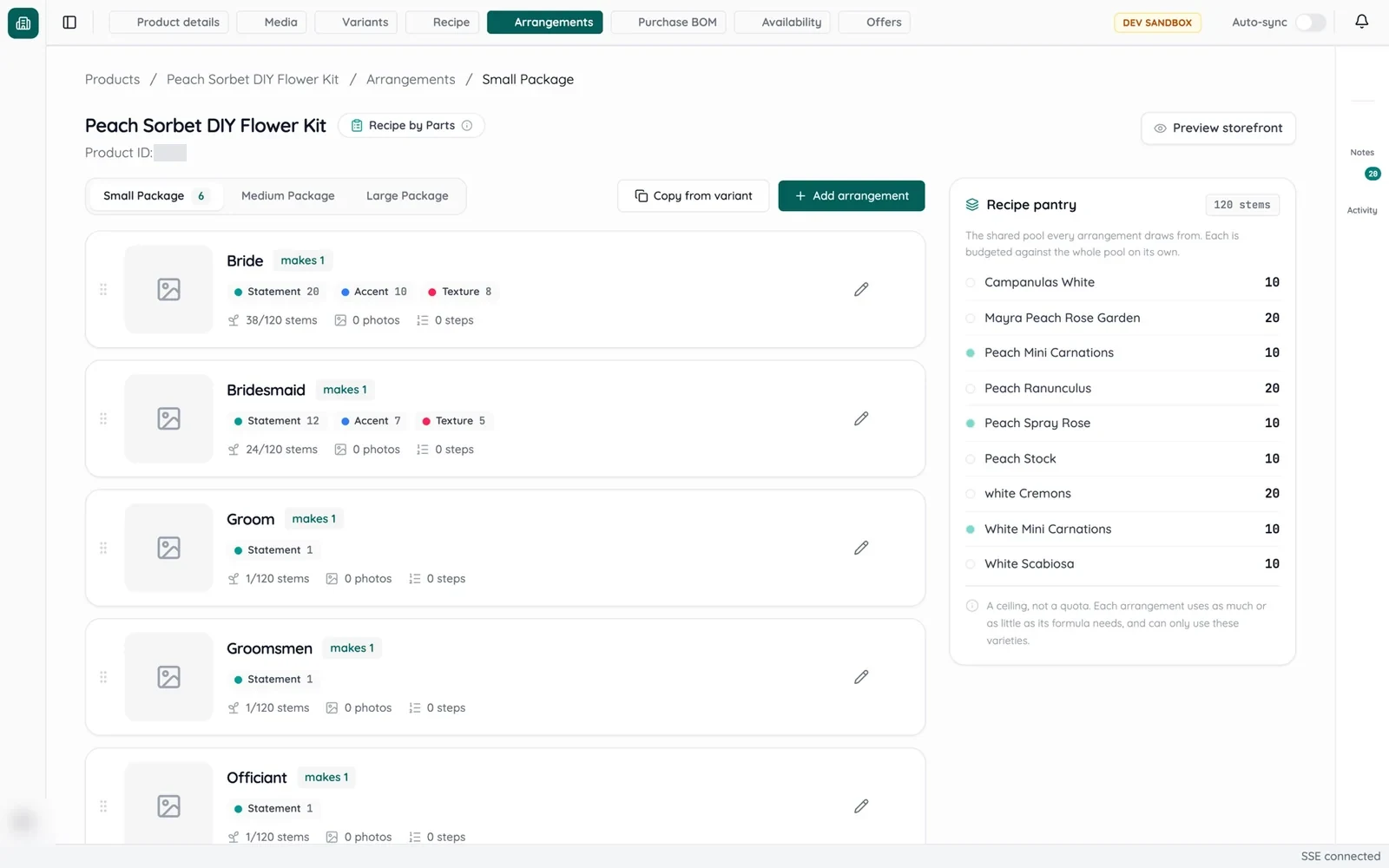 DIY kit data migrationDelivered on a test copy of the store
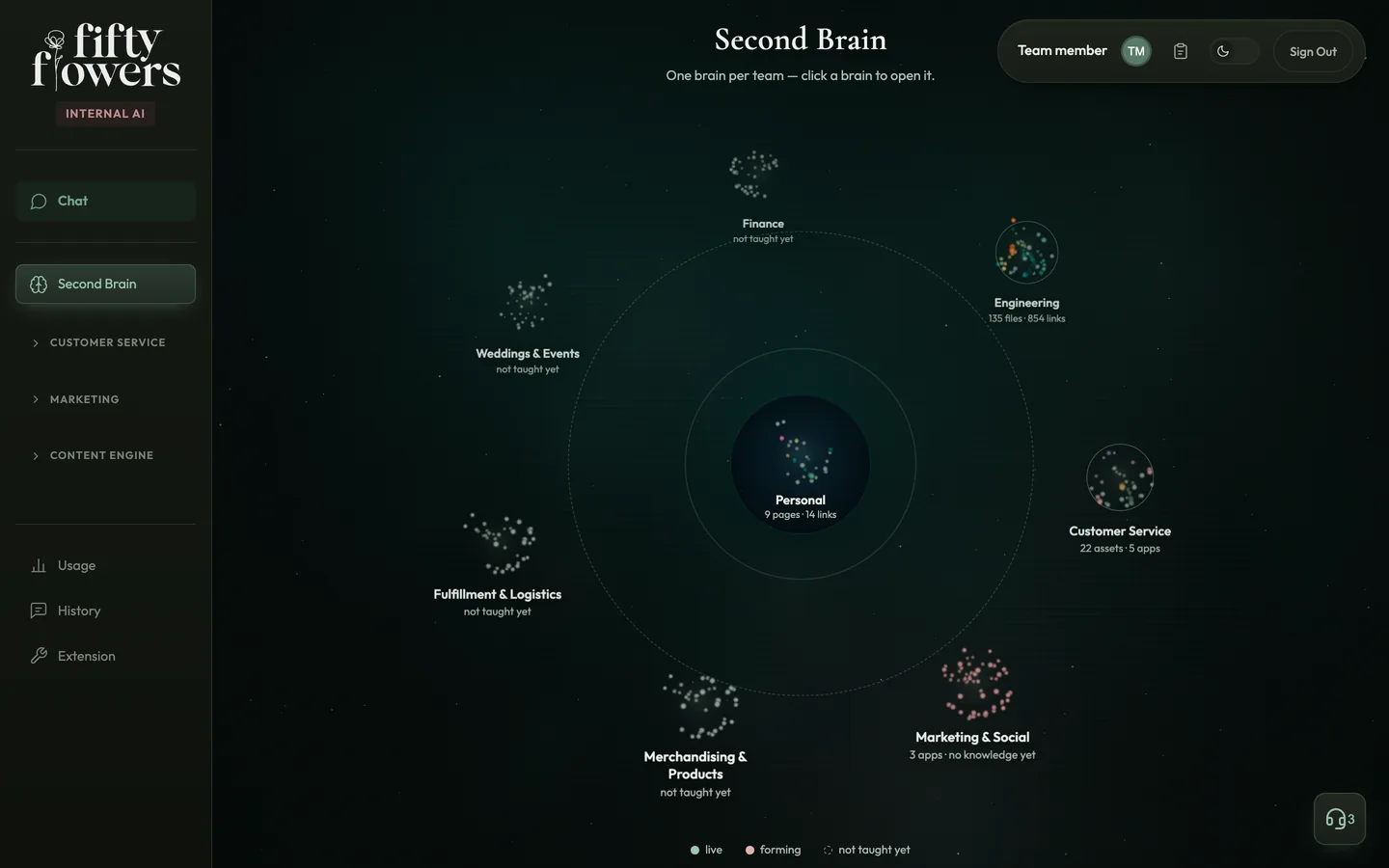 Company Second BrainMVP · live since July 2026, two of seven team brains filled
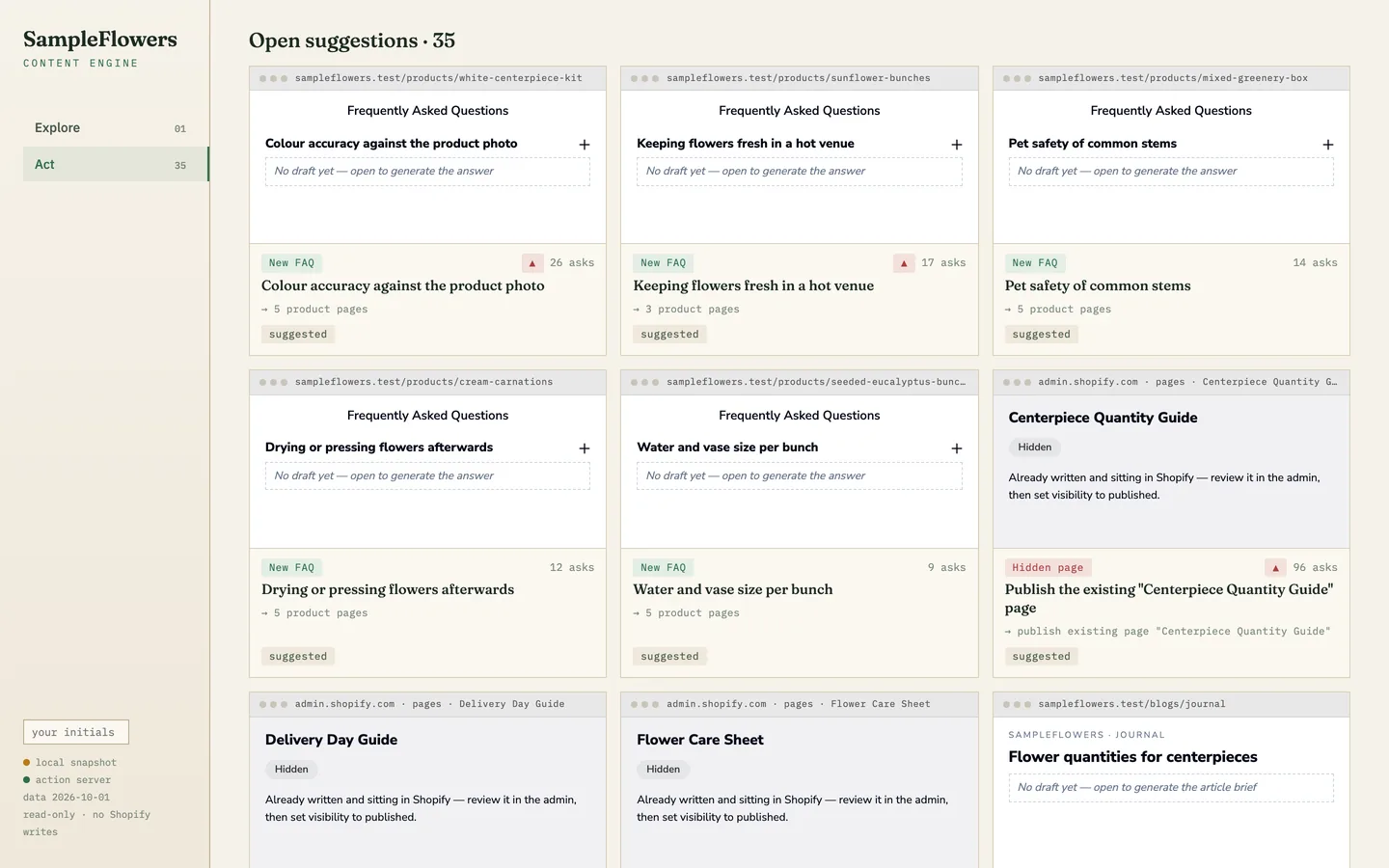 Content EngineIn the company AI workspace since June 2026 · nothing published through it yet
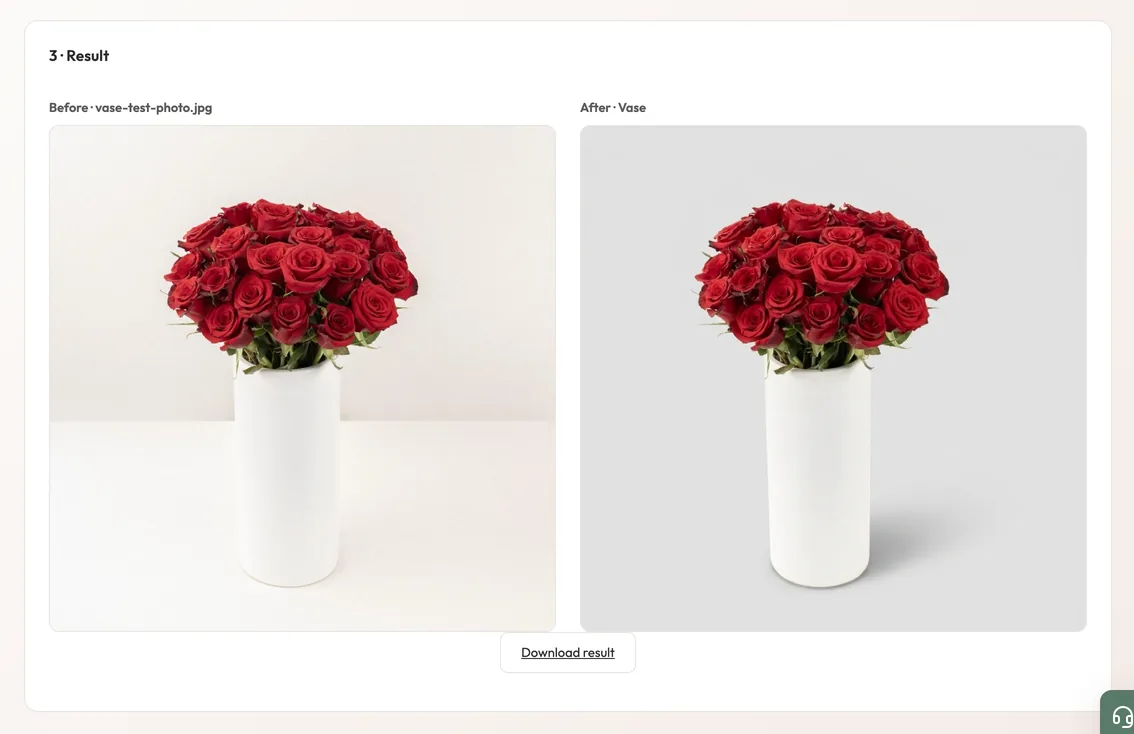 Image StudioIn production · released August 2026
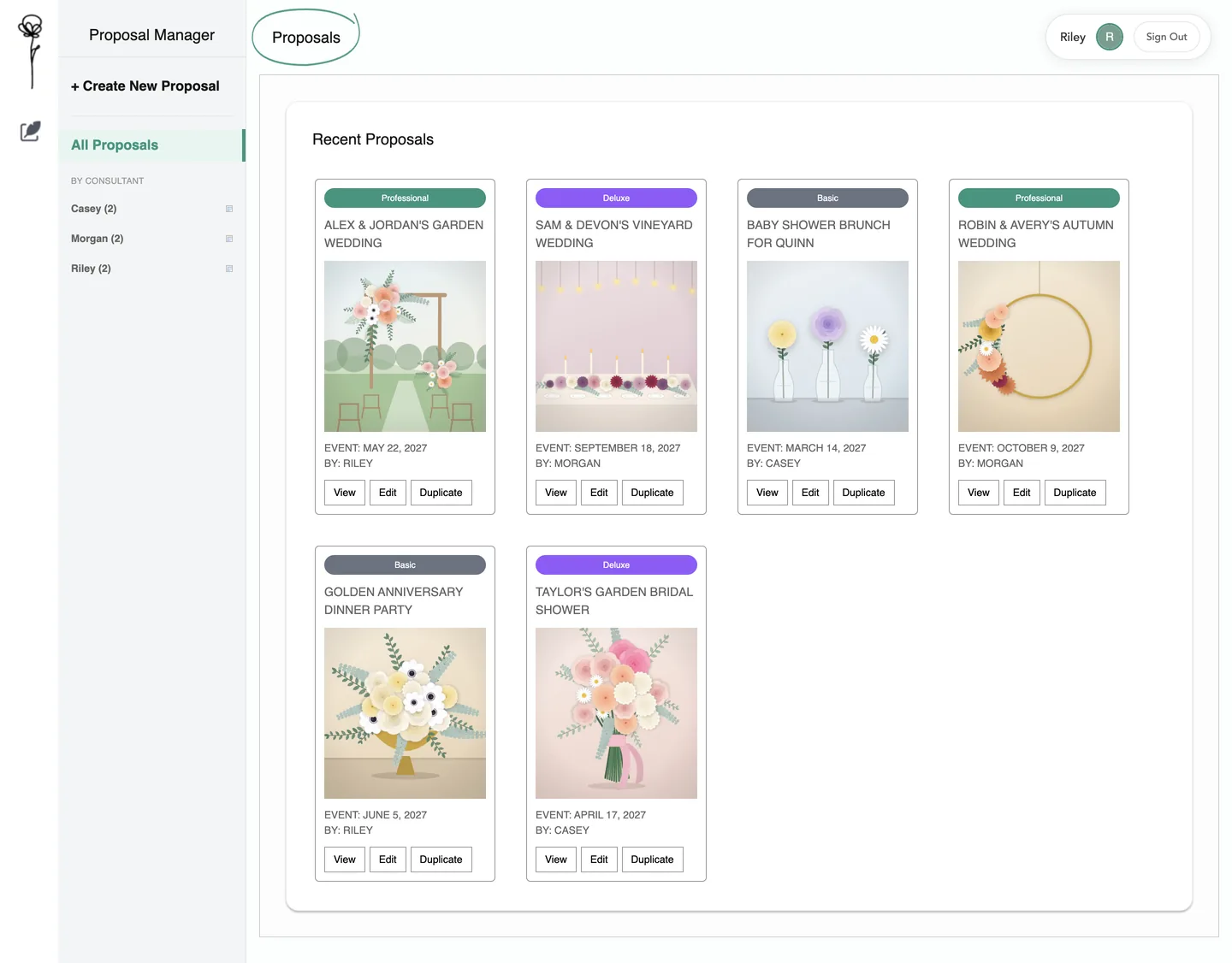 Proposal ManagerBuilt from the team’s wireframes · not launched
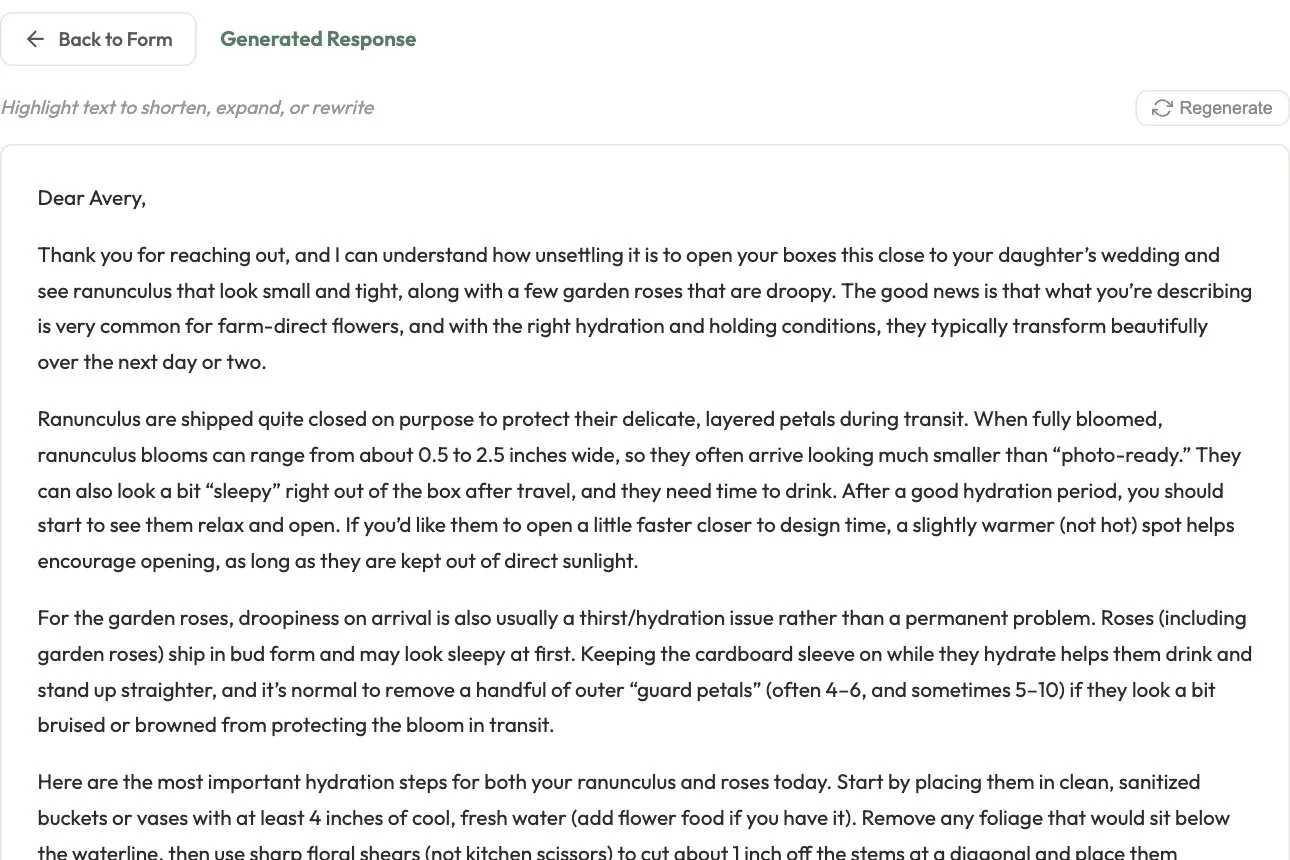 Customer service AIIn production · since January 2026
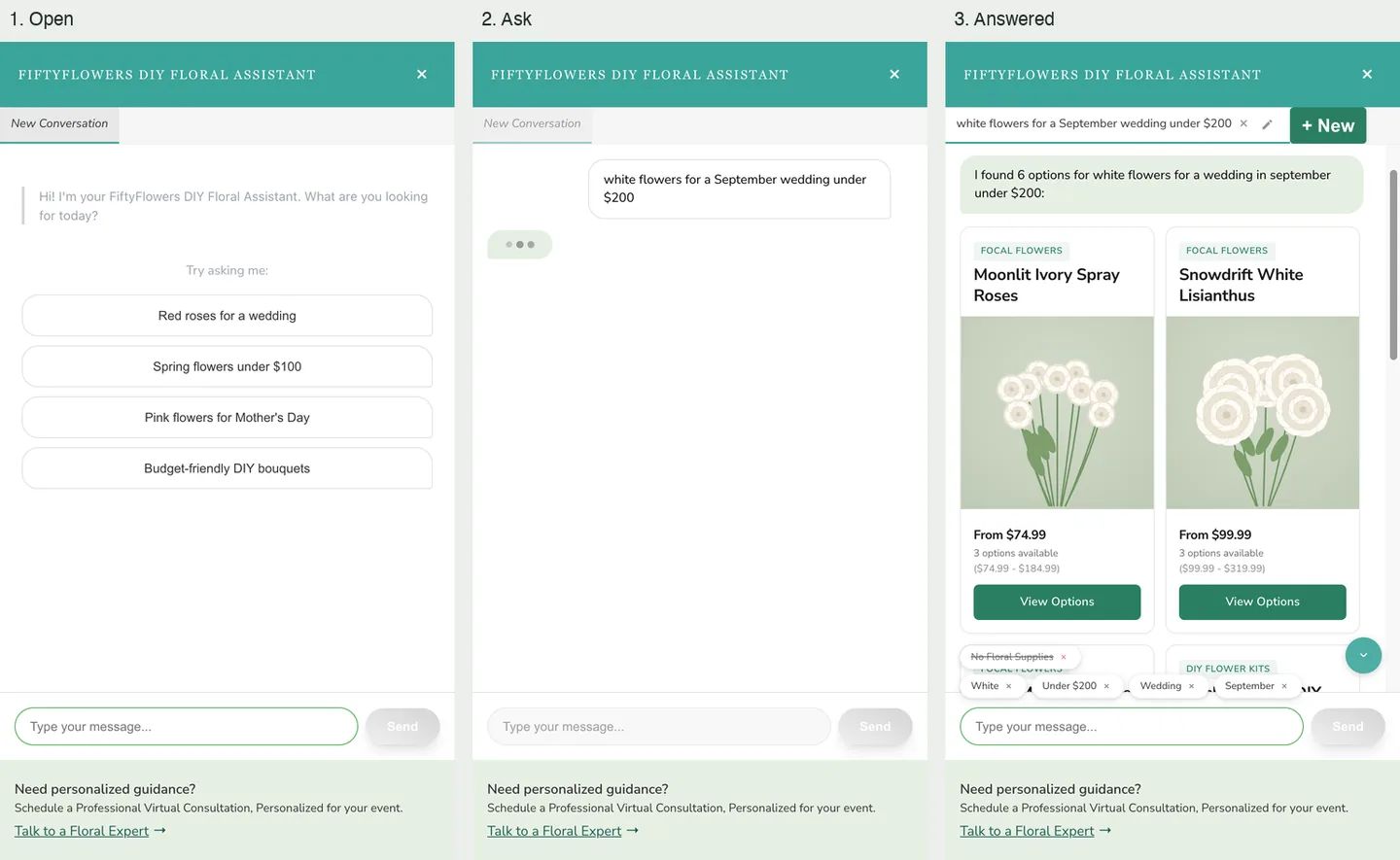 AI Floral AssistantIn the store theme · behind an A/B test since January 2026