A web app for floral consultants: an event plan and stem-by-stem recipes become a priced shopping list and a customer presentation. Built, not launched.
PROJECTProposal Manager
MY ROLEAI Solutions Engineer · FiftyFlowers
STAGEBuilt from the team’s wireframes · not launched
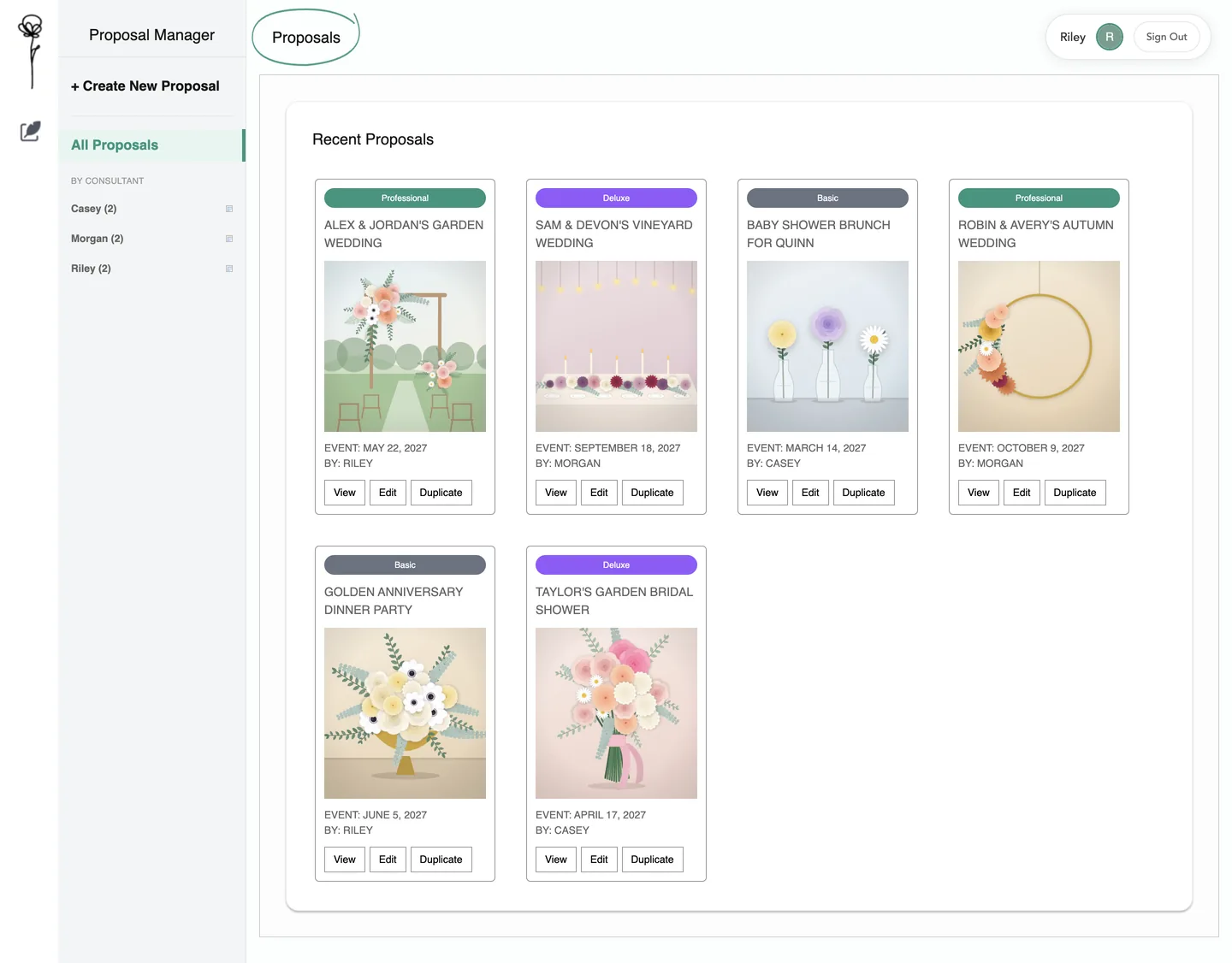
The dashboard a consultant lands on: every saved proposal as a card. Local run of the app’s code with invented proposals and drawn pictures.
The context
A problem worth solving.
A floral consultation produces an event plan: inspiration, colors, flowers and a recipe for every arrangement. The team’s wireframes asked for one place to build it, price it in store packs and give the customer something to keep.
My contribution
What I brought to the work.
Implemented the team’s wireframes as a working web app in March 2026: staff sign-in, the proposal editor, catalog search, the recipe-to-shopping-list calculation, and the customer presentation with print-to-PDF and a pre-filled cart link.
The product
What it makes possible.
Every screen of the app follows in four parts, in the order a consultant uses it.
01
The whole proposal in one place
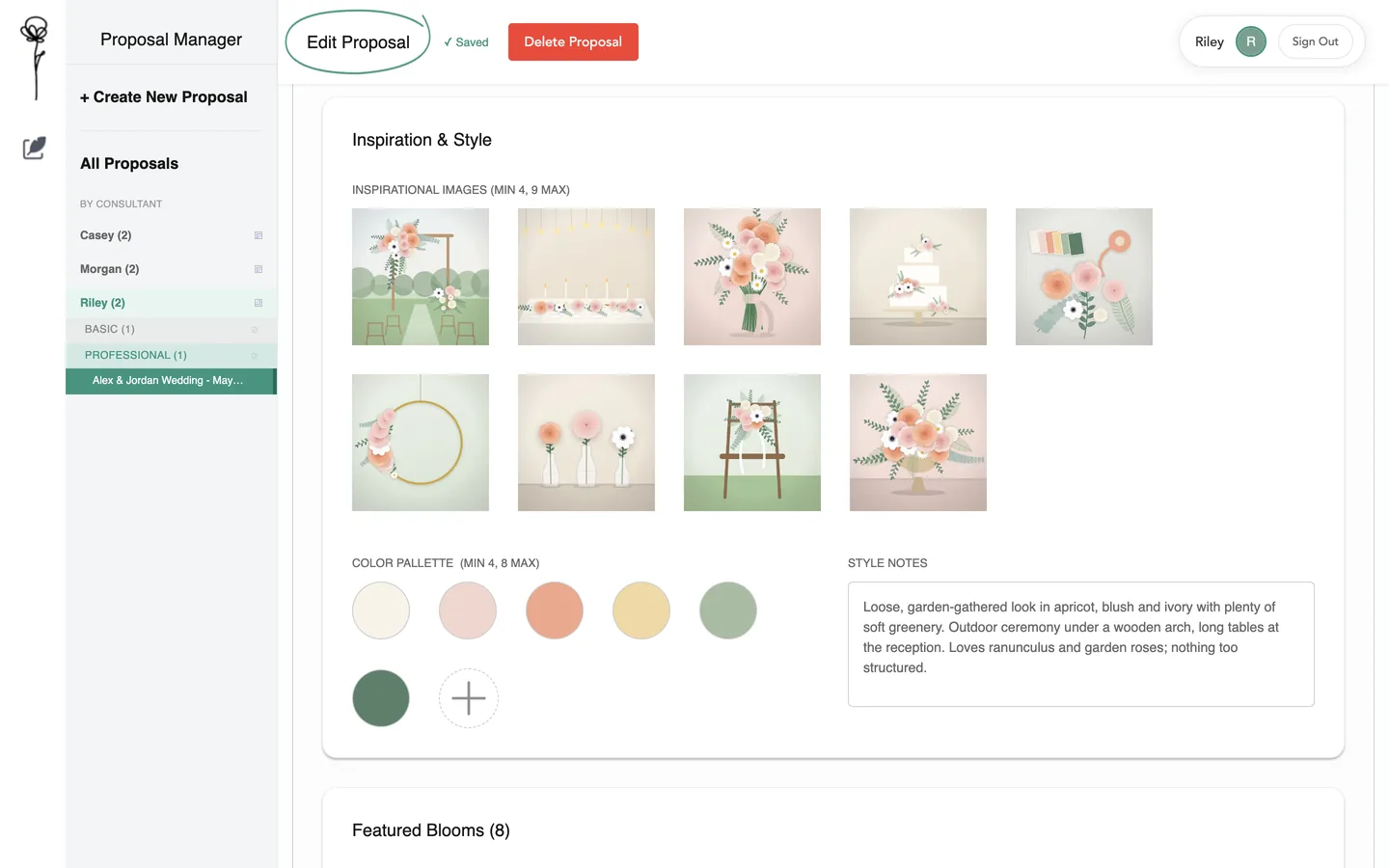
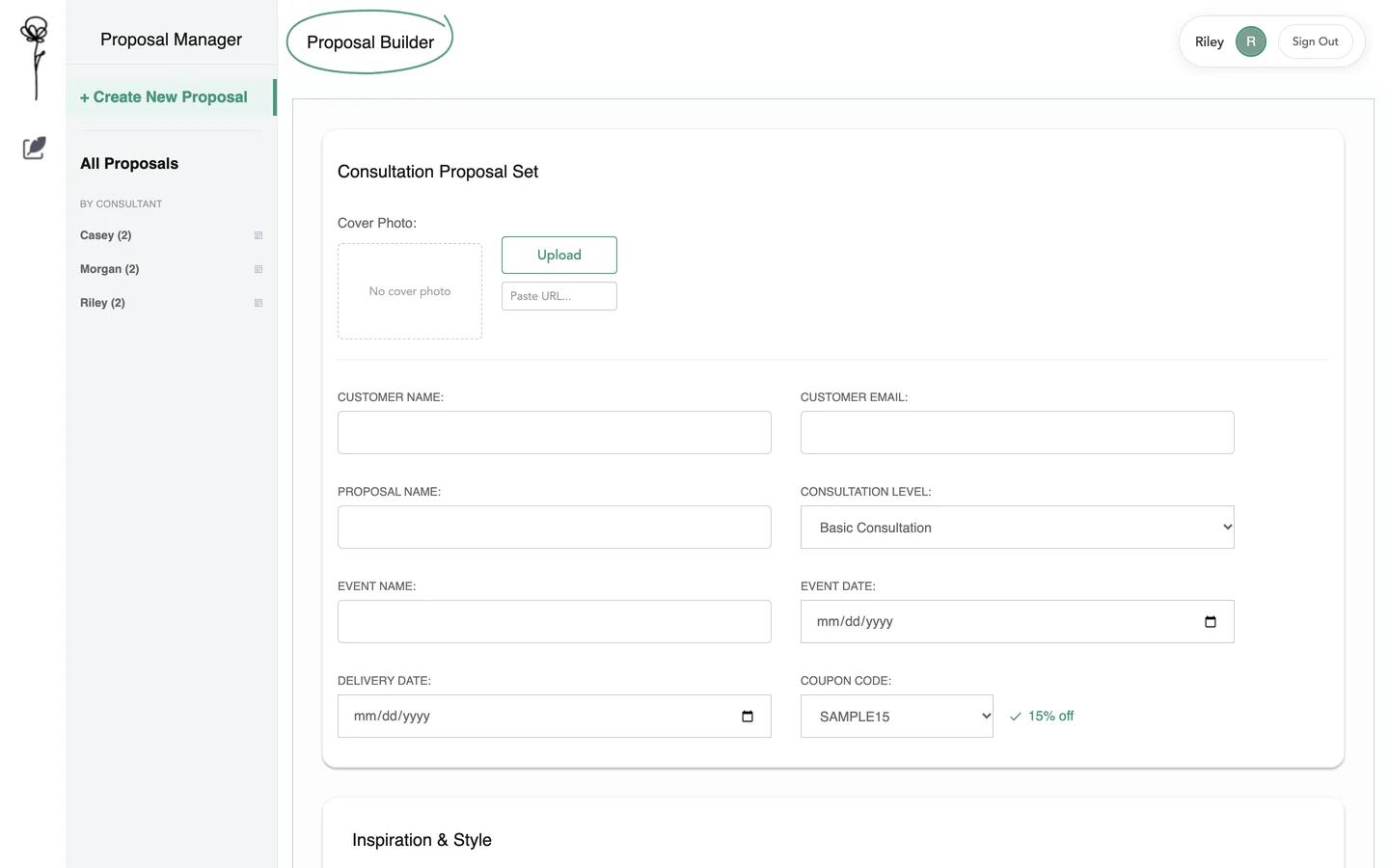
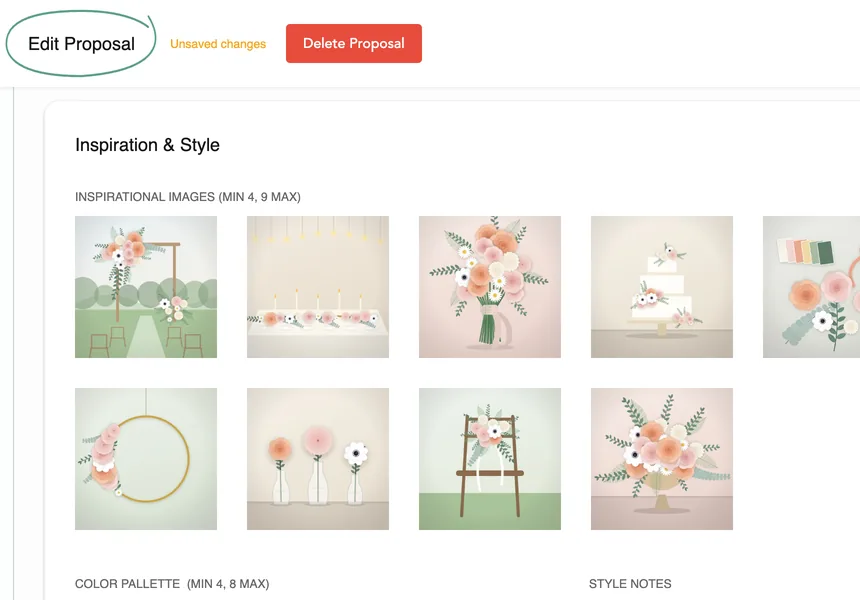
Customer and event, inspiration photos, a color palette, chosen flowers and a recipe for every arrangement. The editor saves as the consultant works, and any proposal can be duplicated.
02
Flowers from the store catalog
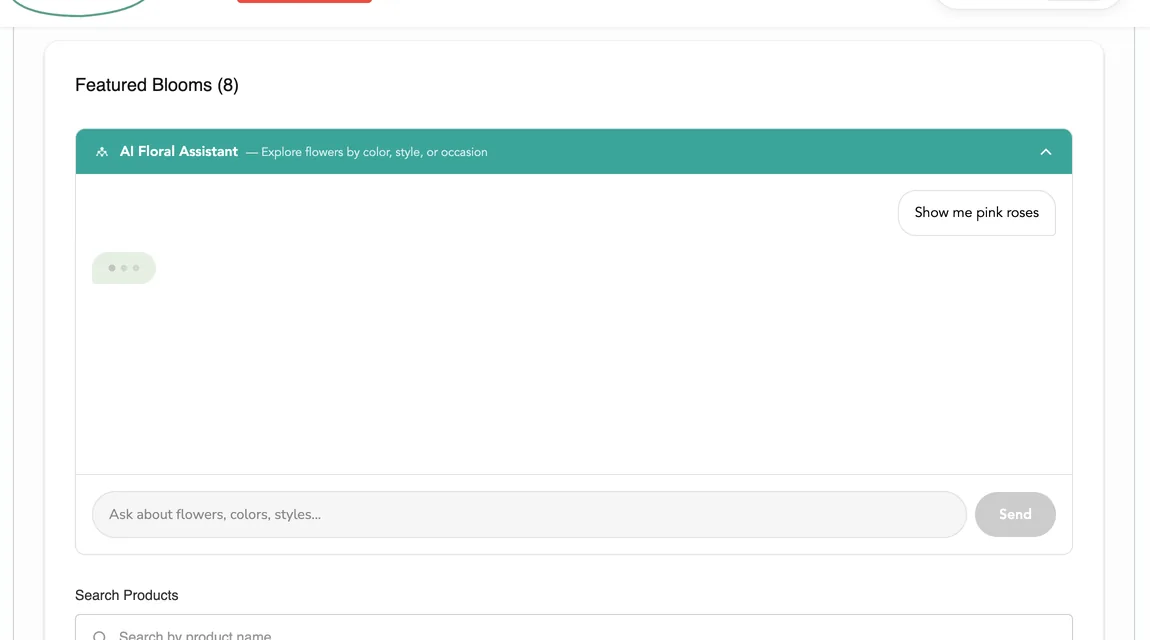
A flower is added by searching the catalog or by asking the embedded AI Floral Assistant, and arrives with its category, pack sizes and prices.
03
Recipes, stem by stem
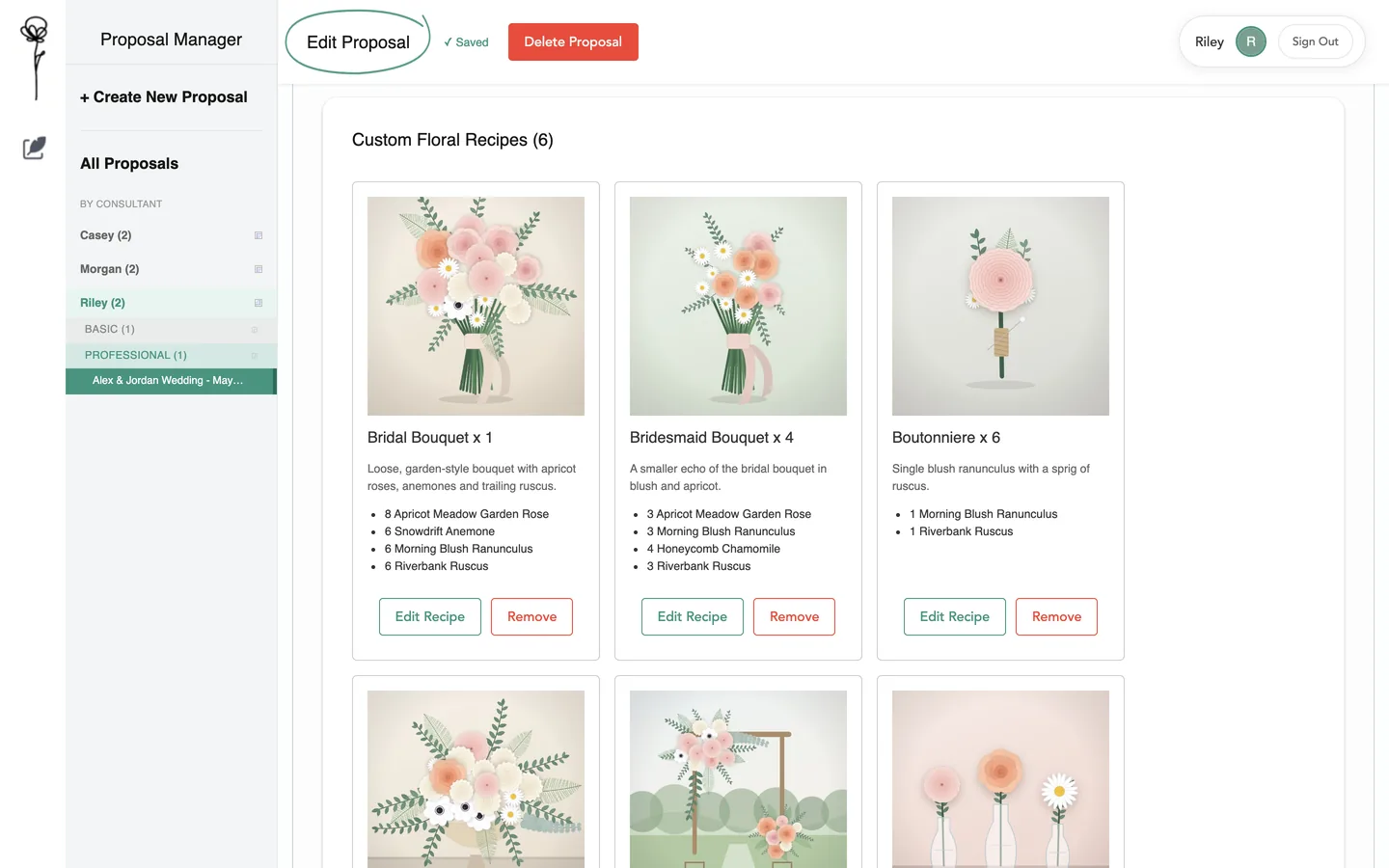
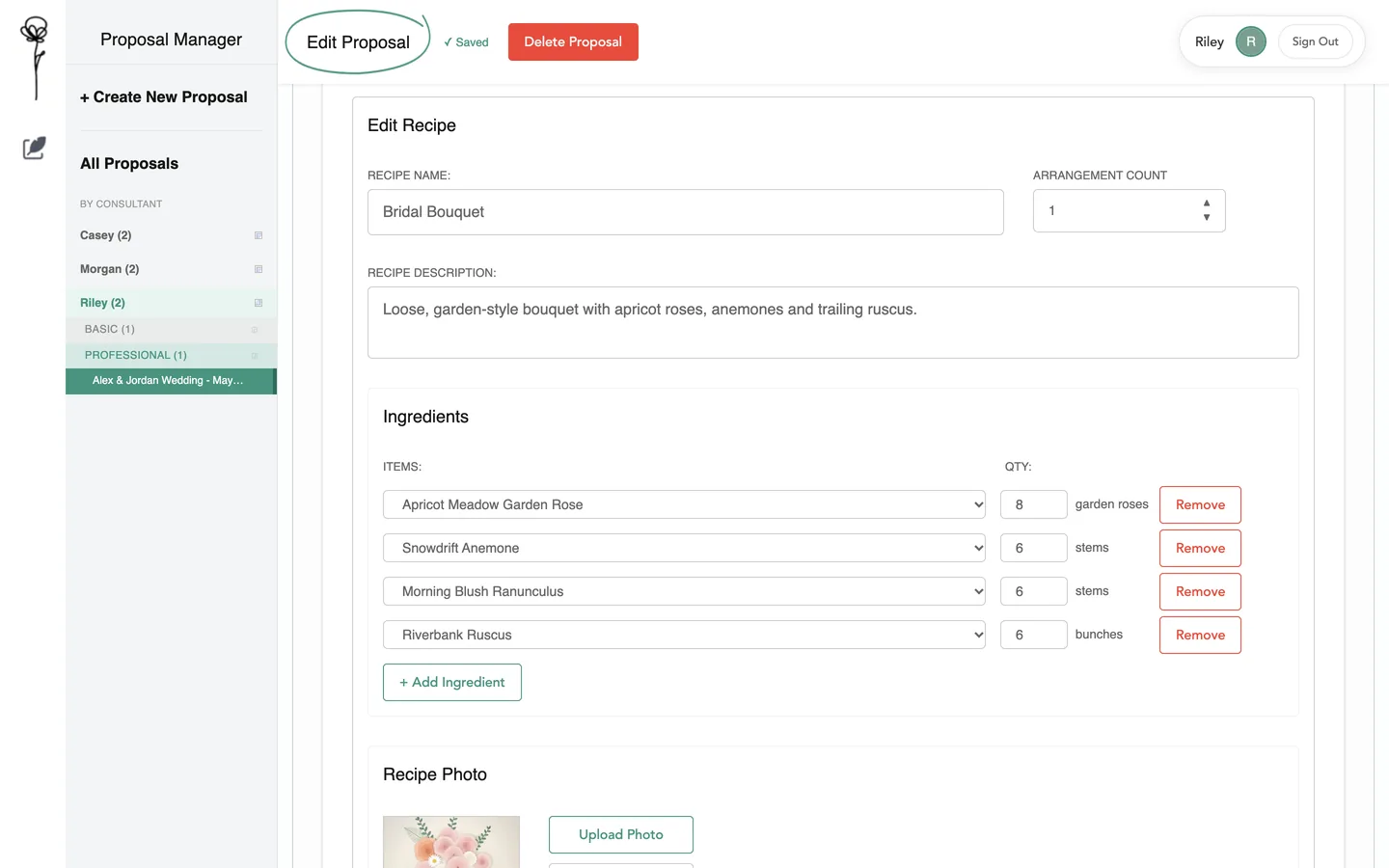
Each recipe lists its flowers with the stems per piece and the number of pieces to make. Half stems are allowed, and a recipe can be reused from another proposal.
04
A calculated shopping list
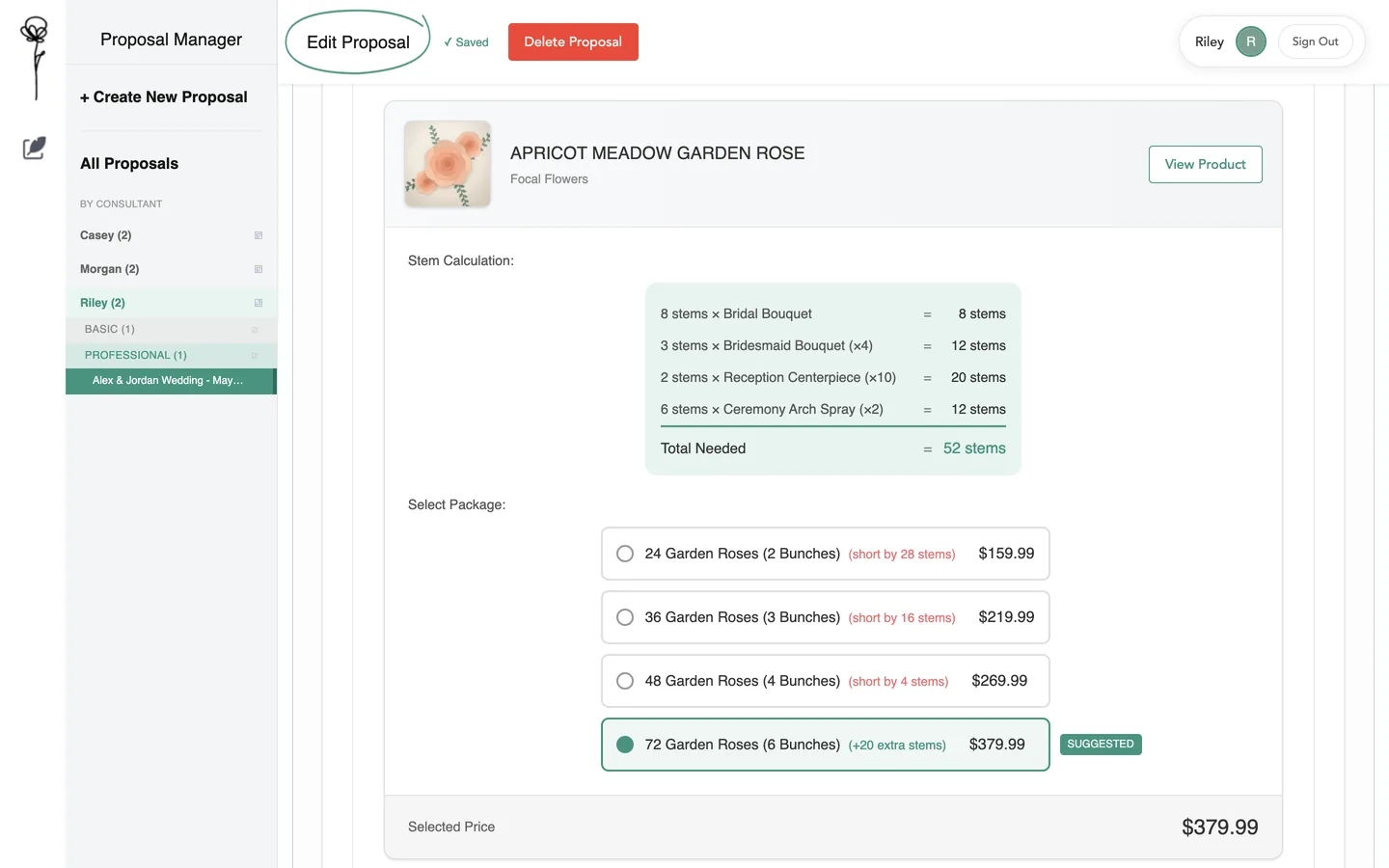
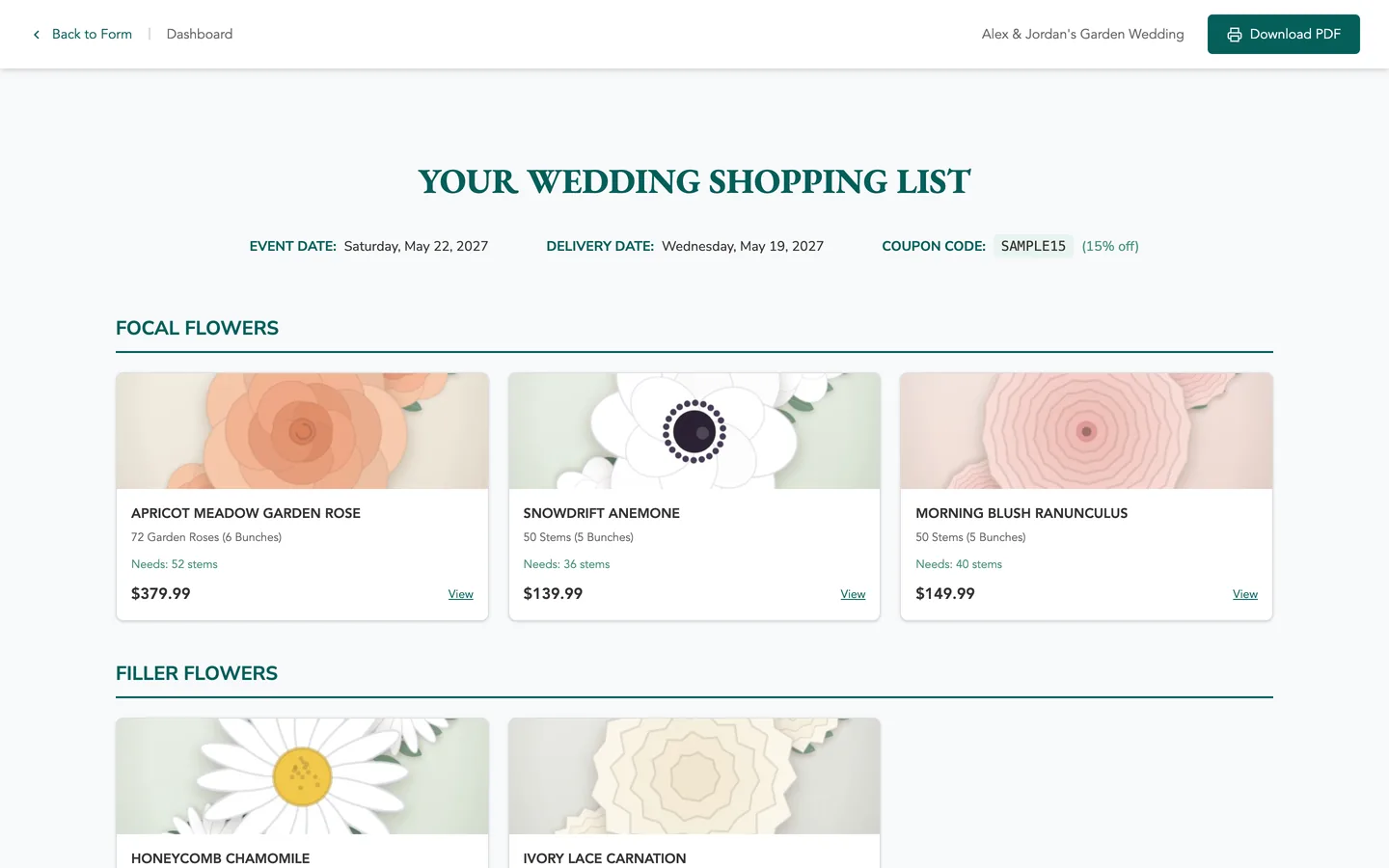
Stems per piece times pieces, added across recipes, gives each flower’s need. The app suggests the smallest pack that covers it and shows the surplus or shortfall of the others.
05
What the customer keeps
A presentation of up to 12 pages, from cover and inspiration to recipes and the priced list, printed to PDF from the browser. One button opens a store cart with the chosen packs.
At a glance / simplified product view
01Event and recipes
02Stems to packs and prices
03Presentation and cart
Part one · where a consultant starts
Sign in, and every proposal is on one screen.
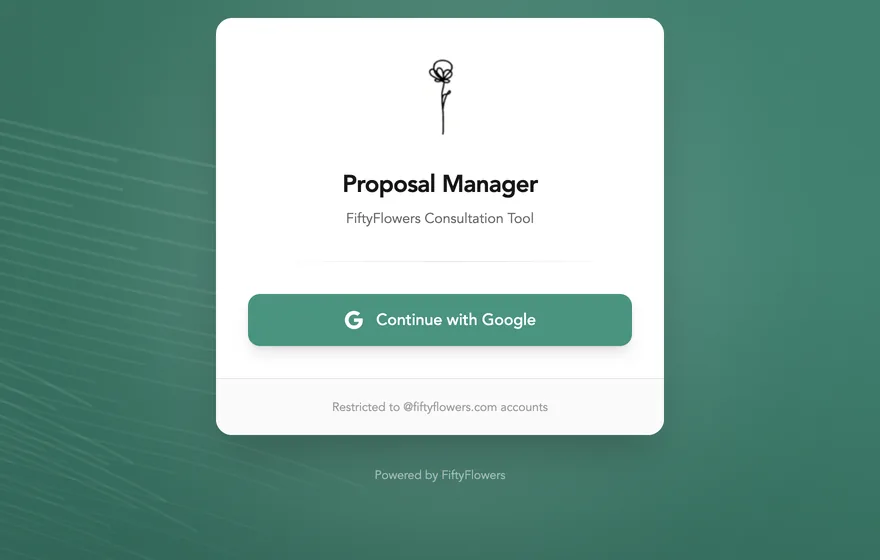
A consultant signs in with a company Google account and lands on the dashboard: every saved proposal as a card, and a sidebar that files them by consultant and consultation level. Every picture on this page is the app’s own code running on my machine with invented proposals, invented products and drawn pictures.
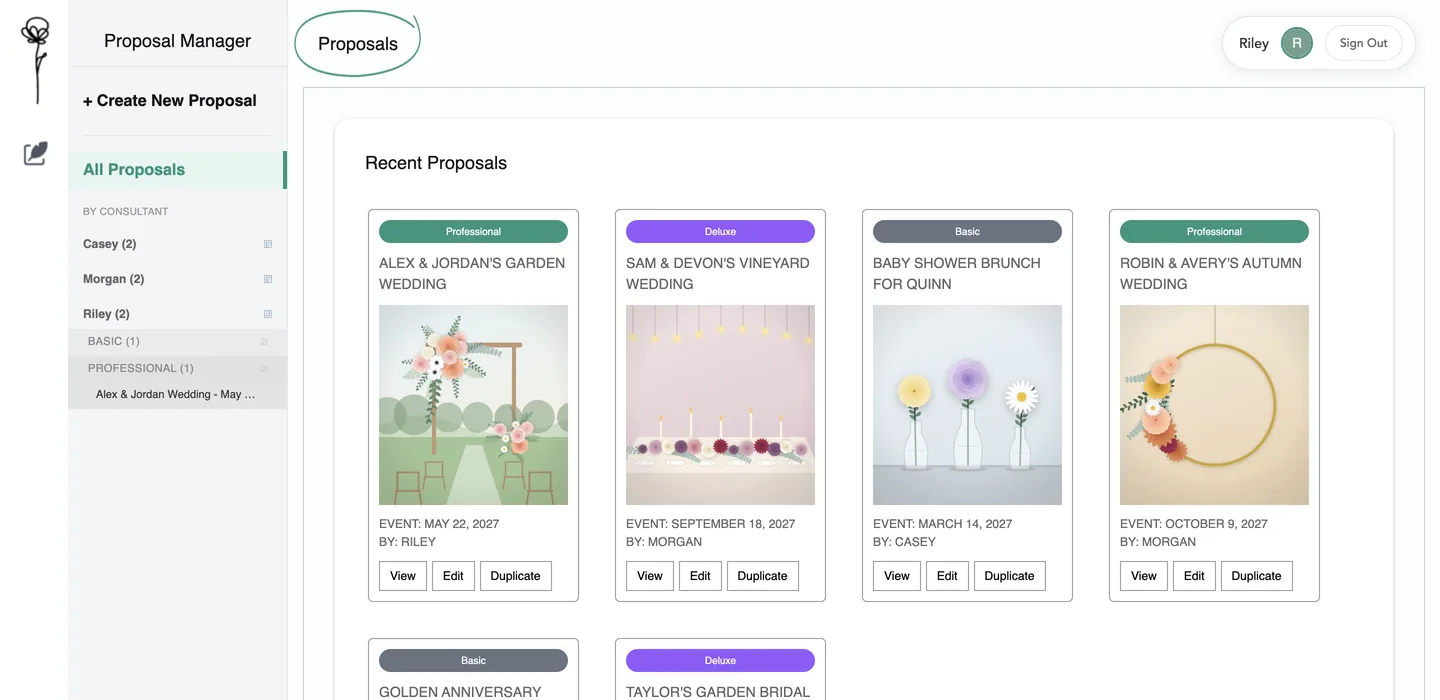
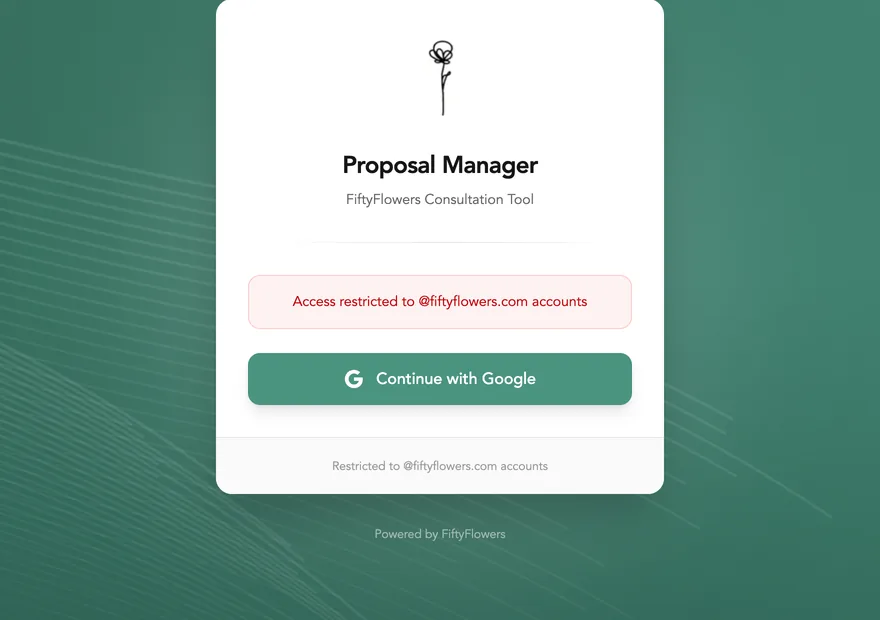
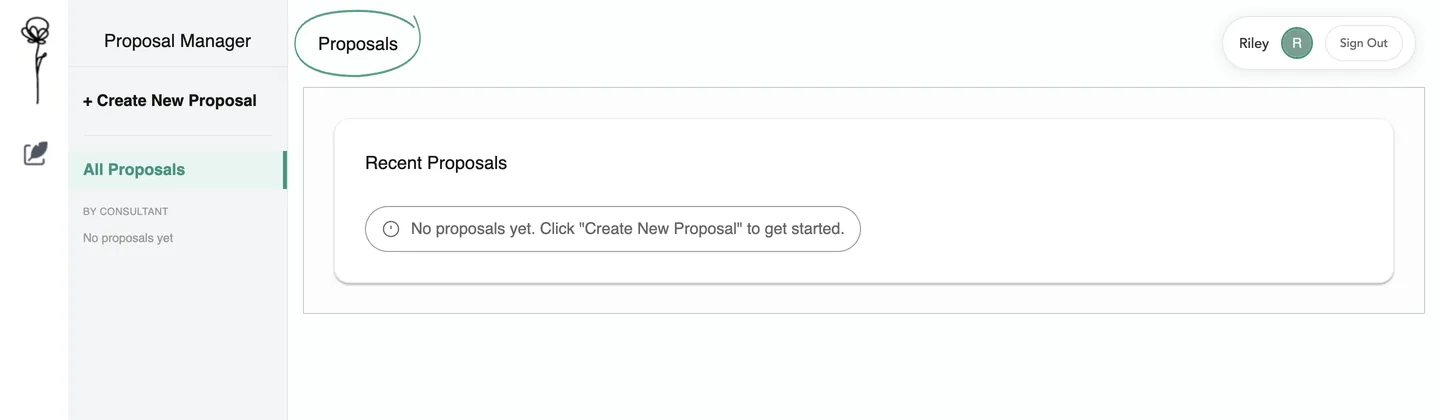
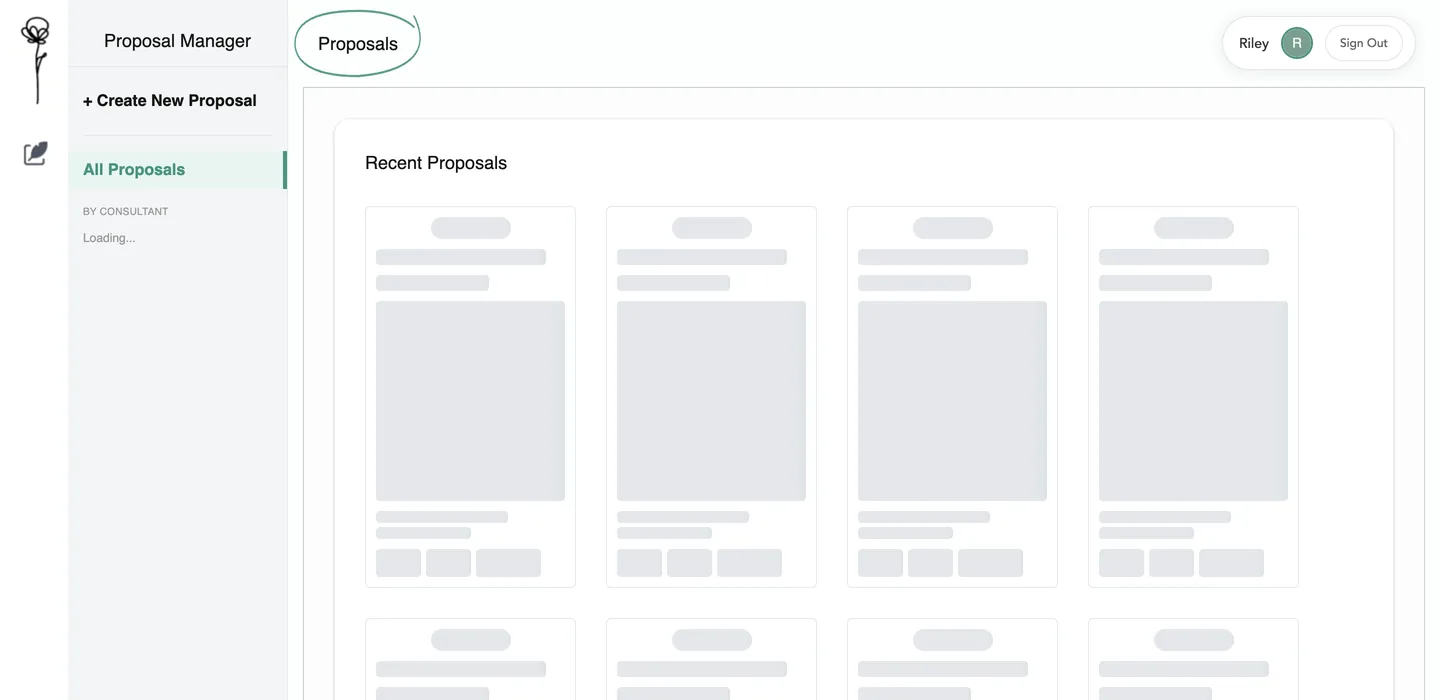
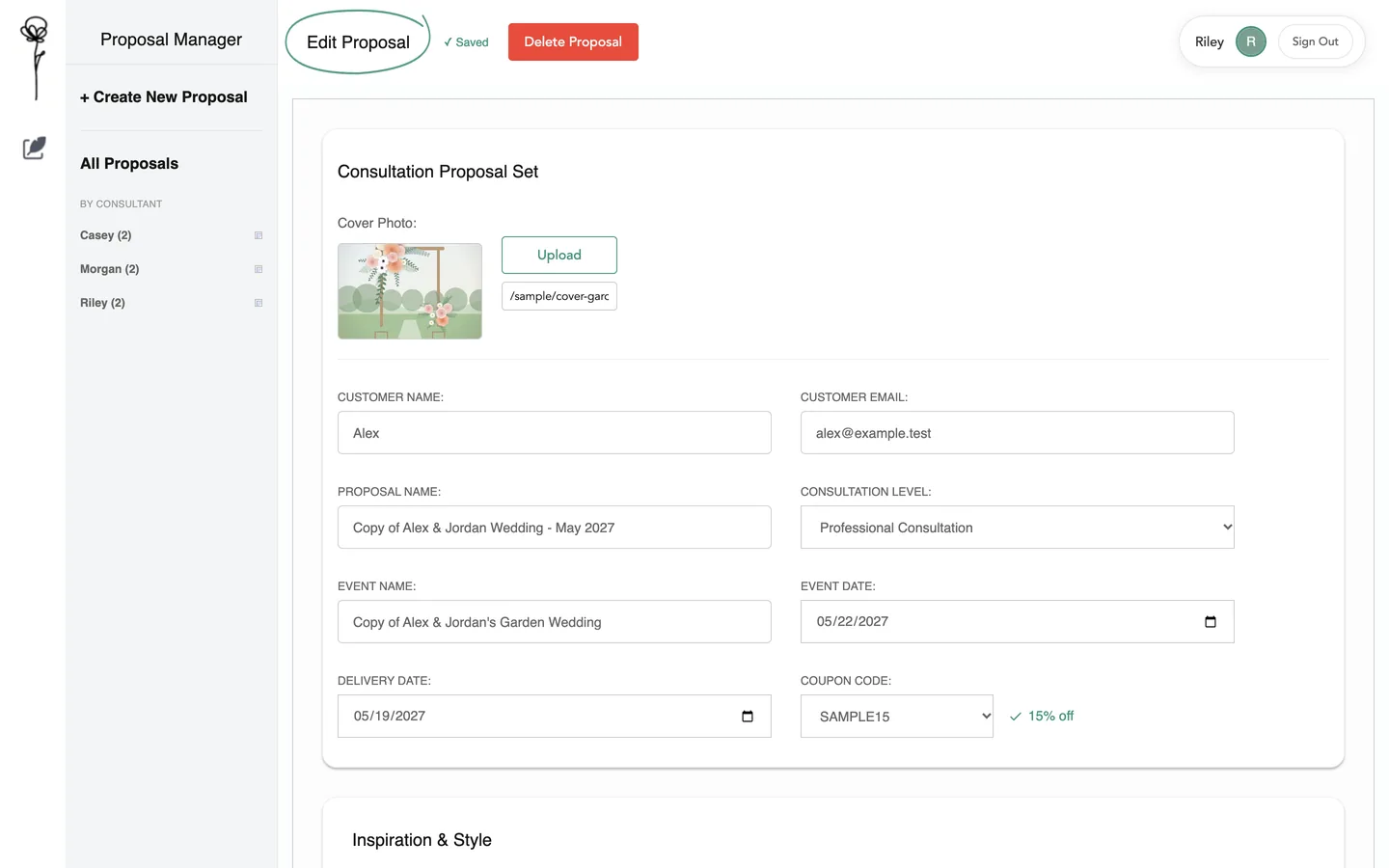
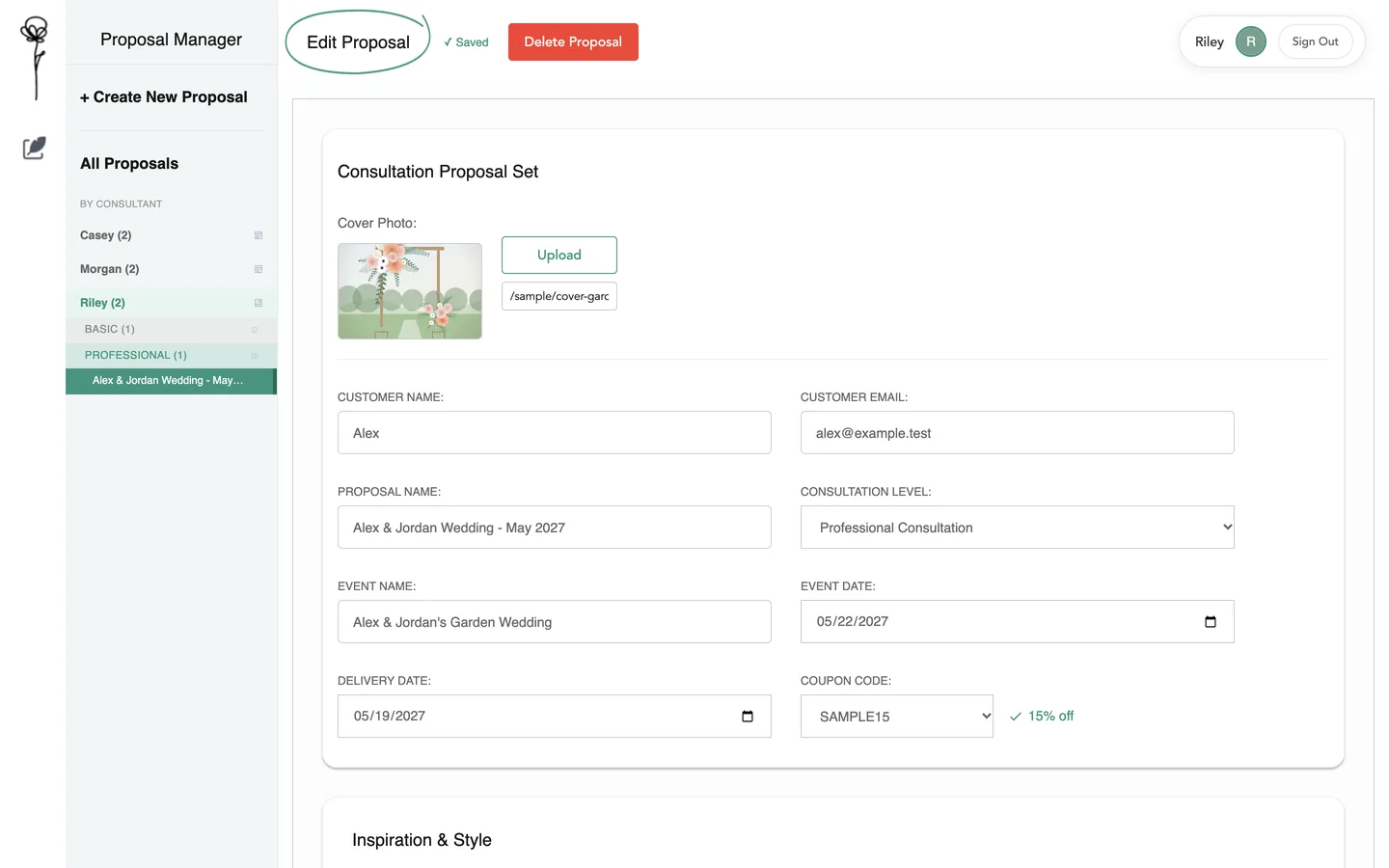
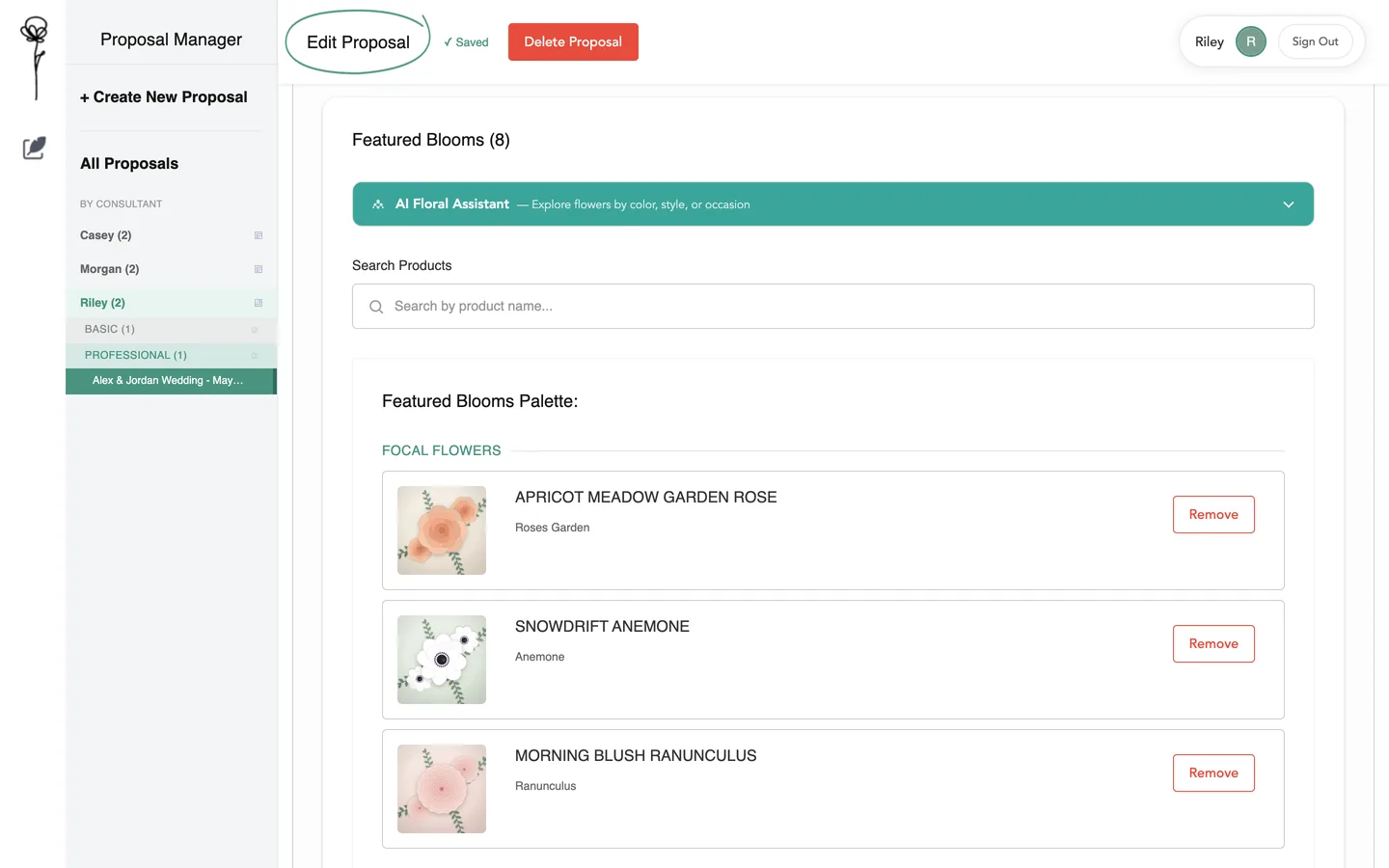
The dashboardEvery saved proposal as a card: consultation level, event name, cover picture, event date and consultant, with View, Edit and Duplicate on each. Local run, invented data.Find a proposal by consultantThe sidebar opens by consultant, then by consultation level, down to the proposal itself. Local run, invented data.Sign-inGoogle sign-in, limited to company accounts. Local run, invented data.An outside accountAn account from outside the company is turned away with a plain message. Local run, invented data.Before the first proposalAn empty dashboard points to the one thing to do next. Local run, invented data.While it loadsPlaceholder cards hold the layout until the proposals arrive. Local run, invented data.Duplicate a proposalA copy opens straight in the editor as “Copy of …”, ready to adapt for the next event. Local run, invented data.
Part two · the editor
One long form holds the whole event.
The editor runs top to bottom in the order a consultation does: the customer and event, inspiration and colours, then the flowers. It saves as the consultant works.
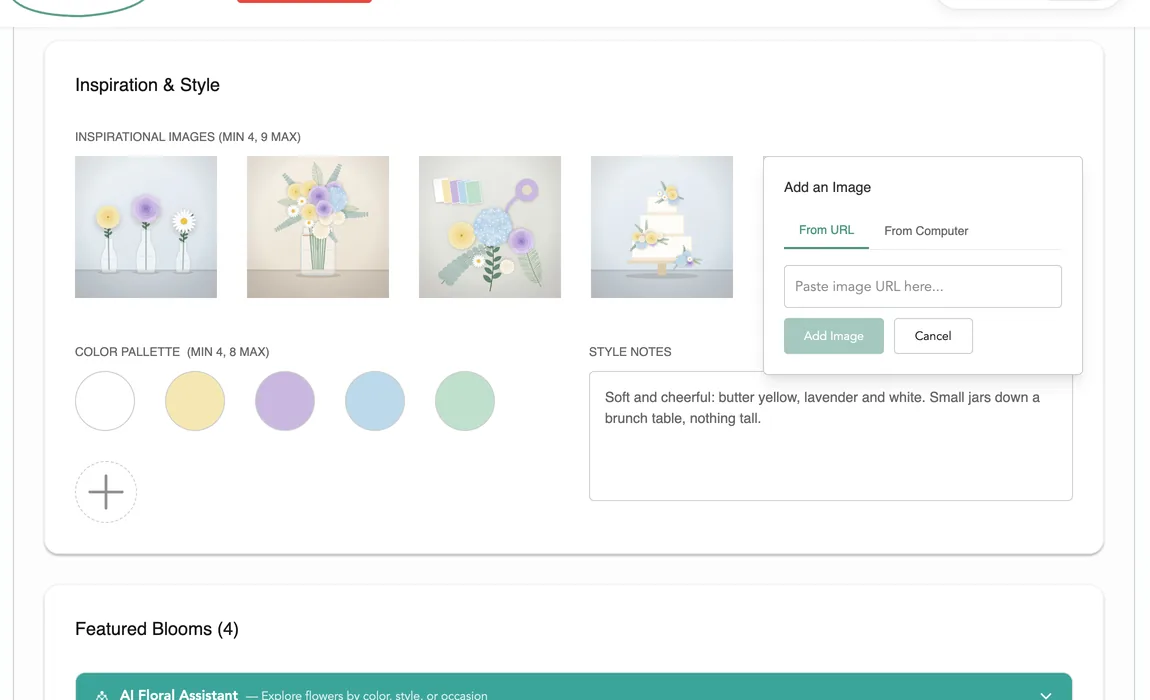
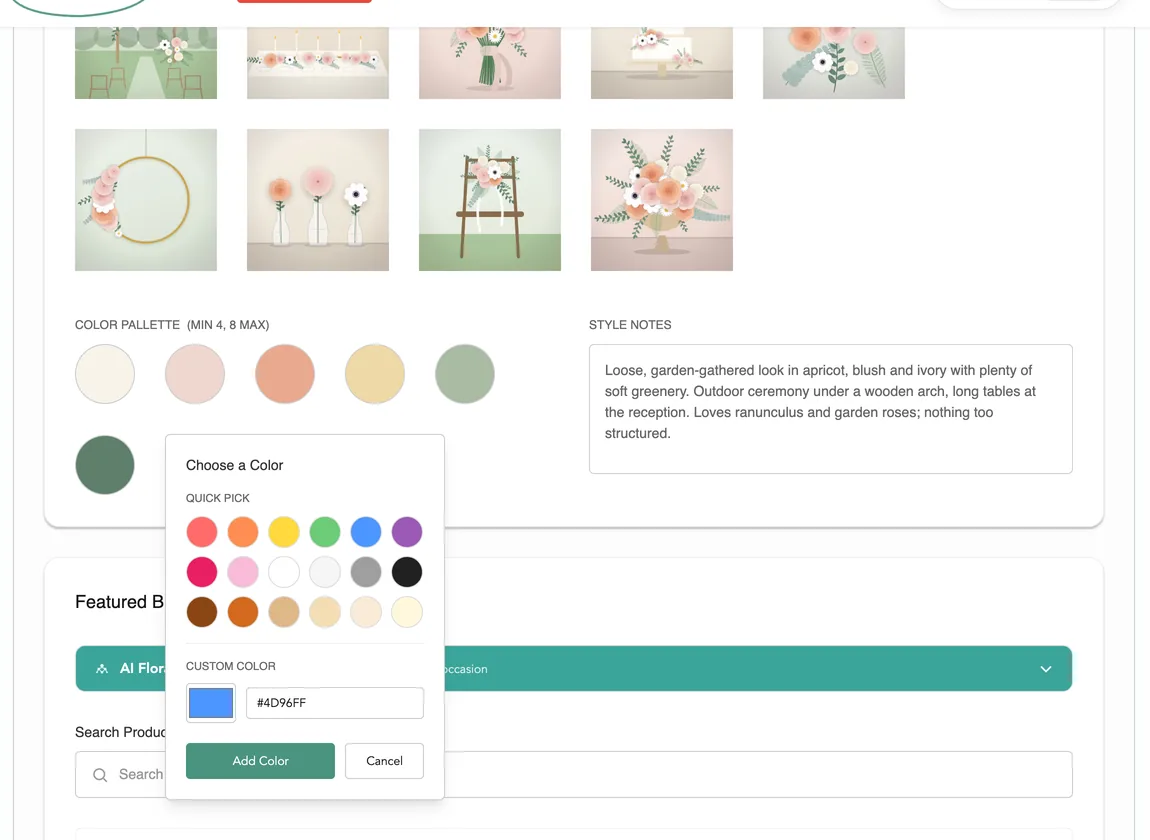
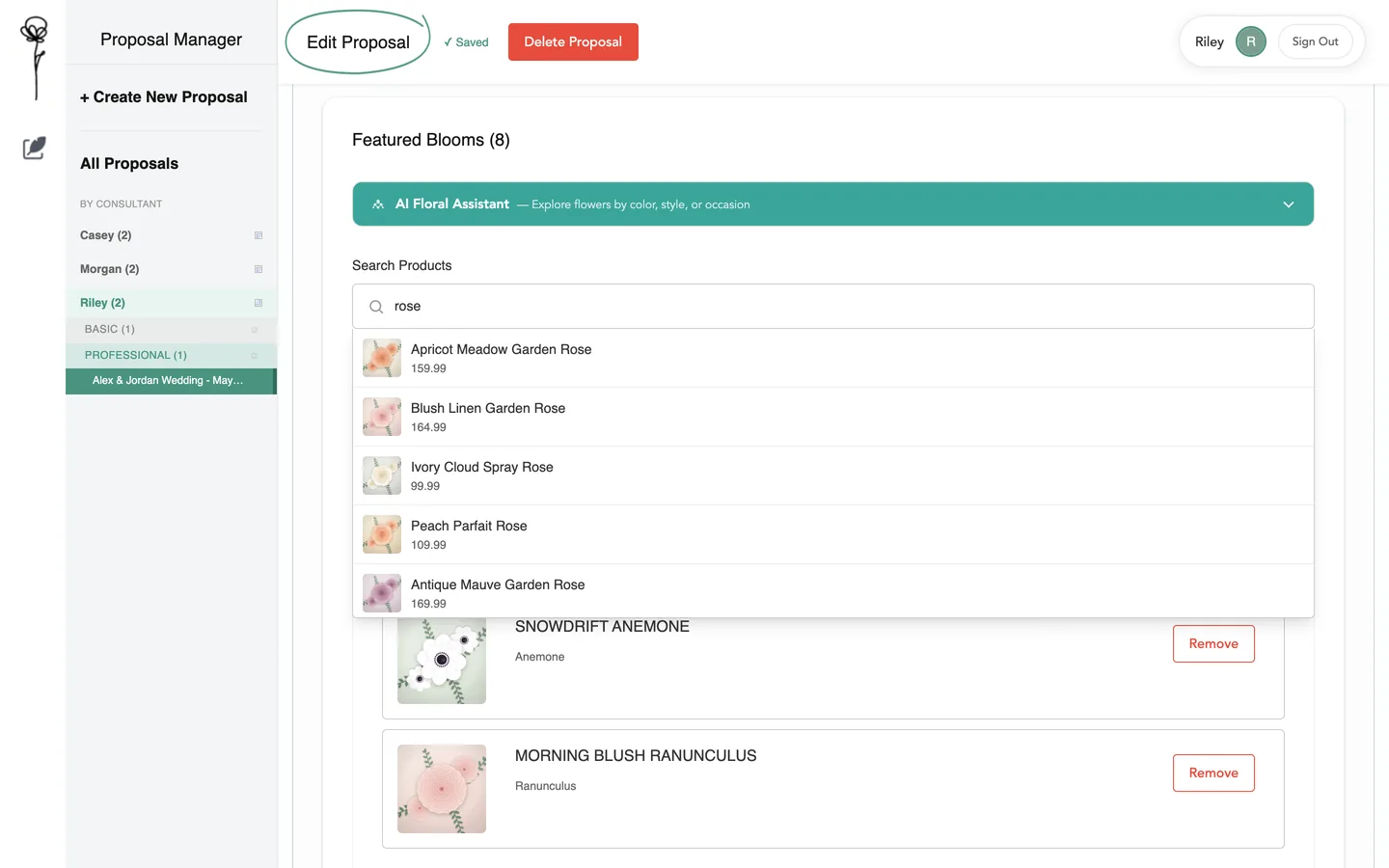
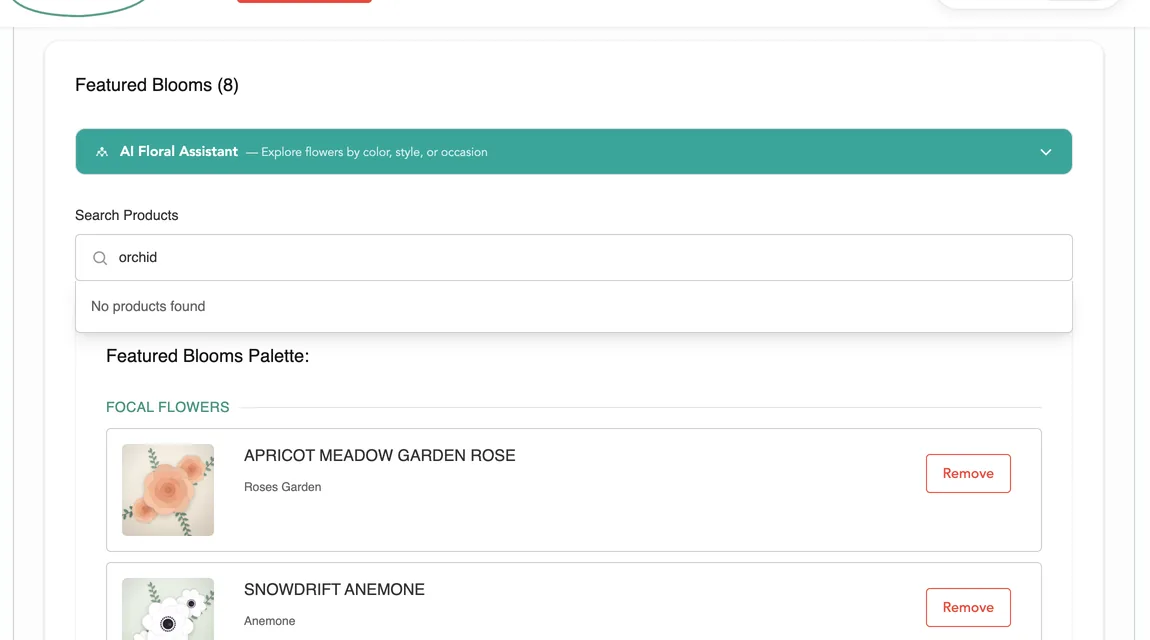
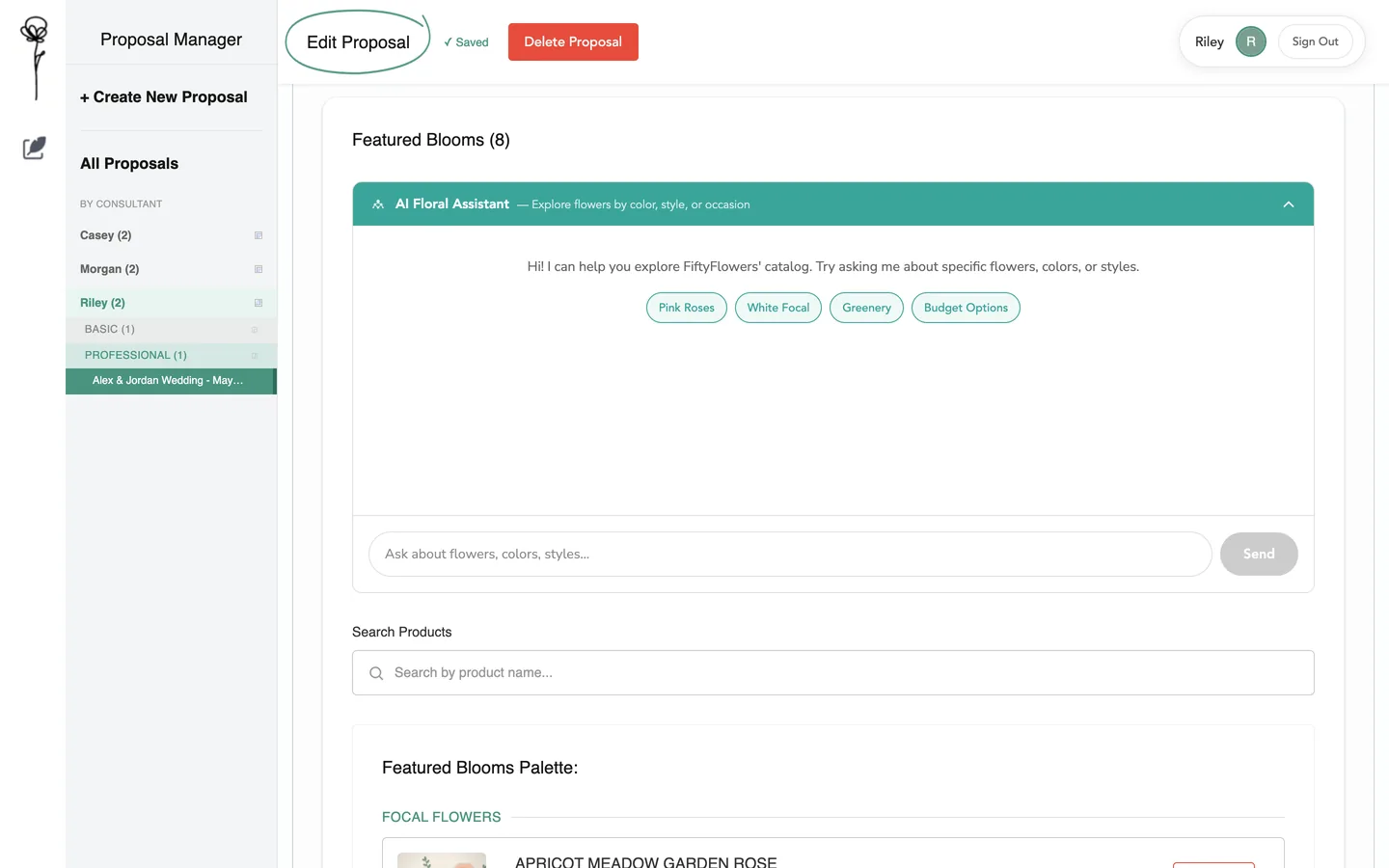
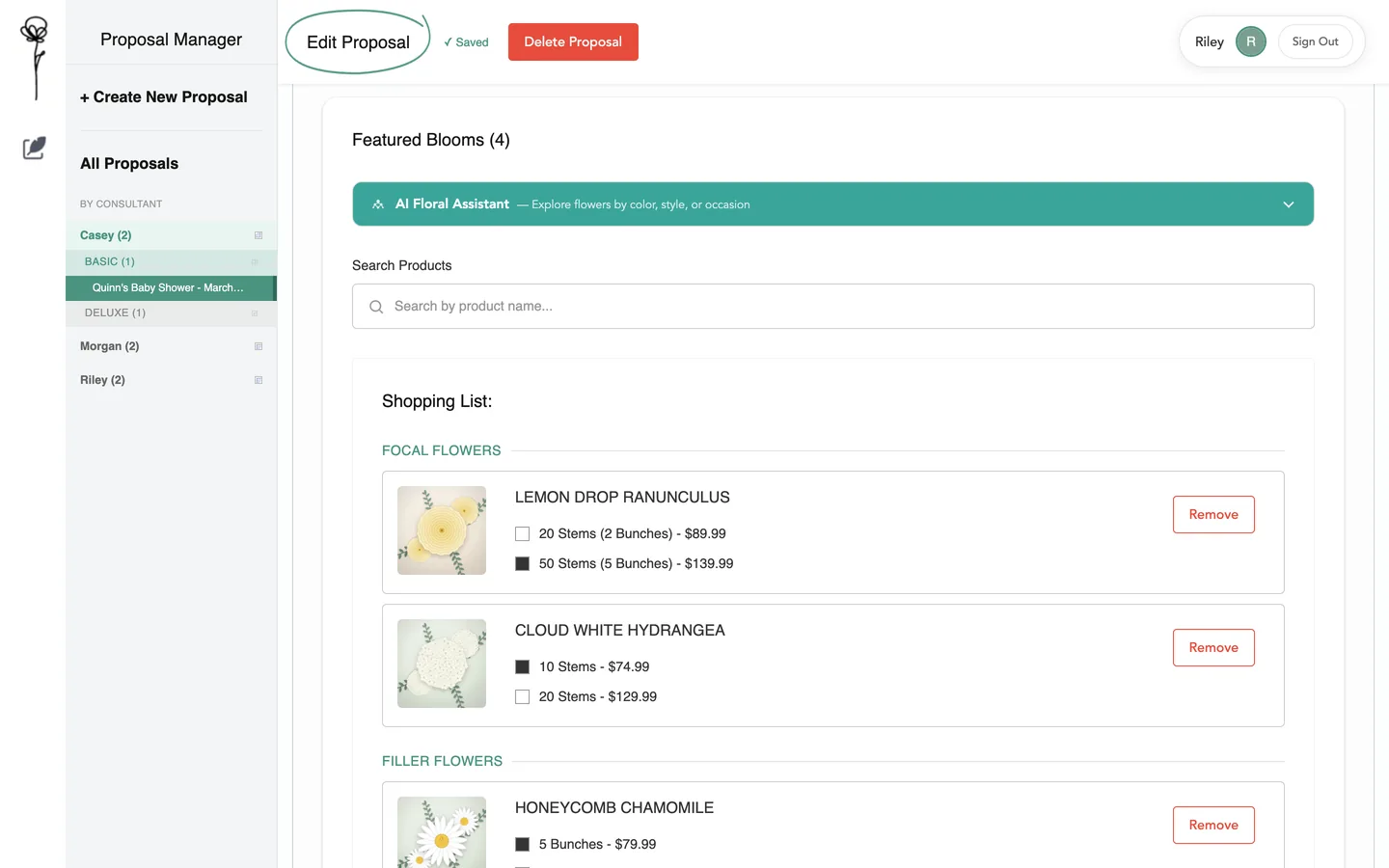
Customer and eventCover picture, customer, consultation level, event and delivery dates, and the discount code that applies to the order. Local run, invented data.Inspiration and coloursUp to nine inspiration pictures, a colour palette and the consultant’s style notes. Local run, invented data.A new proposalEvery section starts empty, and the consultation level decides which sections appear. Local run, invented data.Add a pictureBy pasting a link, or by uploading from the computer. Local run, invented data.Add a colourEighteen quick picks, or any custom colour. Local run, invented data.The featured flowersThe chosen flowers, grouped as focal, filler, line and greenery. The product names are invented. Local run, invented data.Search the catalogTyping a name lists matching products with picture and price, and choosing one adds it to the proposal. Names and prices here are invented. Local run, invented data.No matchA search with no match says so. Local run, invented data.Ask the AI Floral AssistantThe embedded assistant takes a request in plain words. Only its opening screen is shown, because no AI answer was invented for a picture. Local run, invented data.Waiting for the answerThe question is sent and the panel waits. The service was not called in this run. Local run, invented data.Saving as you workThe header shows “Unsaved changes”, then “Saving…”, then “Saved”, without a save button. Local run, invented data.
Part three · stems to packs
Recipes, stem by stem, become a priced shopping list.
Each arrangement gets a recipe: which flowers, how many stems per piece, how many pieces. The app adds the stems across every recipe and turns them into the store’s packs, with prices.
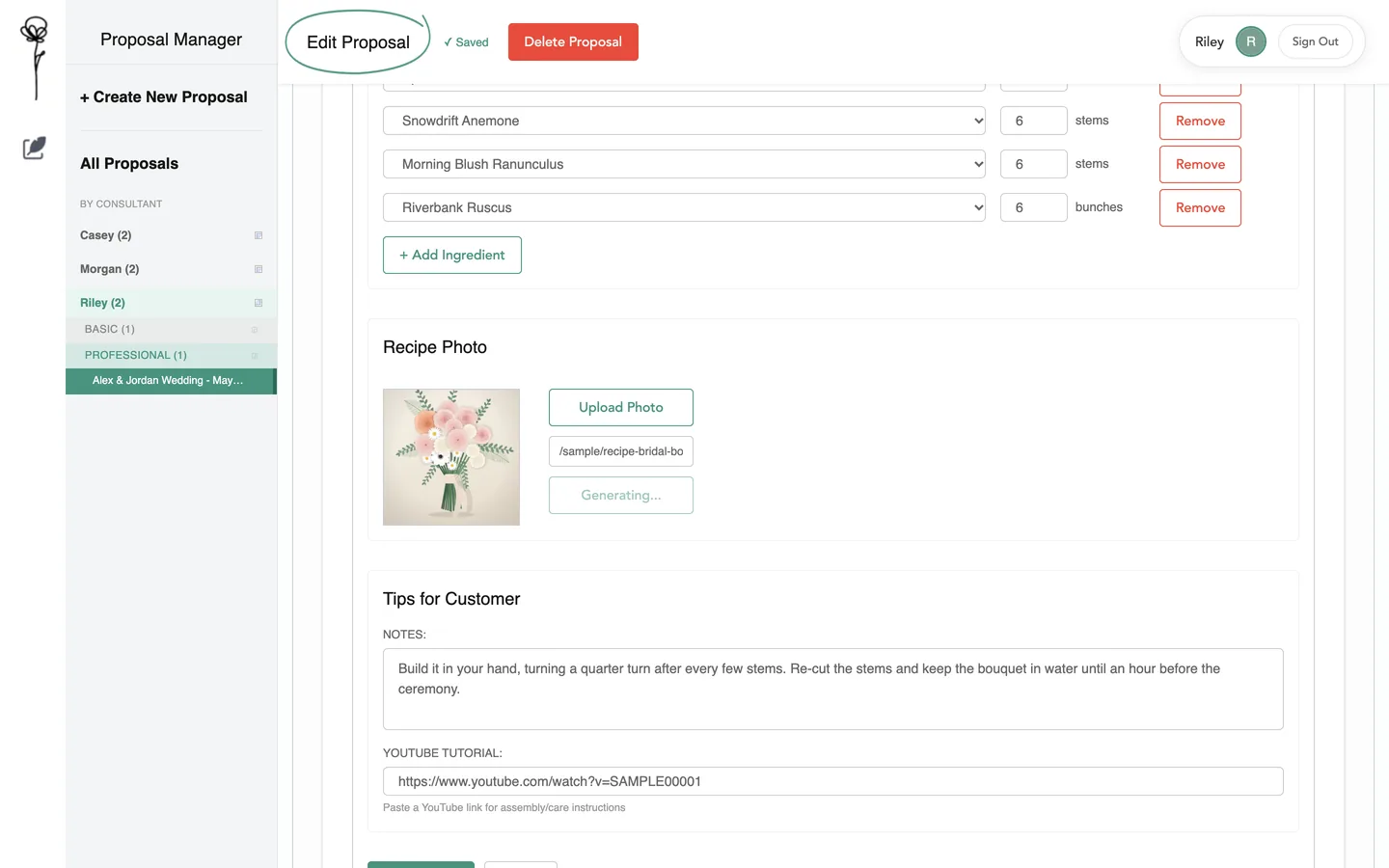
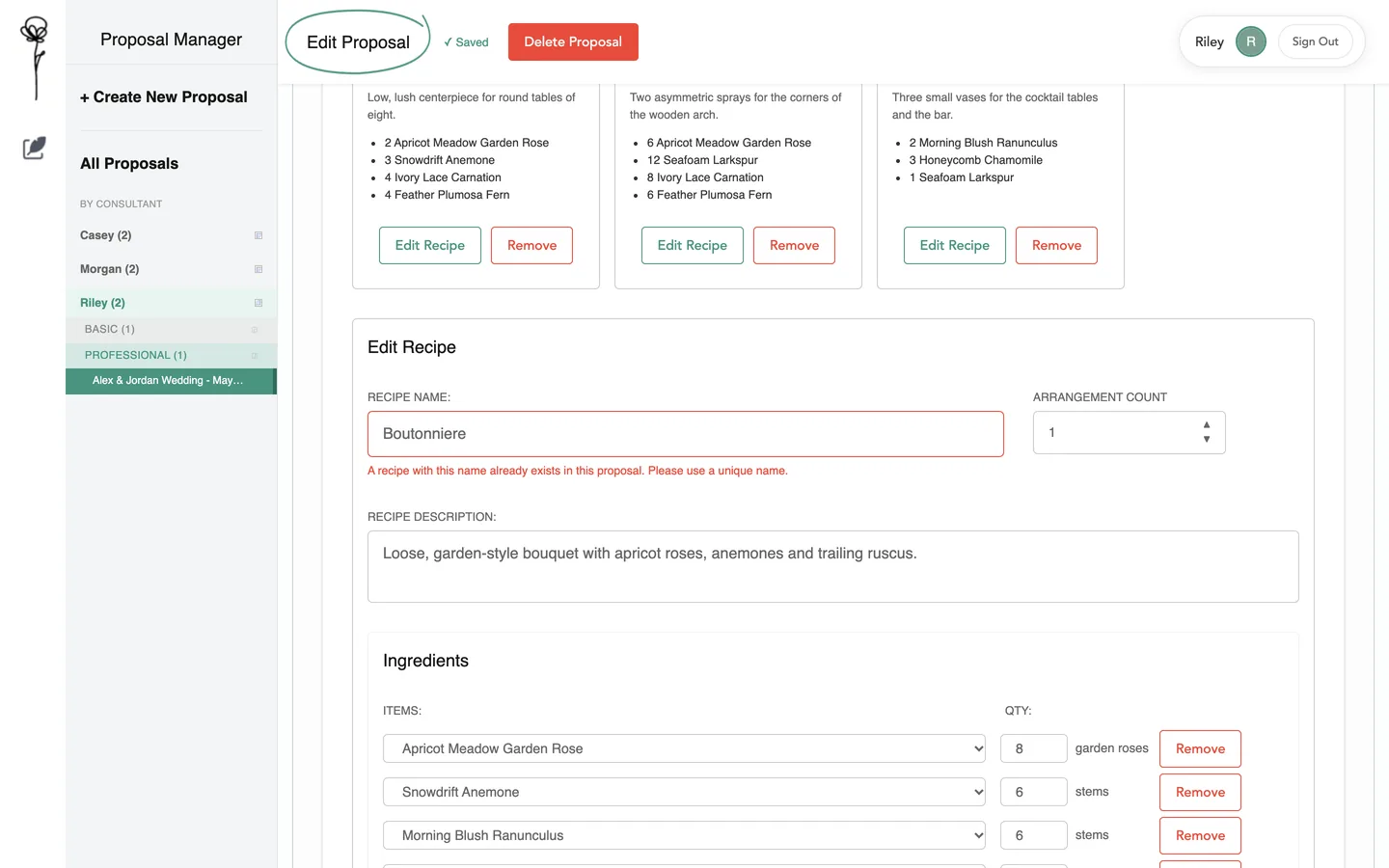
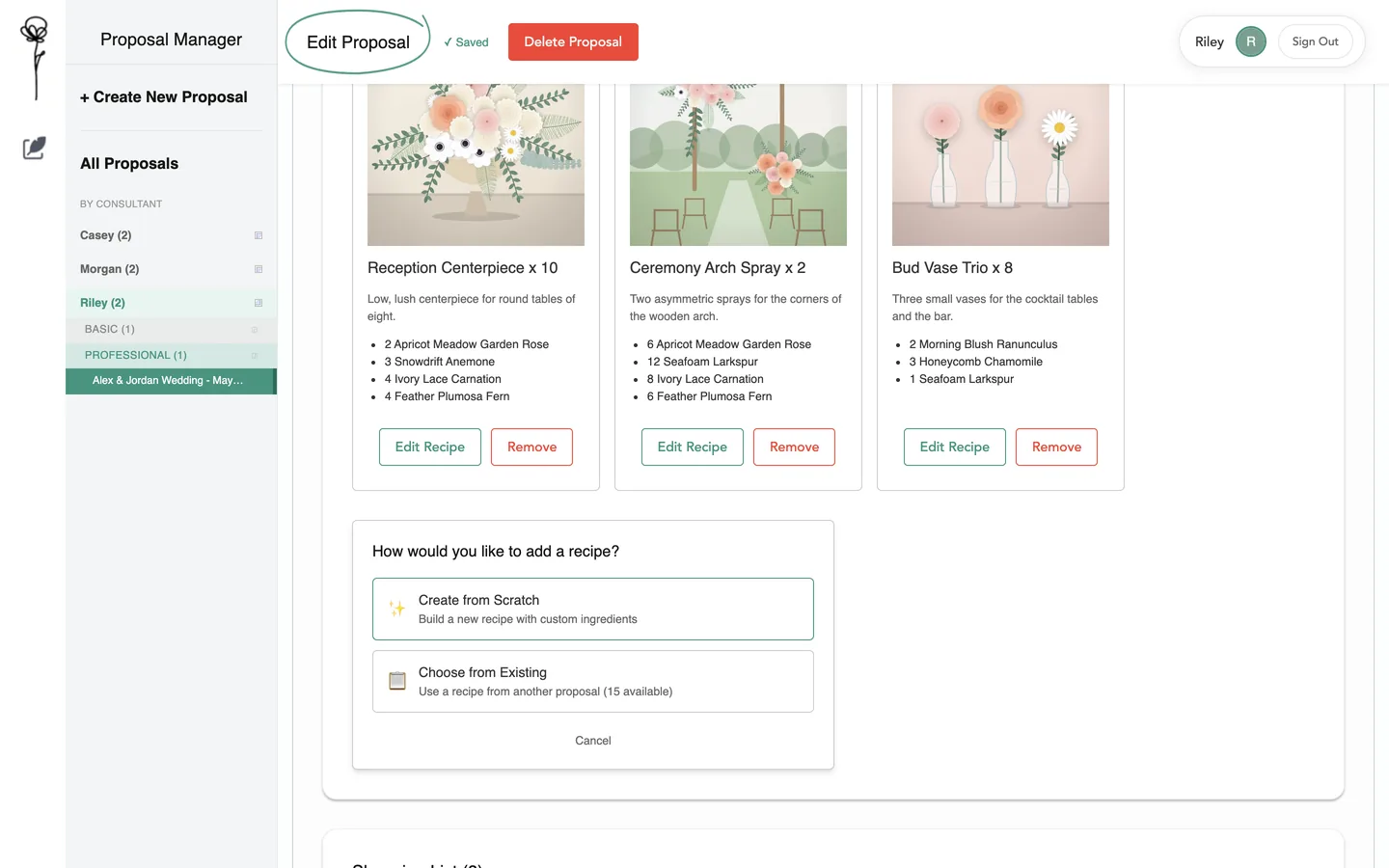
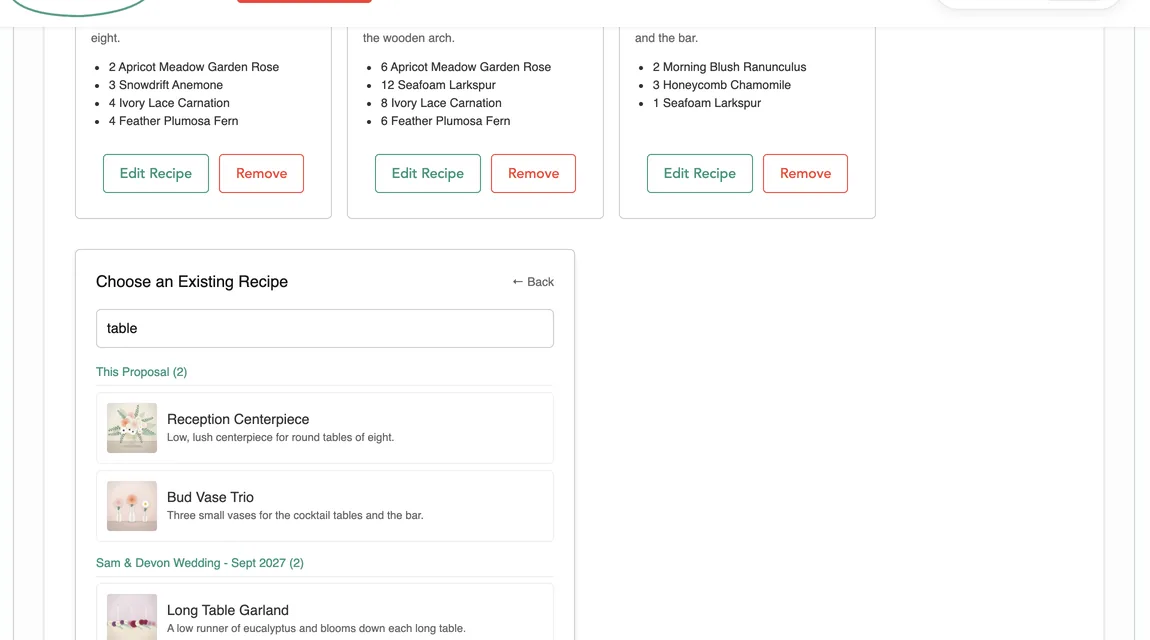
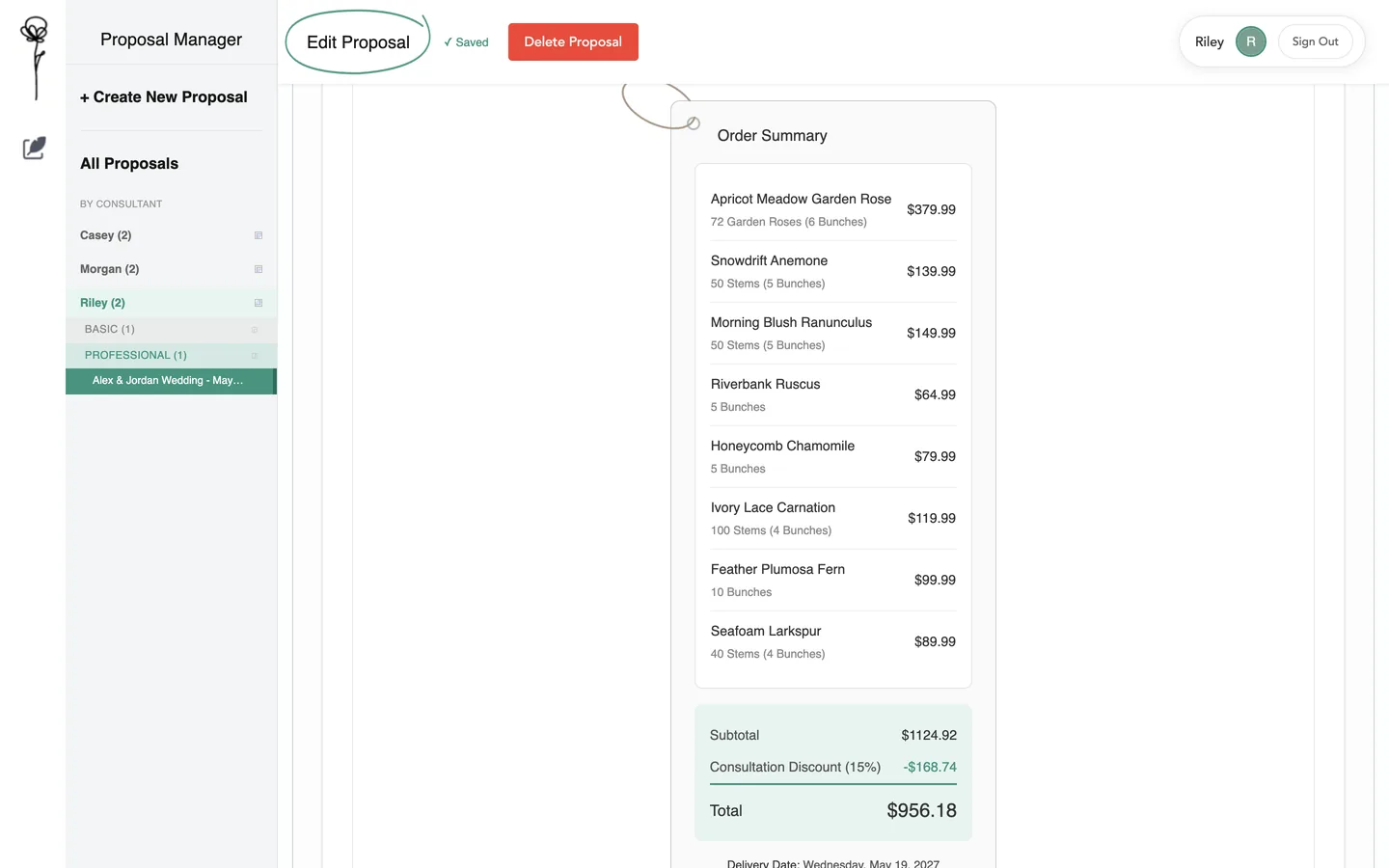
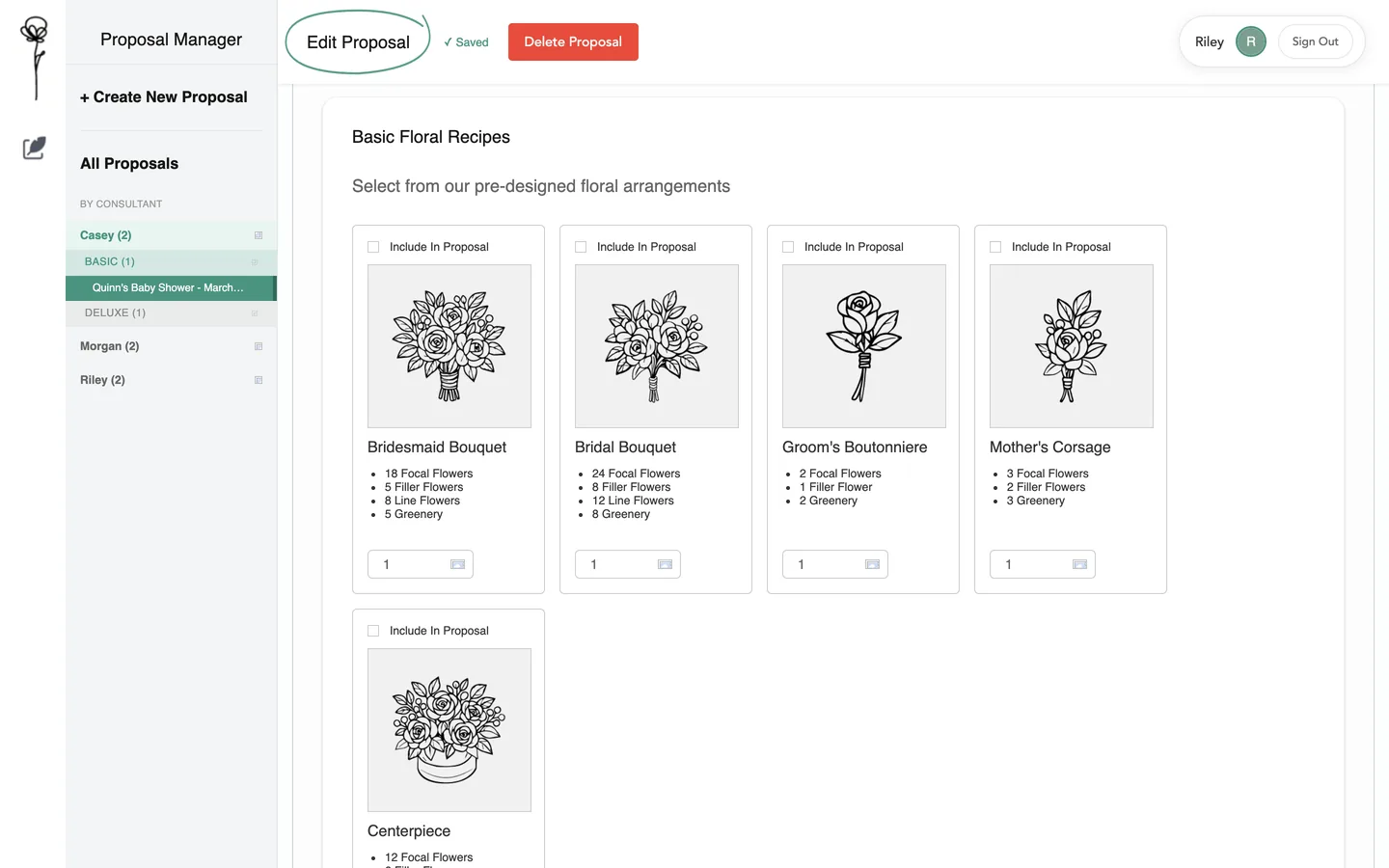
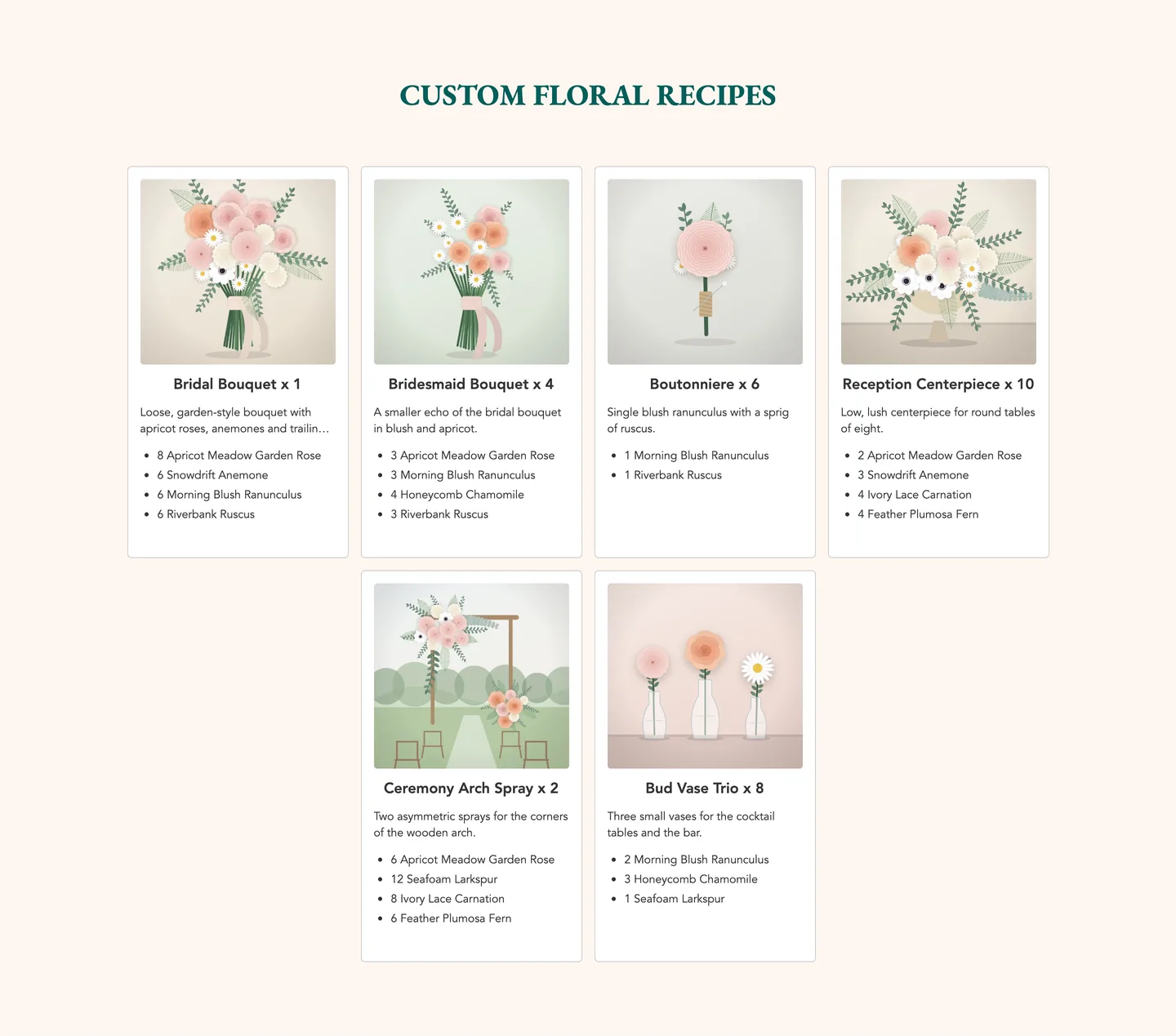
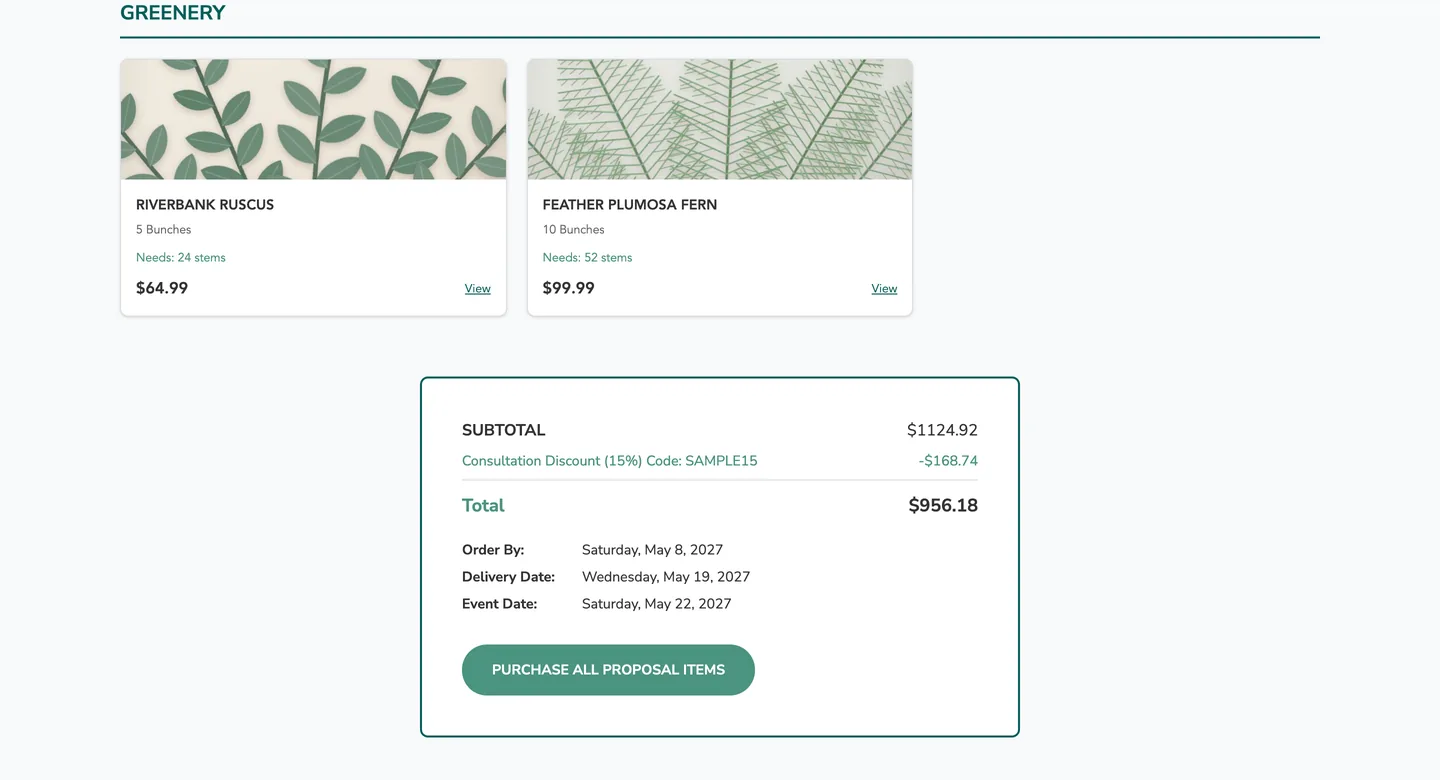
A recipe for every arrangementOne card per arrangement: how many to make, a description and its stems by flower. Local run, invented data.The recipe formName, count, description, and one row per flower with its stems per piece. Local run, invented data.Recipe picture and tipsA picture for the recipe (uploaded, linked or generated) and notes for the customer. The generator is shown waiting; no AI picture was made for this page. Local run, invented data.A repeated name is refusedTwo recipes in one proposal cannot share a name. Local run, invented data.Add a recipeFrom scratch, or reused from another proposal. Local run, invented data.Reuse a recipeSearch the recipes of every proposal and bring one in. Local run, invented data.The stem arithmeticFor each flower: stems per piece times pieces for every recipe, the total needed, then each store pack with its shortfall or surplus. The pack that covers the need is suggested. Local run, invented data.The order summaryOne line per flower and pack, the subtotal, the consultation discount and the total. Local run, invented data.A Basic consultationNo custom recipes at this level: the consultant ticks one pack for each flower. Local run, invented data.Standard recipe guidesFive fixed guides with stems by flower group, shown with Basic proposals. Local run, invented data.
Part four · what the customer receives
The proposal becomes a presentation and a PDF.
The consultant chooses which pages to include, then opens the presentation: cover, inspiration, flowers, recipes, the shopping list and a day-by-day guide. Download PDF prints it. These pages come from a local run; on the live app the presentation does not open at the moment, and that repair is listed under where it stands.
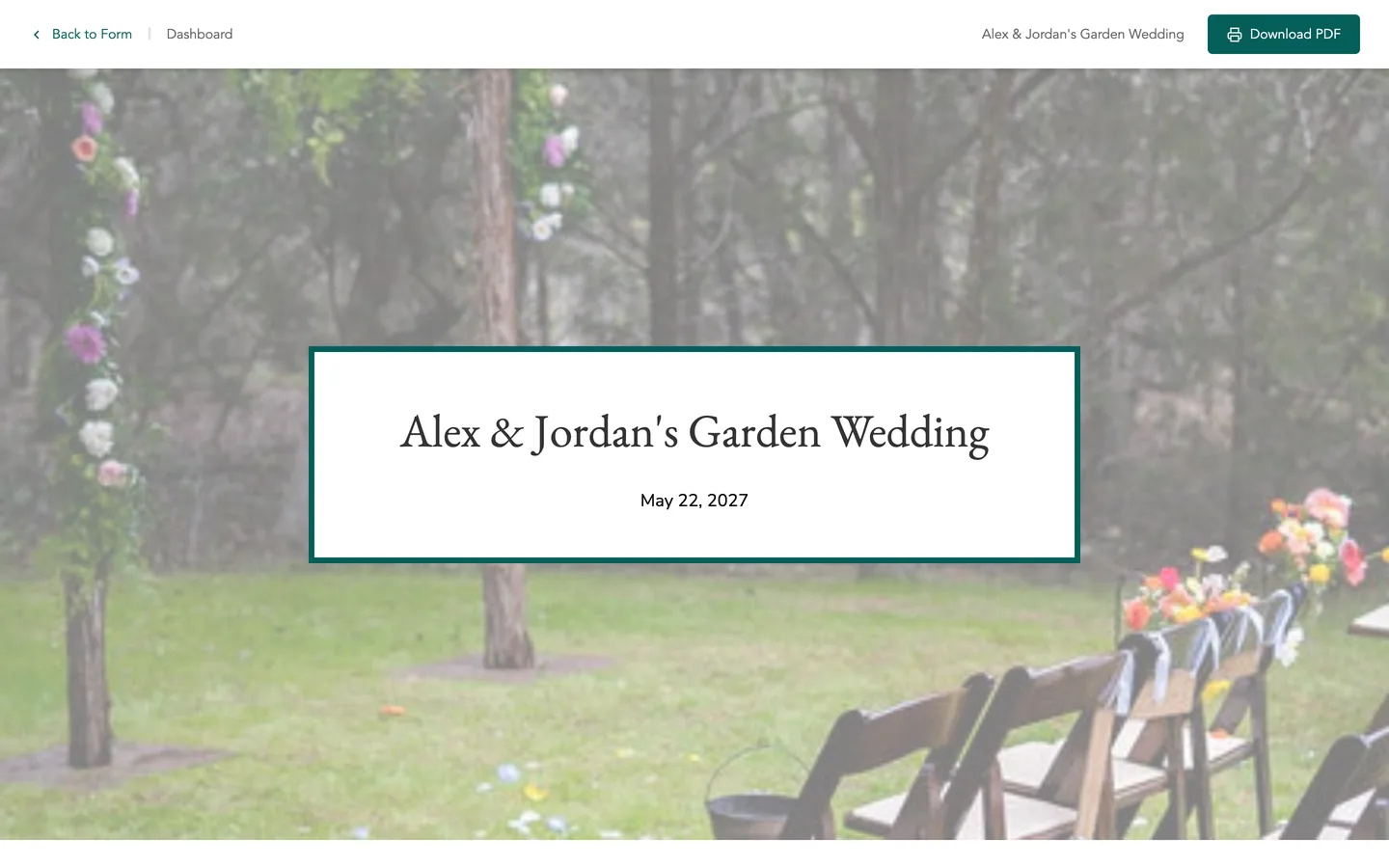
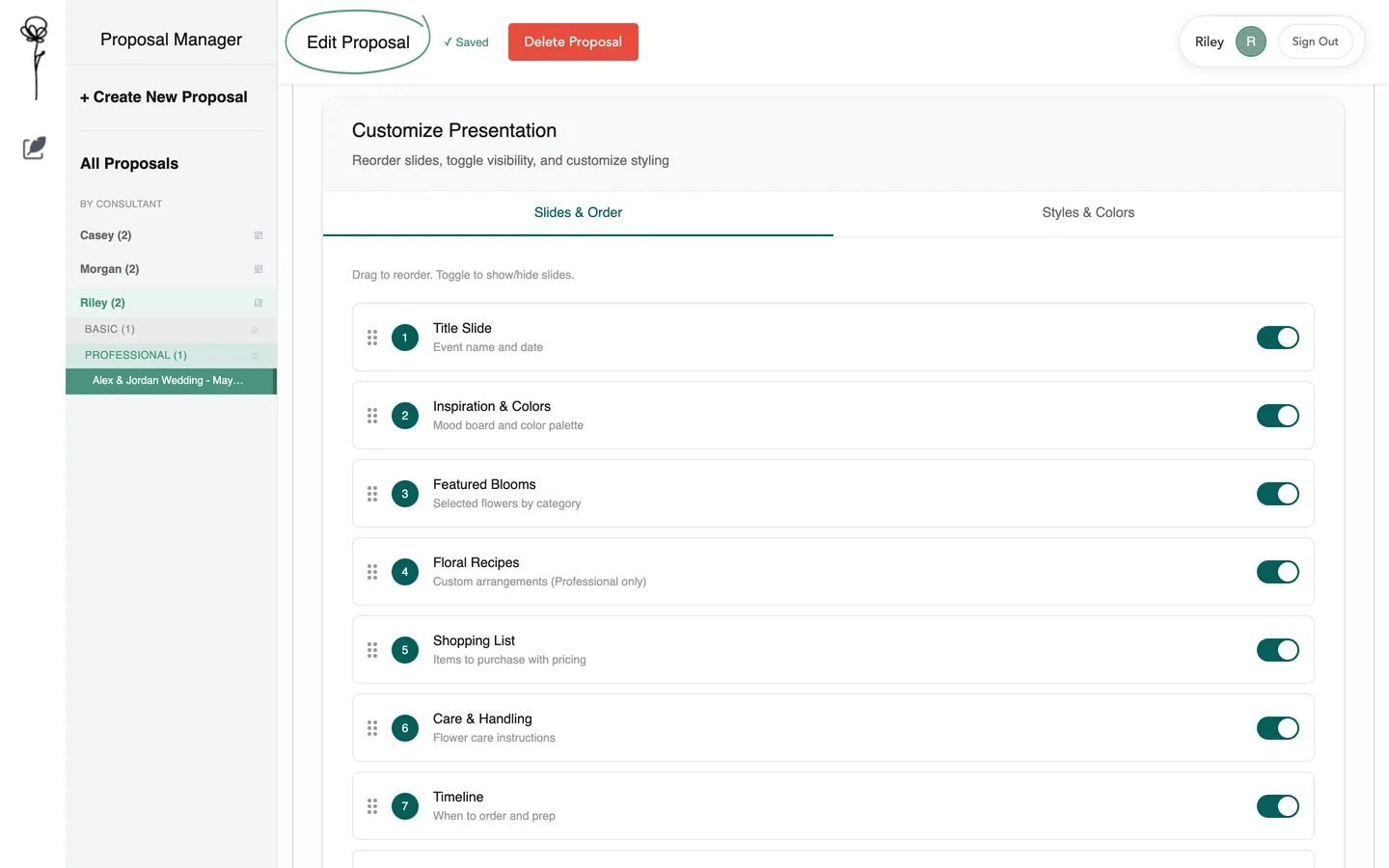
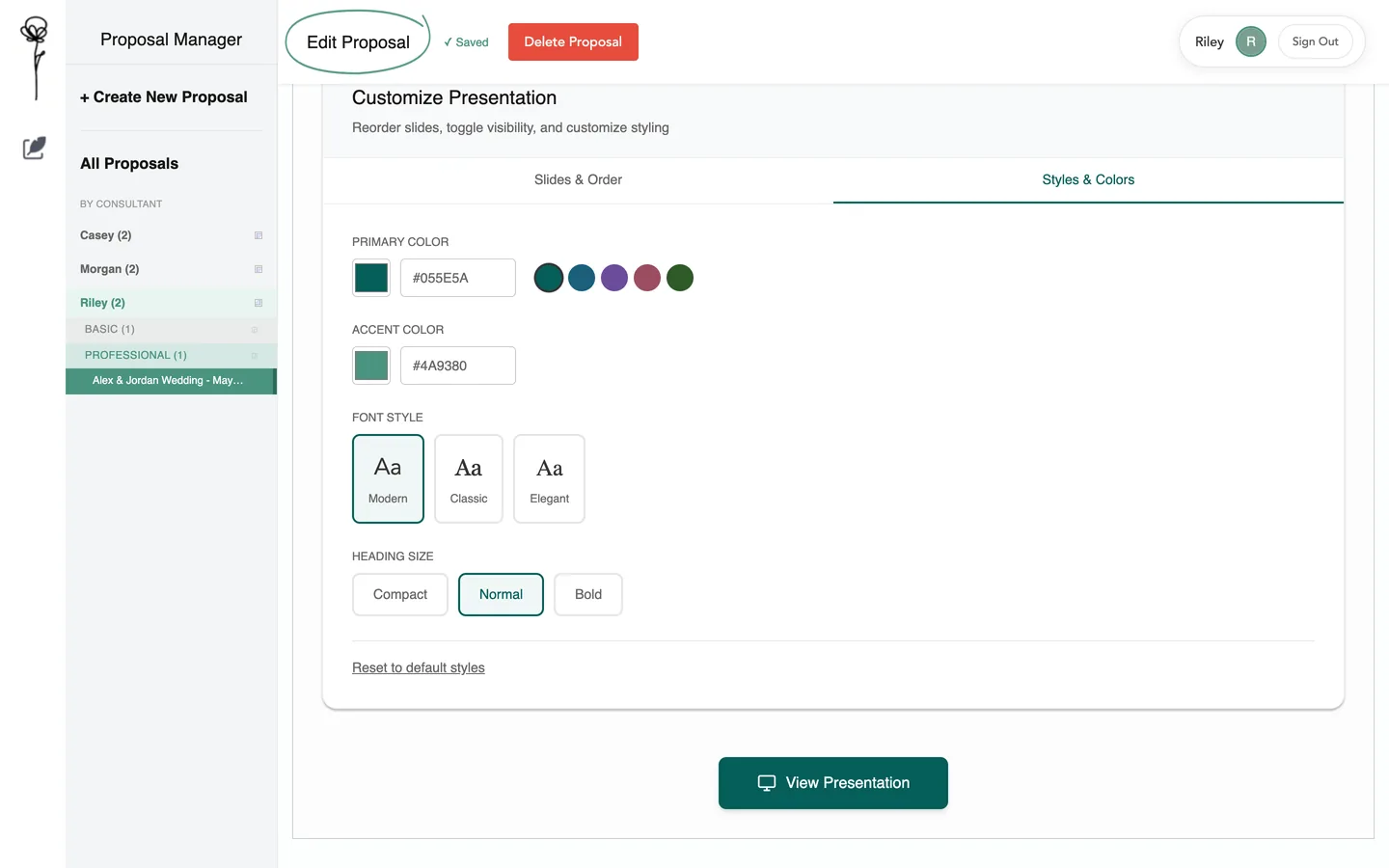
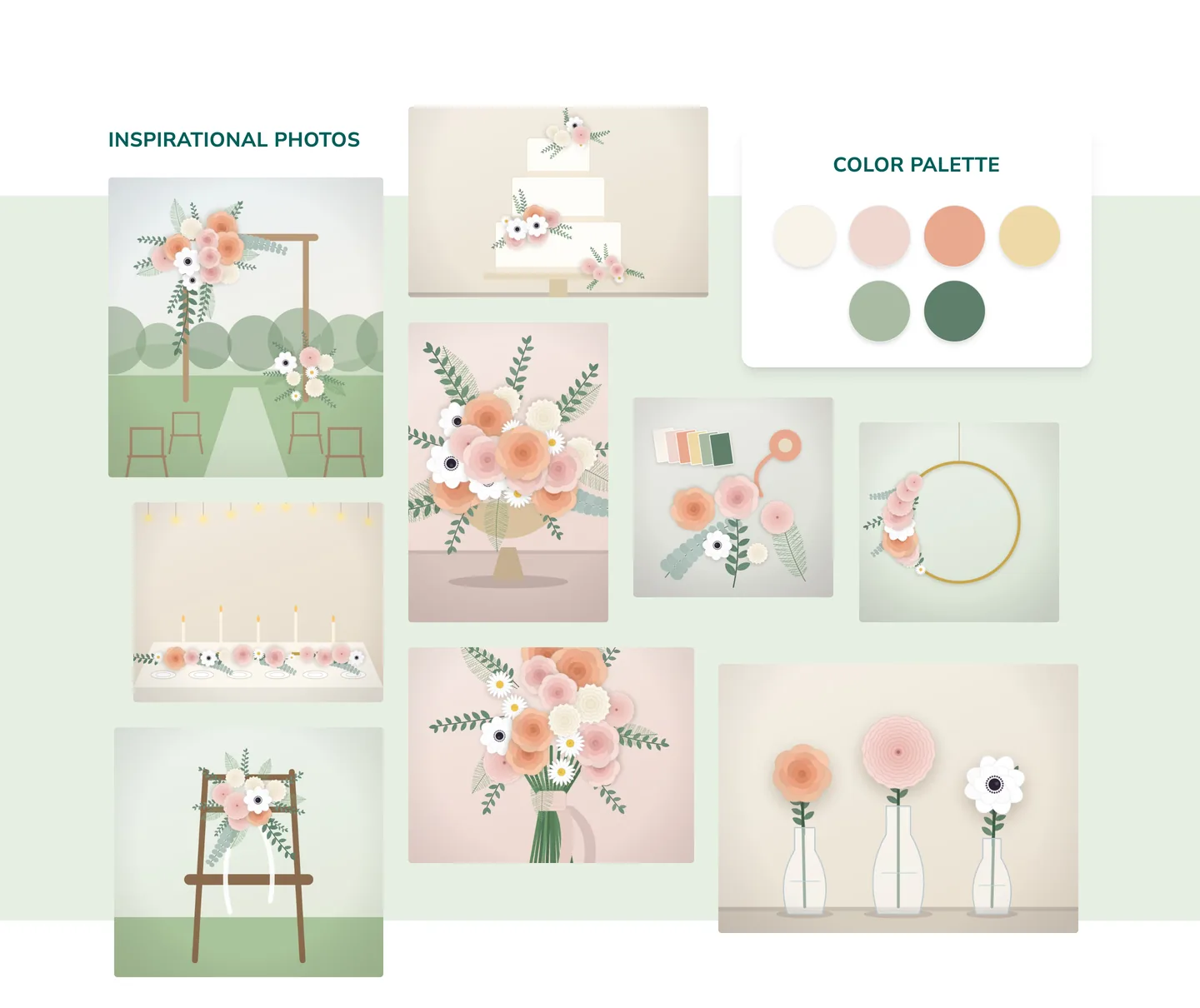
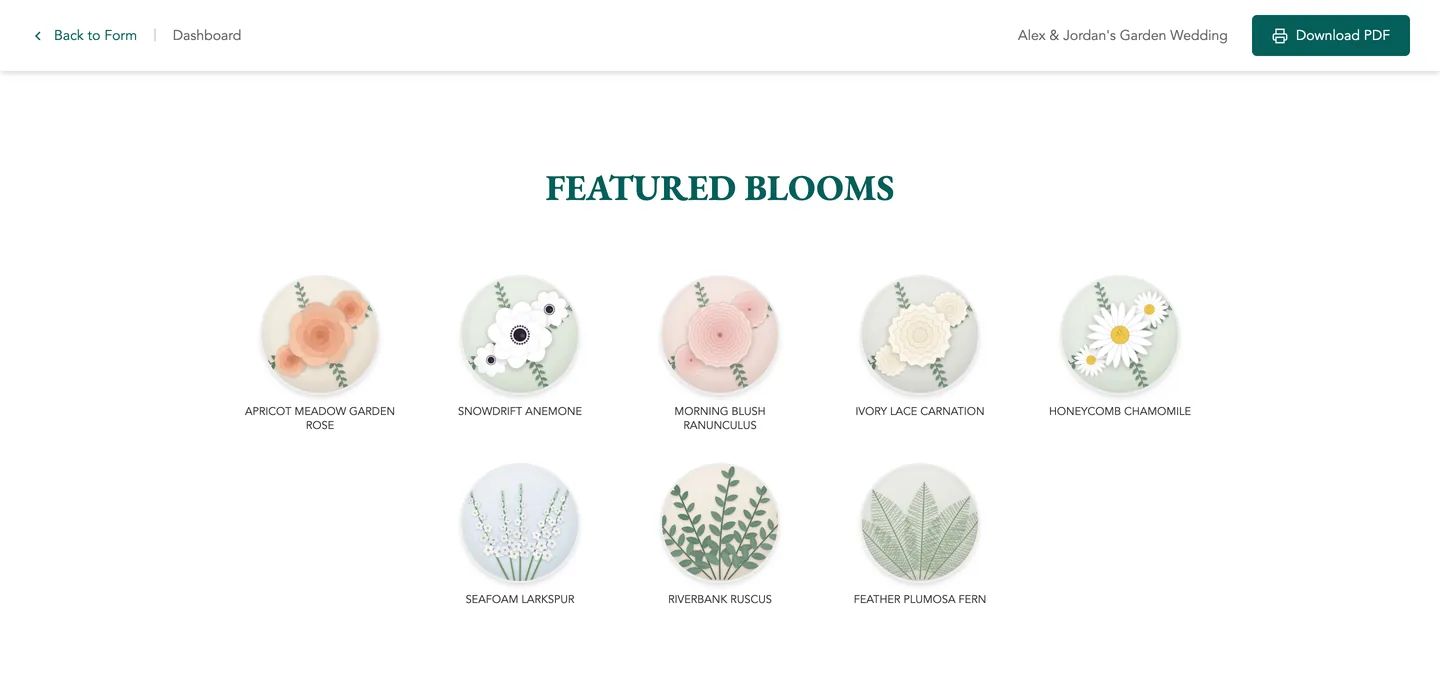
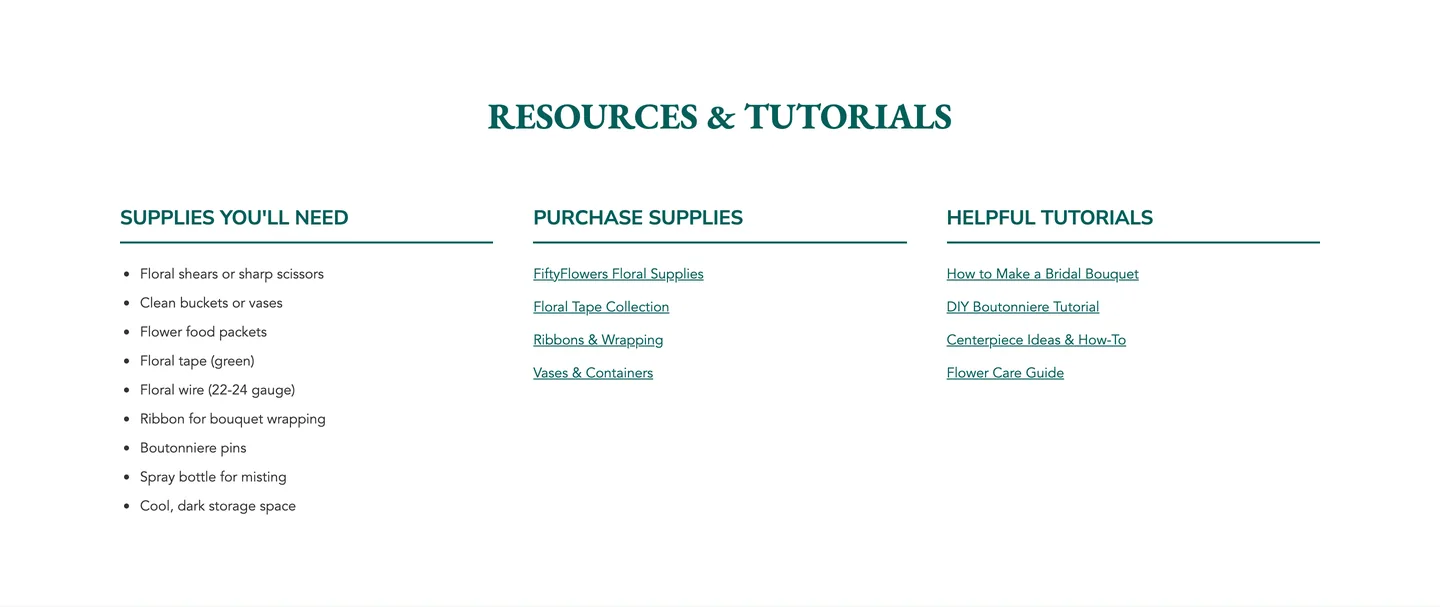
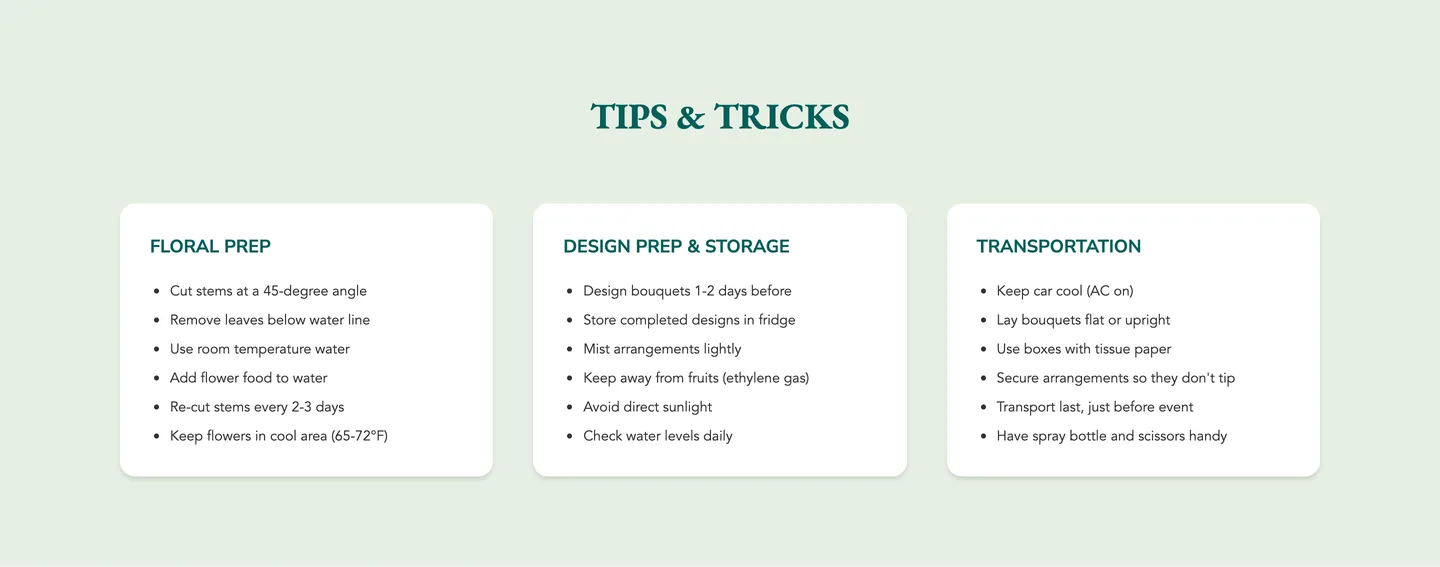
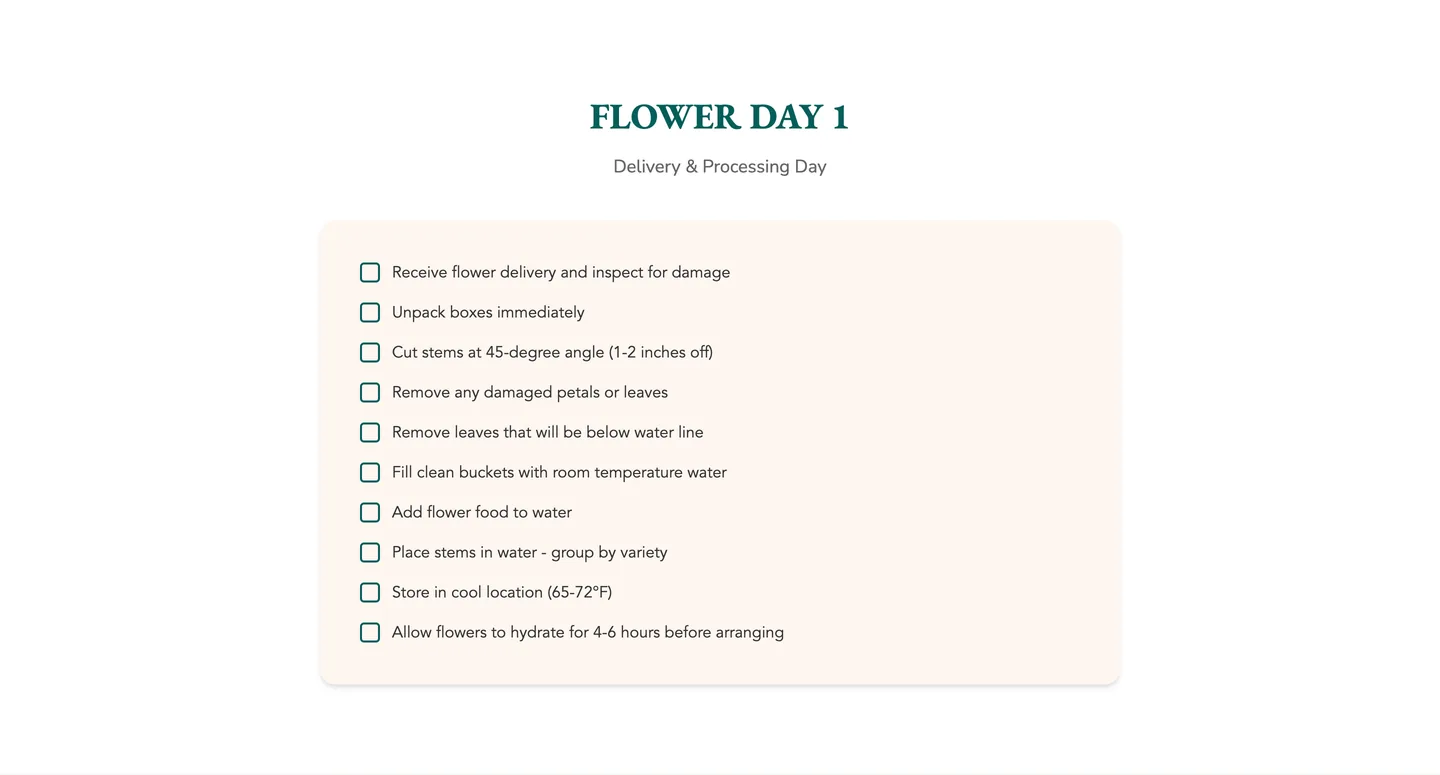
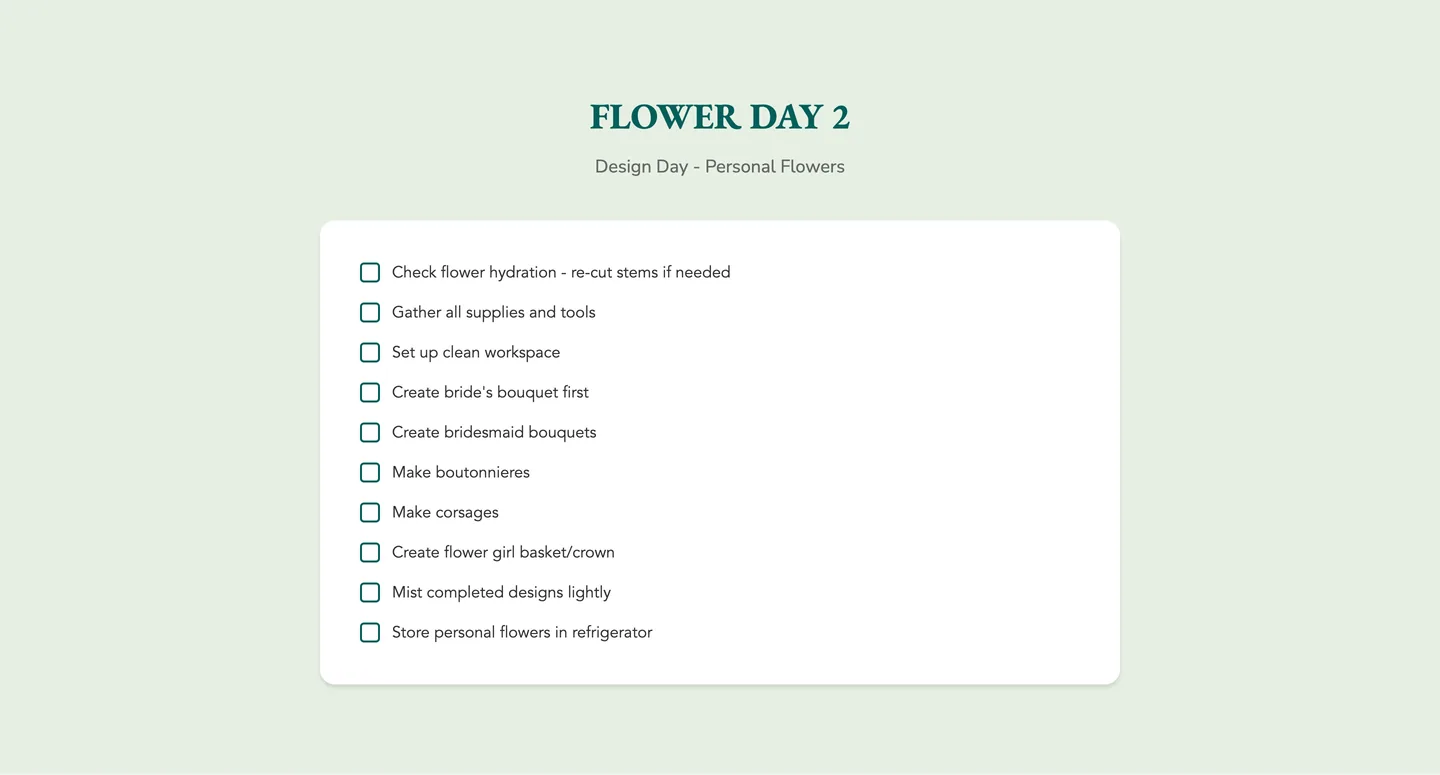
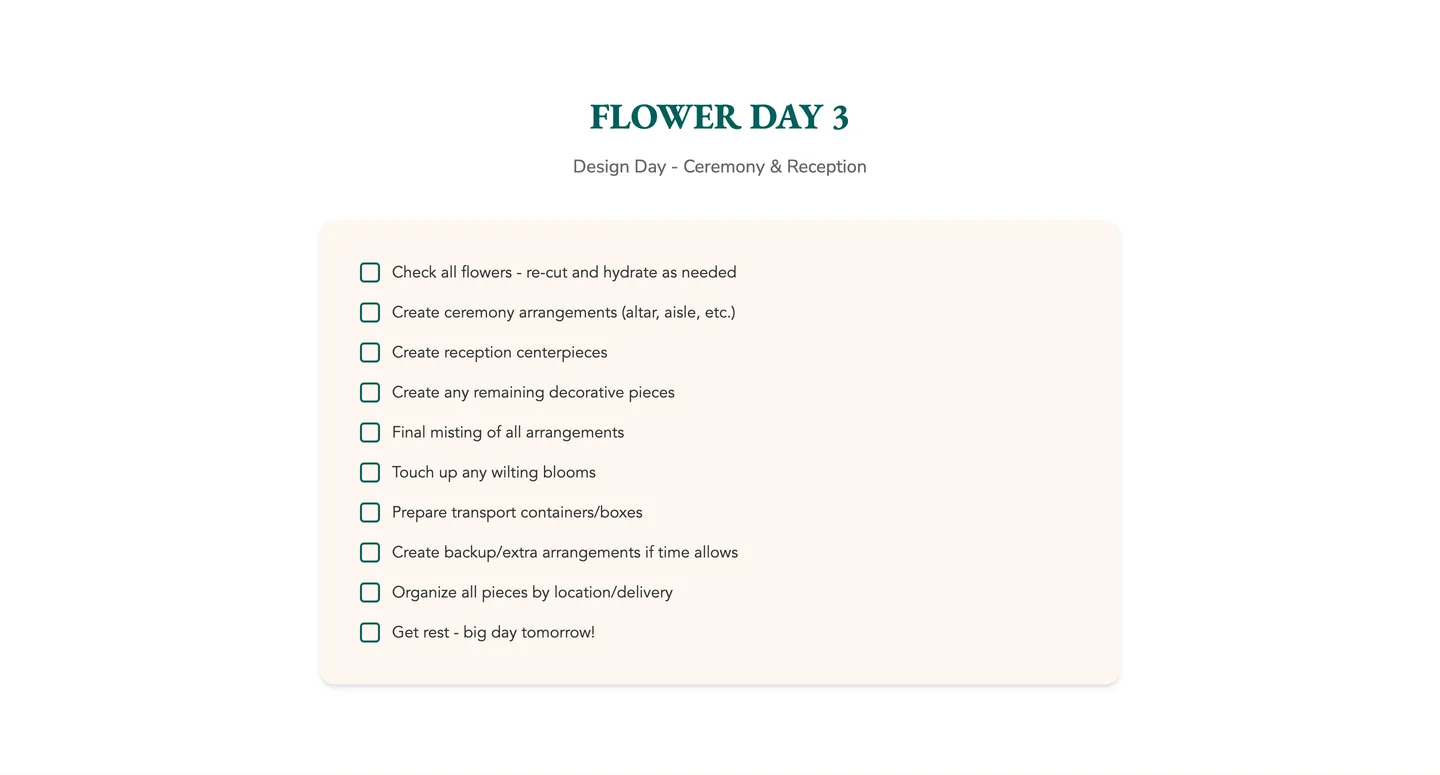
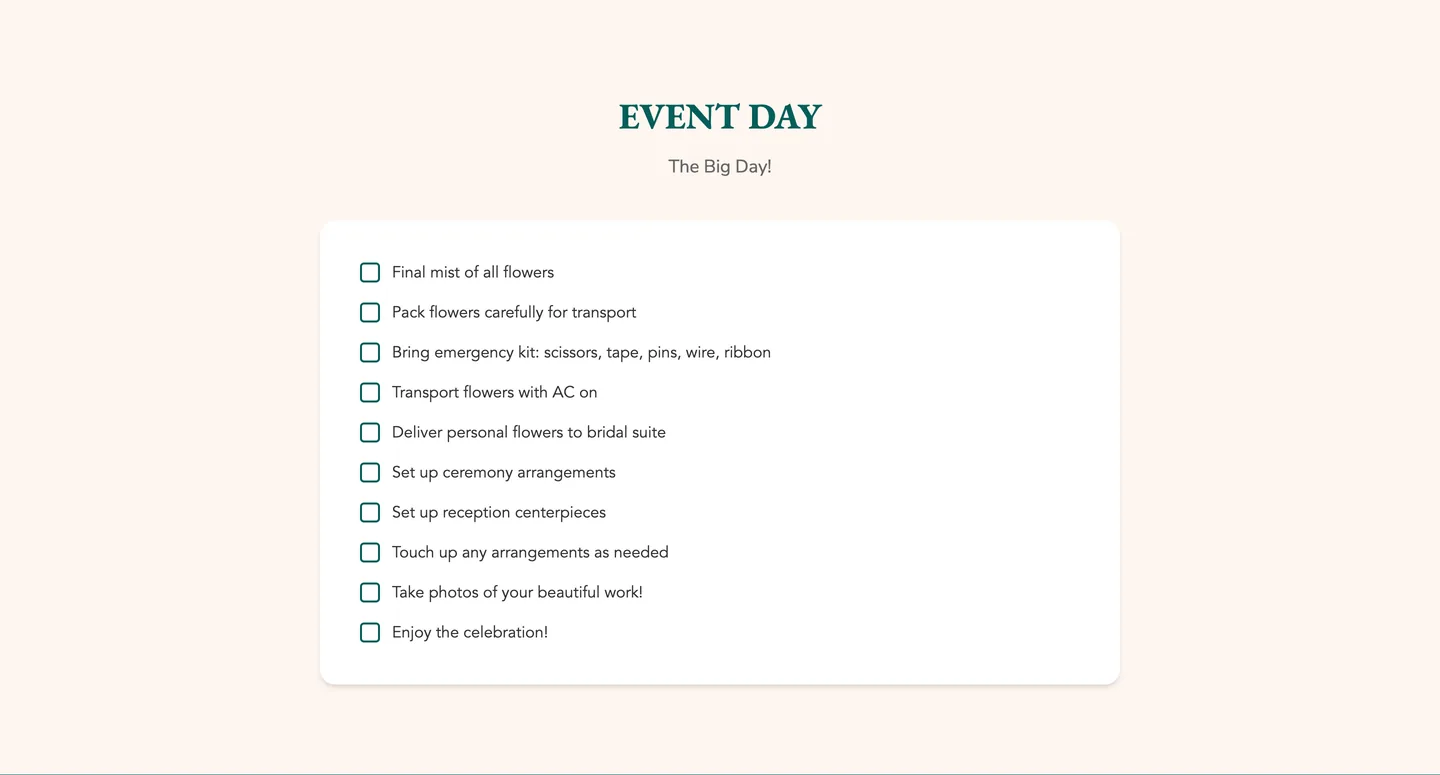
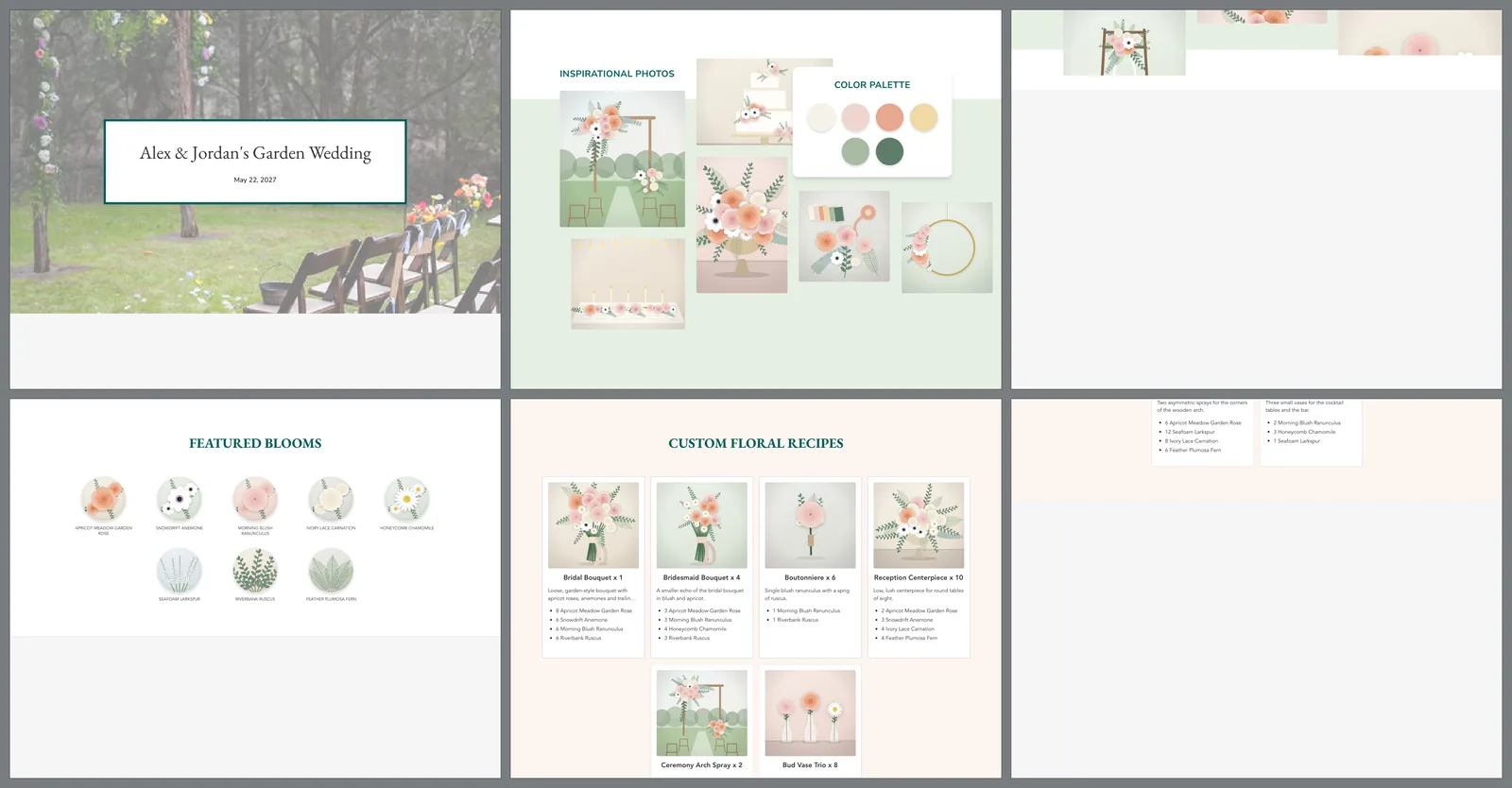
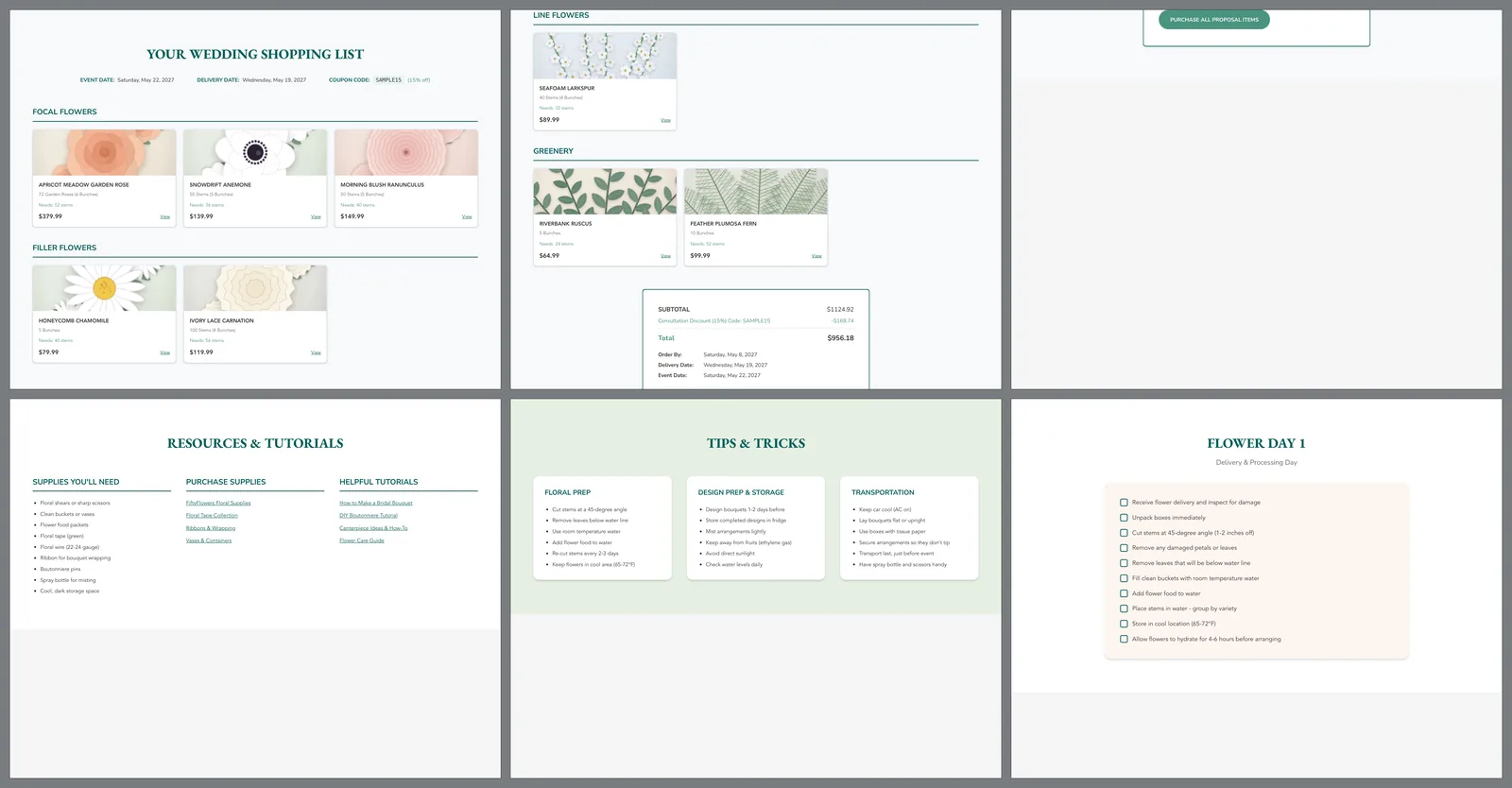
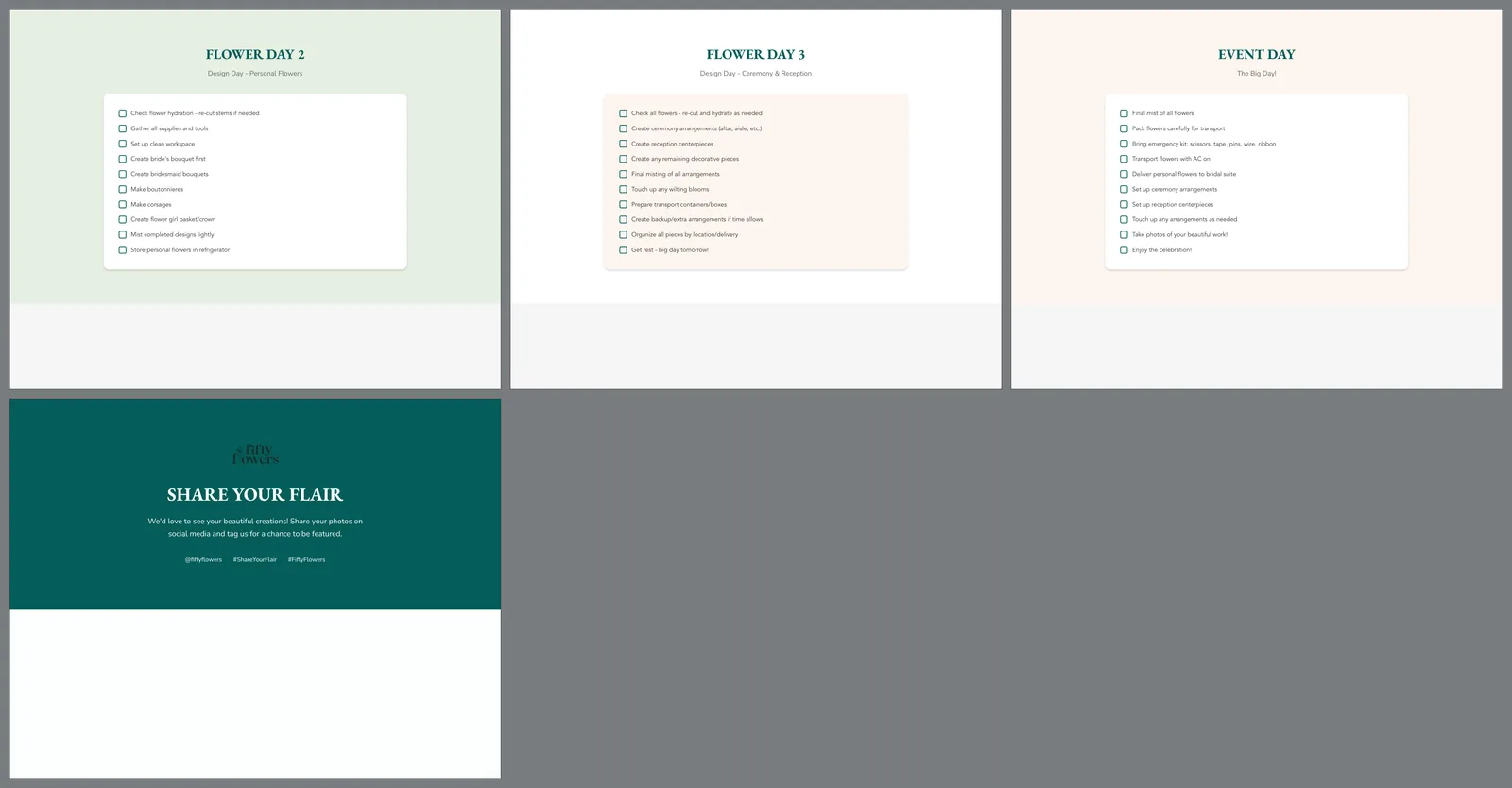
The coverThe event name and date over the app’s own background picture, with Download PDF in the top bar. Local run, invented proposal.Choose the pagesEight rows to switch on or off and drag into order. Local run, invented proposal.Colours and typeColour, font and heading choices are saved with the proposal. The pages do not apply them yet. Local run, invented proposal.Inspiration and paletteThe inspiration pictures as a collage beside the colour palette. Local run, invented proposal.Featured bloomsEach chosen flower as a round picture with its name. Local run, invented proposal.RecipesEvery arrangement with its picture, count and stems. Local run, invented proposal.Shopping listEach flower with its pack, the stems it needs and the price. Local run, invented proposal.Totals and one button to buySubtotal, the consultation discount, the total, the order-by, delivery and event dates, and a button meant to fill the store cart. The button was not followed in this run. Local run, invented proposal.Guide: supplies and tutorialsThe first of seven fixed guide pages. Local run, invented proposal.Guide: tipsPreparation, storage and transport. Local run, invented proposal.Guide: flower day 1A checklist for the day the flowers arrive. Local run, invented proposal.Guide: flower day 2A checklist for making the personal flowers. Local run, invented proposal.Guide: flower day 3A checklist for ceremony and reception pieces. Local run, invented proposal.Guide: event dayA checklist for the day itself. Local run, invented proposal.Guide: share the resultAn invitation to share photos afterwards. Local run, invented proposal.The PDF, pages 1 to 6Download PDF prints the same pages. Sections taller than a sheet run on to the next, which is one of the repairs still to make. Local run, invented proposal.The PDF, pages 7 to 12The shopping list and the first guide pages on paper. Local run, invented proposal.The PDF, pages 13 to 16The last guide pages. Local run, invented proposal.
Engineering choices
The decisions behind the interface.
01
Calculate the list, store the choices.
The shopping list is recalculated from the recipes each time it is shown. Only the consultant’s pack choices are saved with the proposal.
02
Start from the design export.
Five wireframe frames were exported as code on the first day and made interactive the same evening, which gave the team something real to react to.
Built in 74 recorded changes between March 3 and 31, 2026. The shopping-list arithmetic has not yet been checked line by line against real store packs.
Where it stands
Built, with repairs before any launch.
Built in March 2026 and not launched; work paused when the DIY kit migration took priority. Before any launch, the presentation page and product search need repairs, and the shopping list needs a line-by-line check.


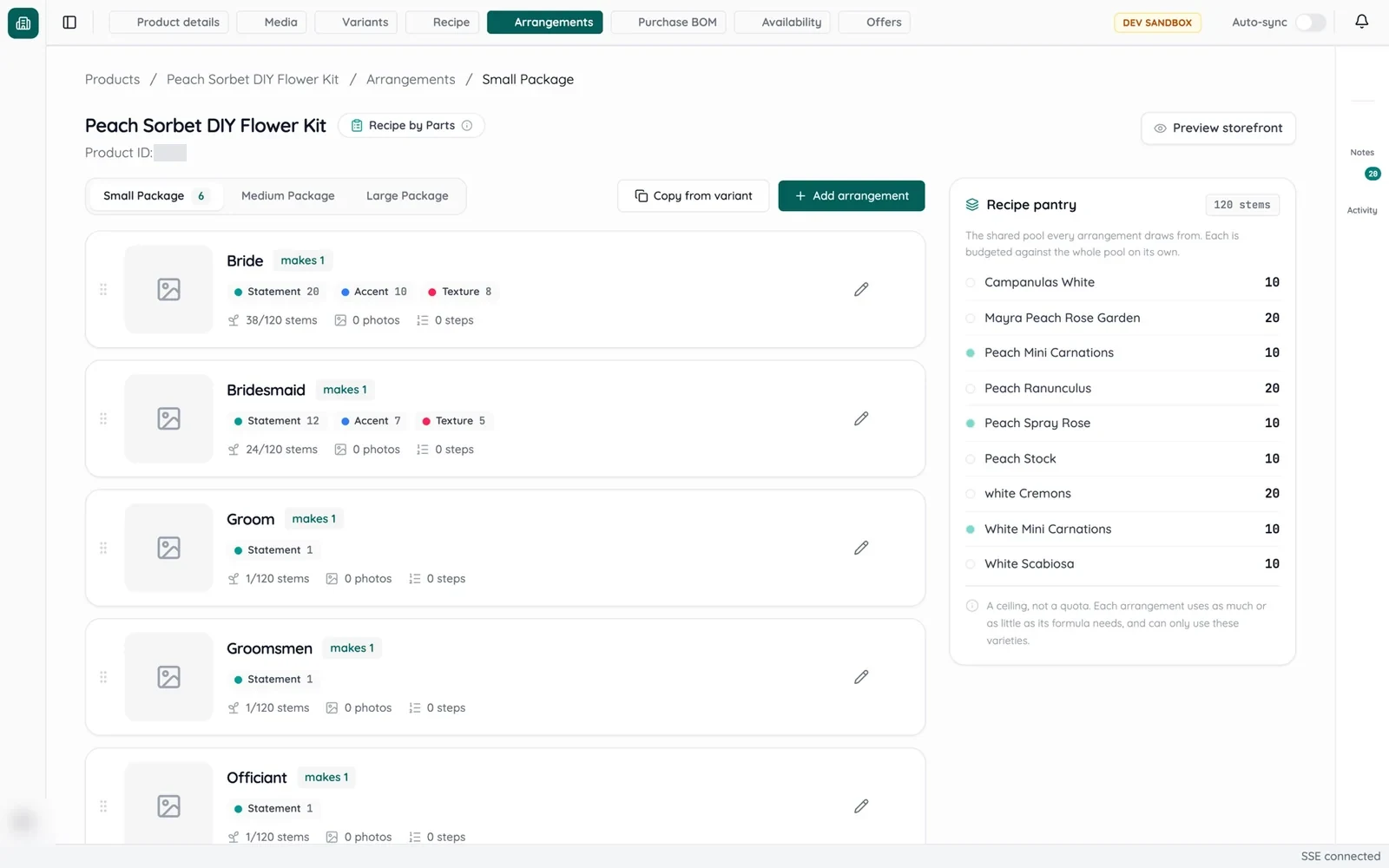 DIY kit data migrationDelivered on a test copy of the store
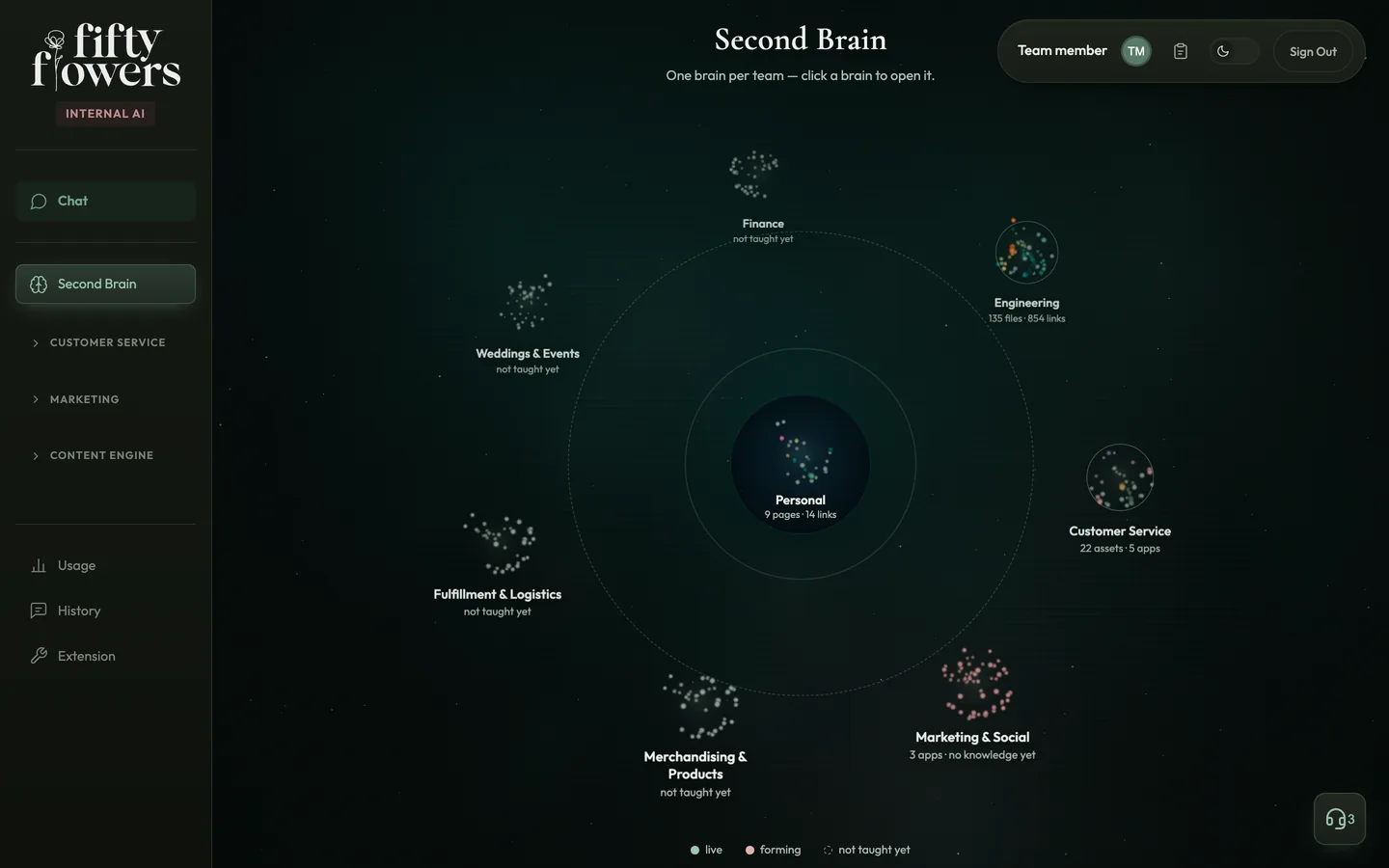 Company Second BrainMVP · live since July 2026, two of seven team brains filled
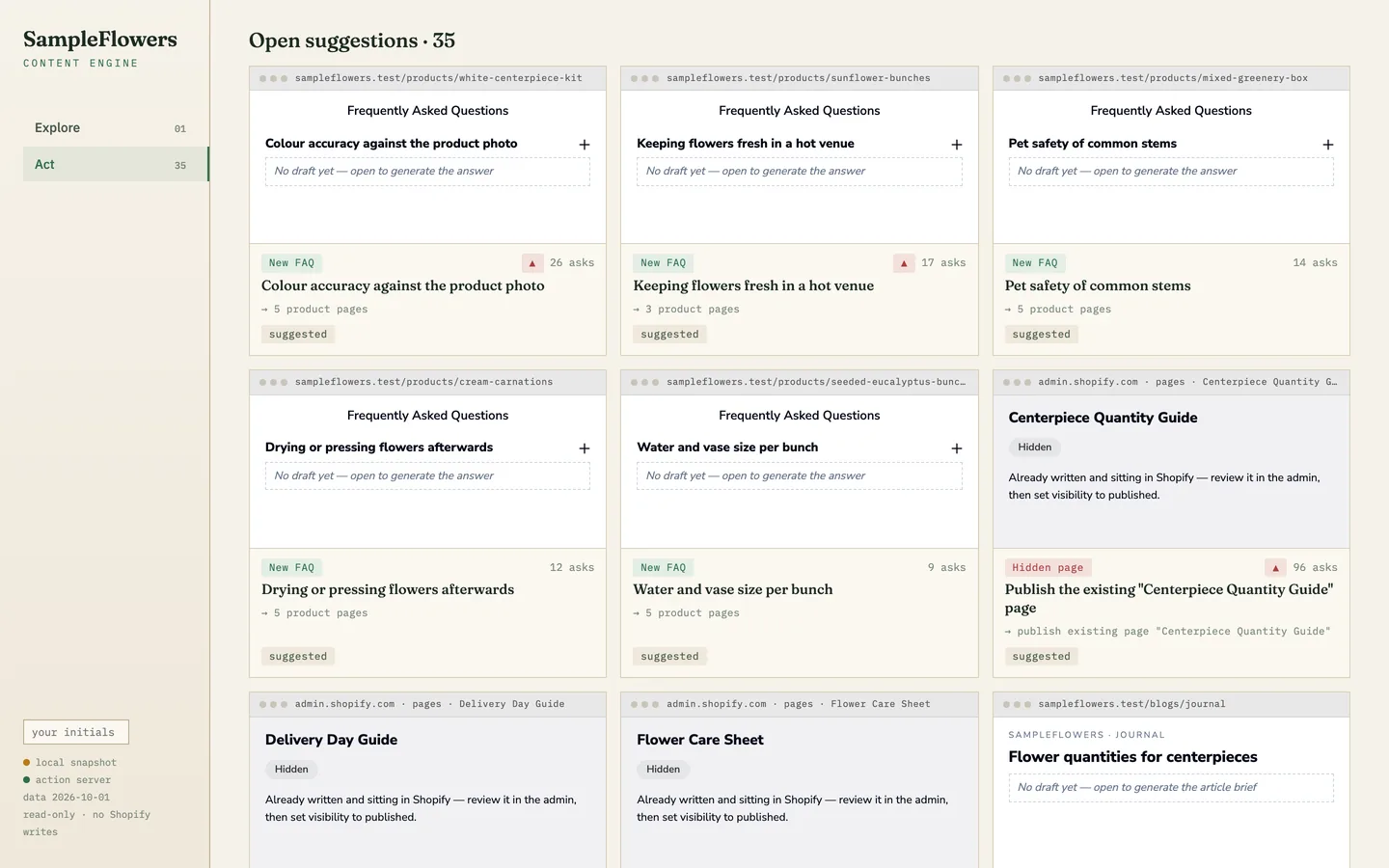 Content EngineIn the company AI workspace since June 2026 · nothing published through it yet
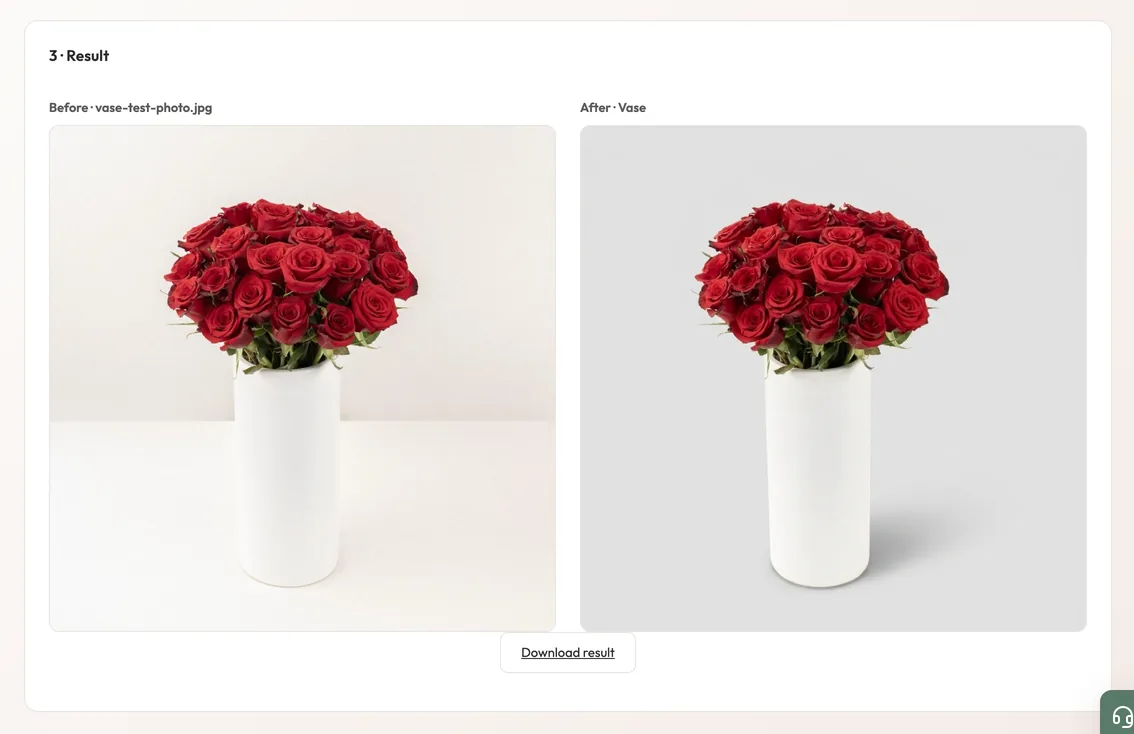 Image StudioIn production · released August 2026
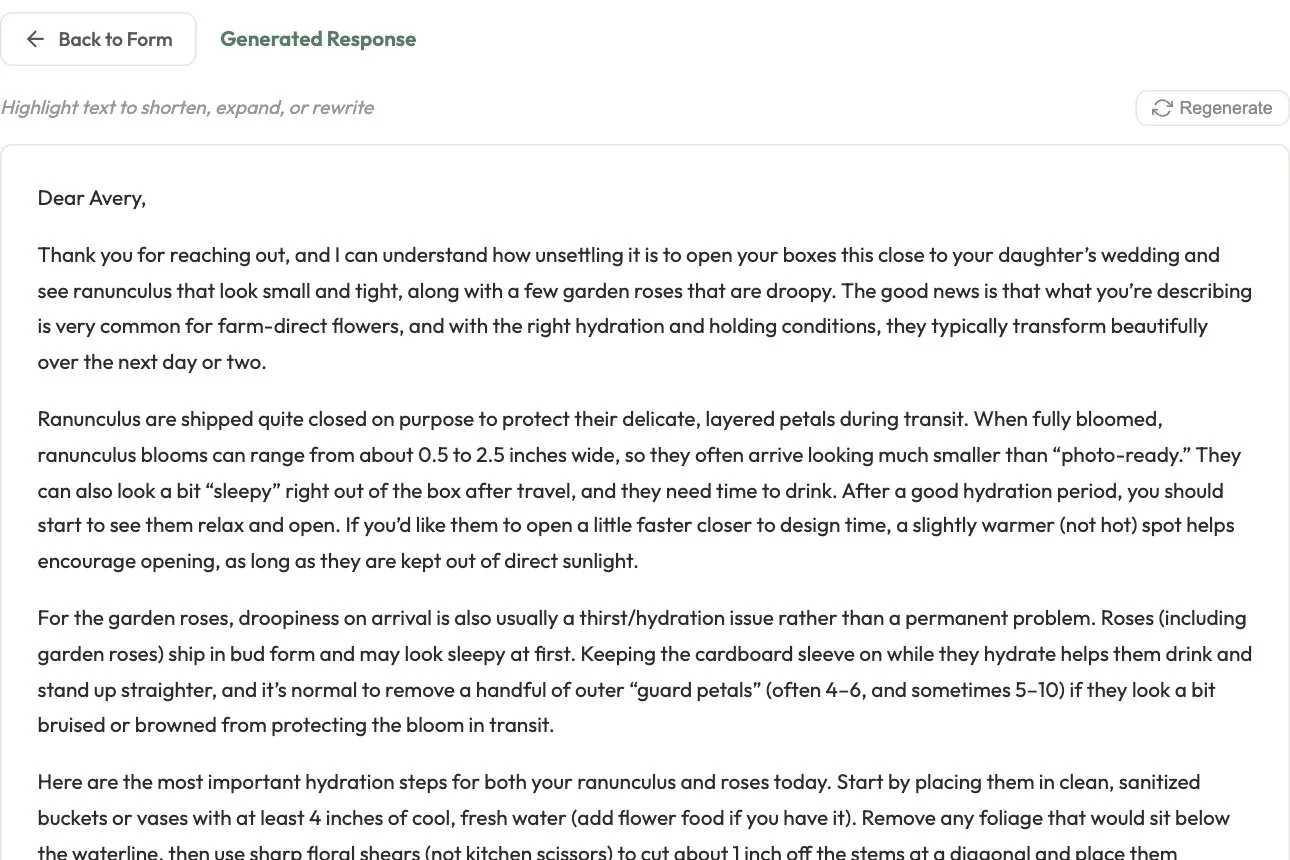 Customer service AIIn production · since January 2026
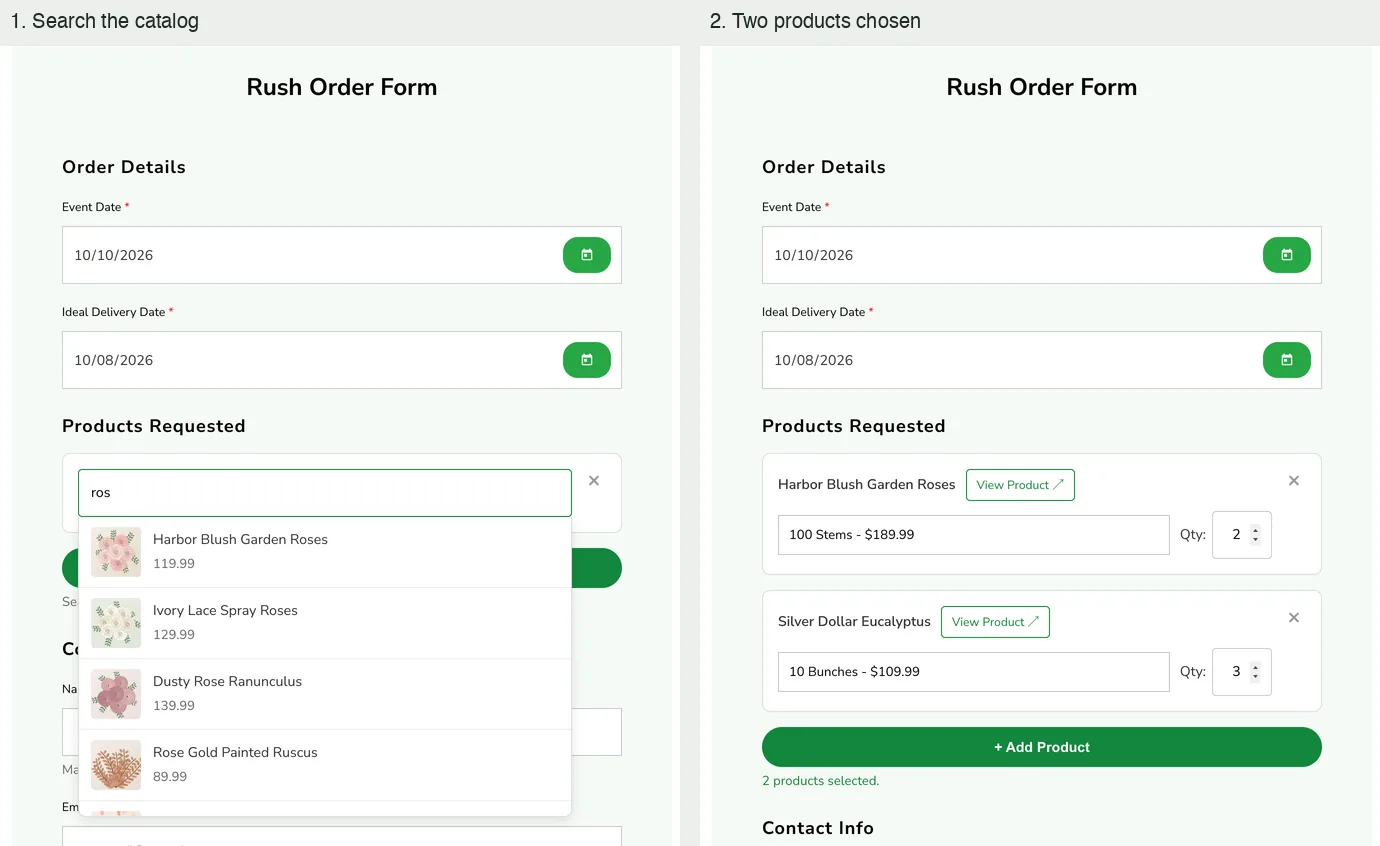 Storefront requestsRush form live · contest processing run on 2025 entries
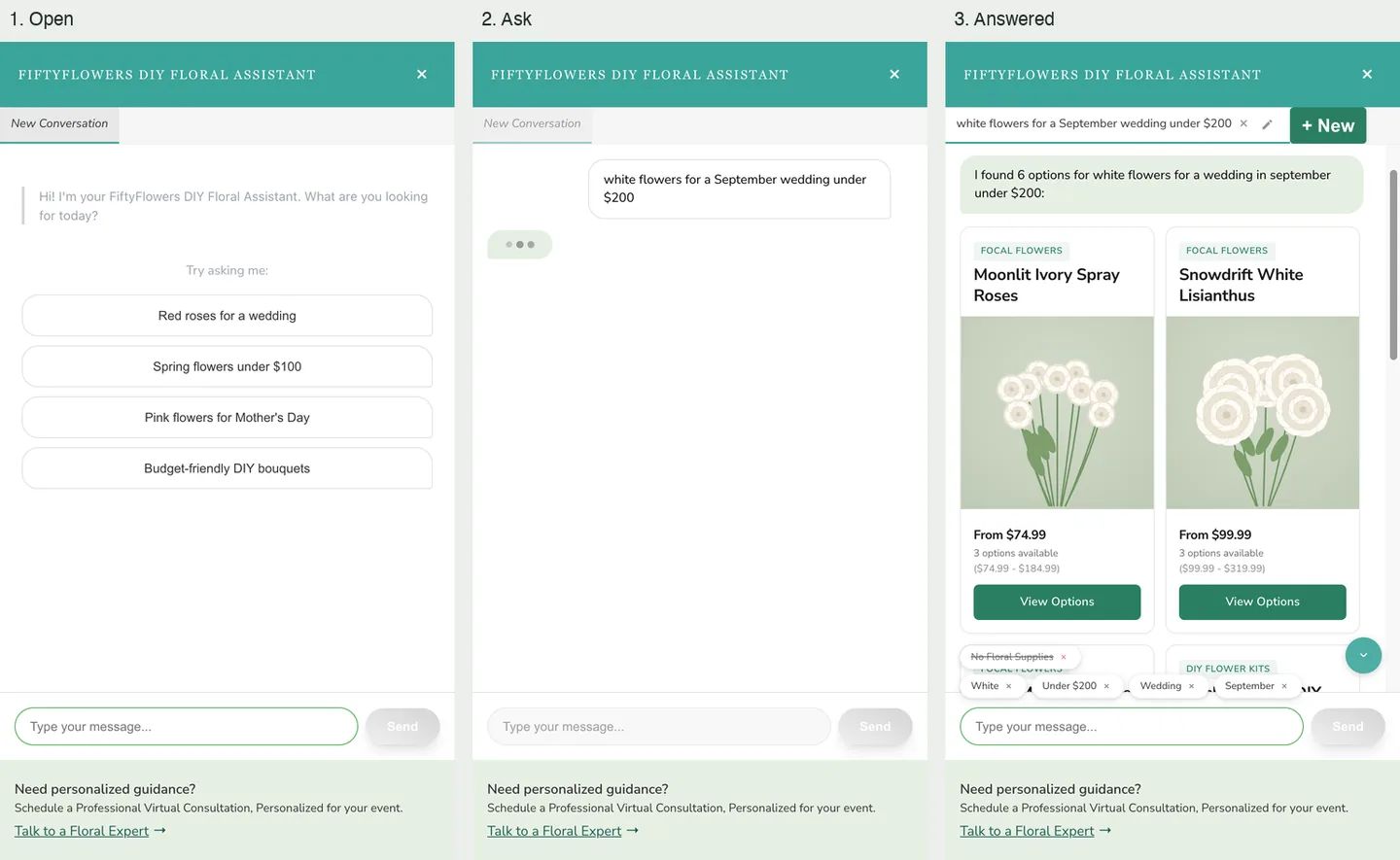 AI Floral AssistantIn the store theme · behind an A/B test since January 2026