Connected Instagram accounts and their imported posts in one media library, with organisations and roles. A prototype on its third build; importing is not yet dependable.
PROJECTAI Media Manager
MY ROLESoftware Engineer · personal prototype
STAGEPrototype · post importing still being proven
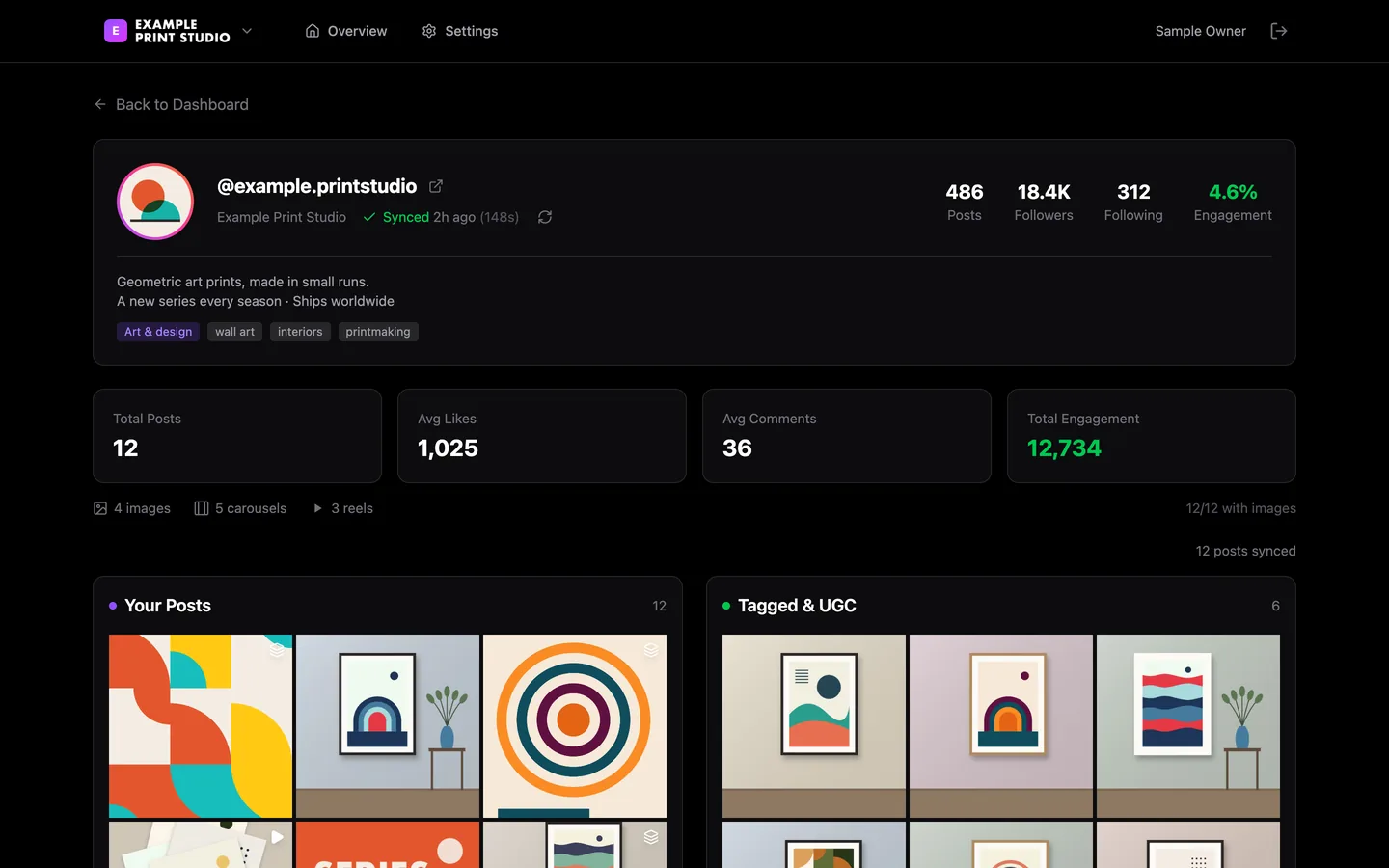
The media library for one connected account: its profile, engagement totals, its own posts and a second grid set aside for posts it is tagged in. Run on my own machine with an invented brand and sample pictures.
The context
A problem worth solving.
Social research starts with a usable collection of accounts and posts. The idea was one place where a brand’s own posts, the posts its customers tag it in and what is working in its field can be looked at side by side, before any AI drafting is layered on top.
My contribution
What I brought to the work.
This is the third build in the same area, each replacing the last. The first was a drafting tool: choose a platform, read an AI strategy summary and post ideas, and get a draft rewritten to sound natural. The second was a larger planning dashboard with creator outreach, a week planner and post ideas with reasons, which reached a clickable design before its foundations were dependable. The rebuild goes in phases, each checked before the next. Sign-in, organisations and roles were checked locally and live. The Instagram phase is built but not yet signed off: accounts added by their public username, a media library of imported posts, and a sync engine that drives a headless browser, saves each slide and uses a vision model to read each post page and label each saved slide.
The product
What the current build does.
The rebuild is the third build in this area. Every screen of all three builds follows, each chapter labelled with what it is.
01
Organisations and roles
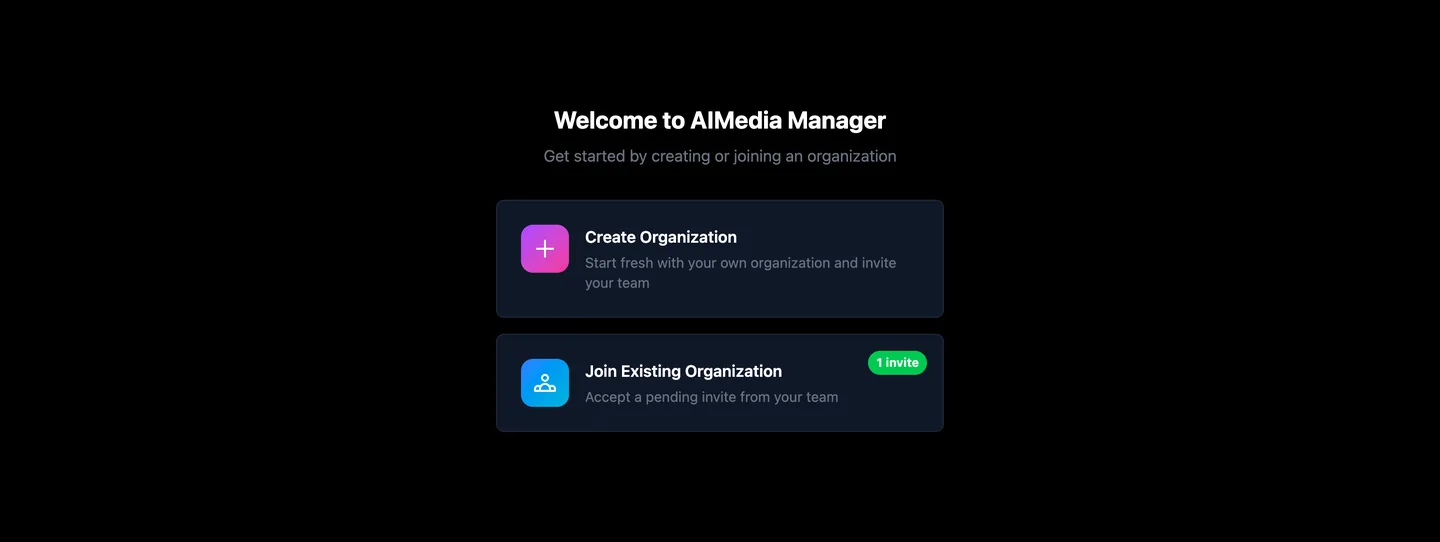
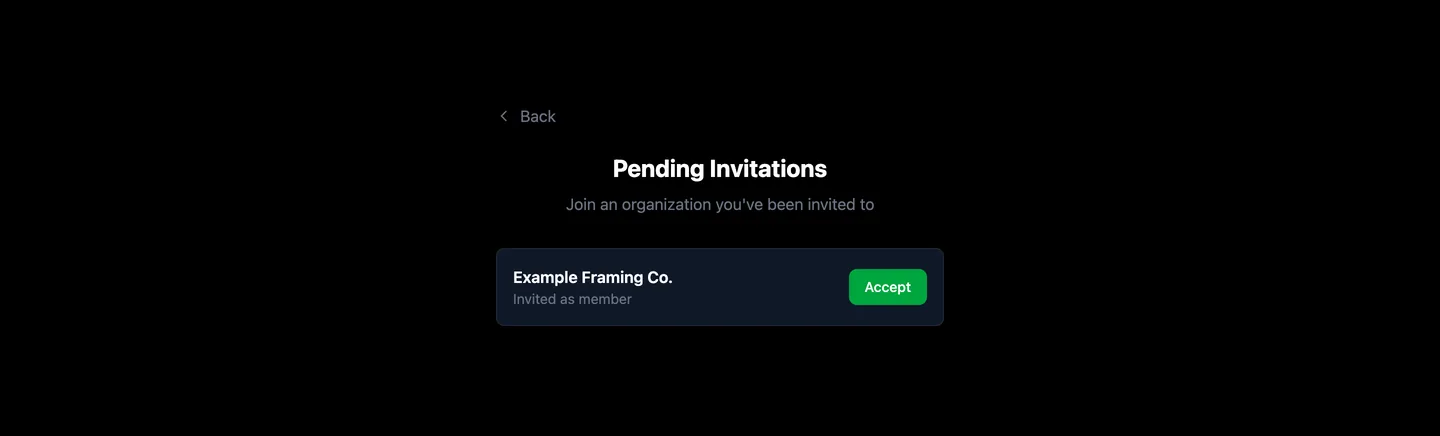
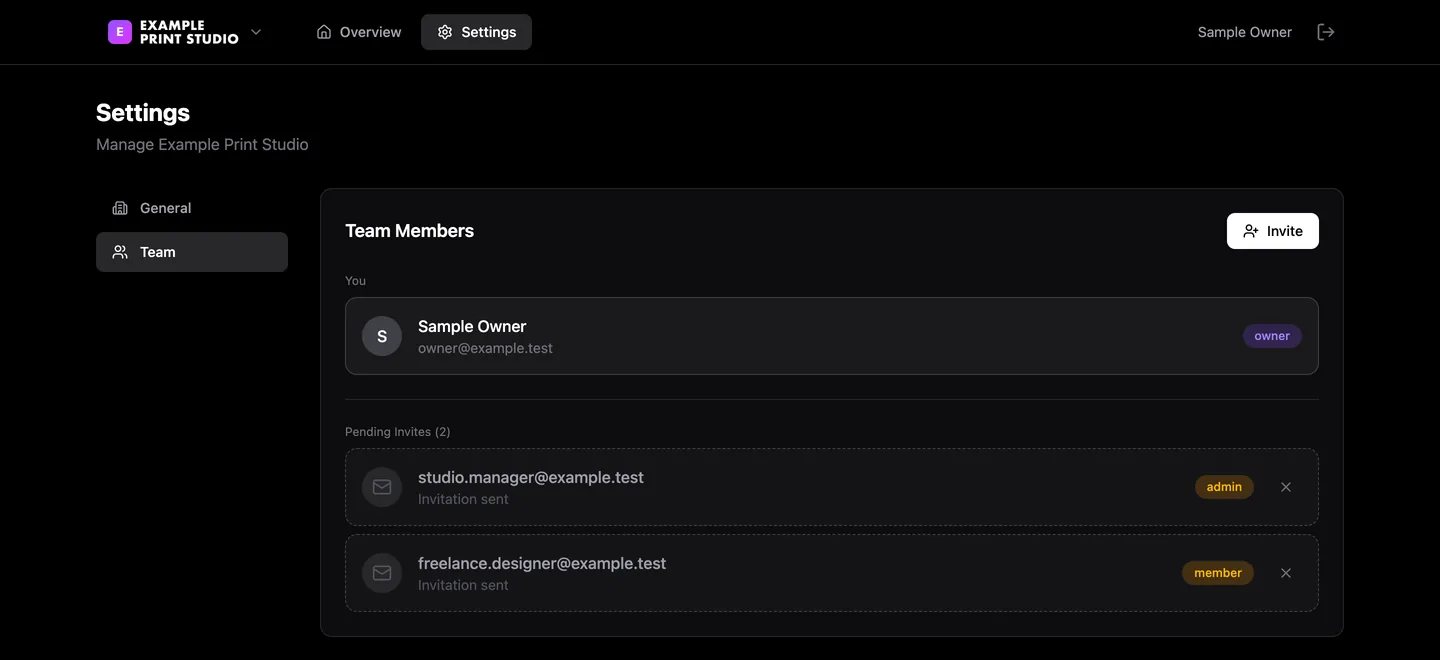
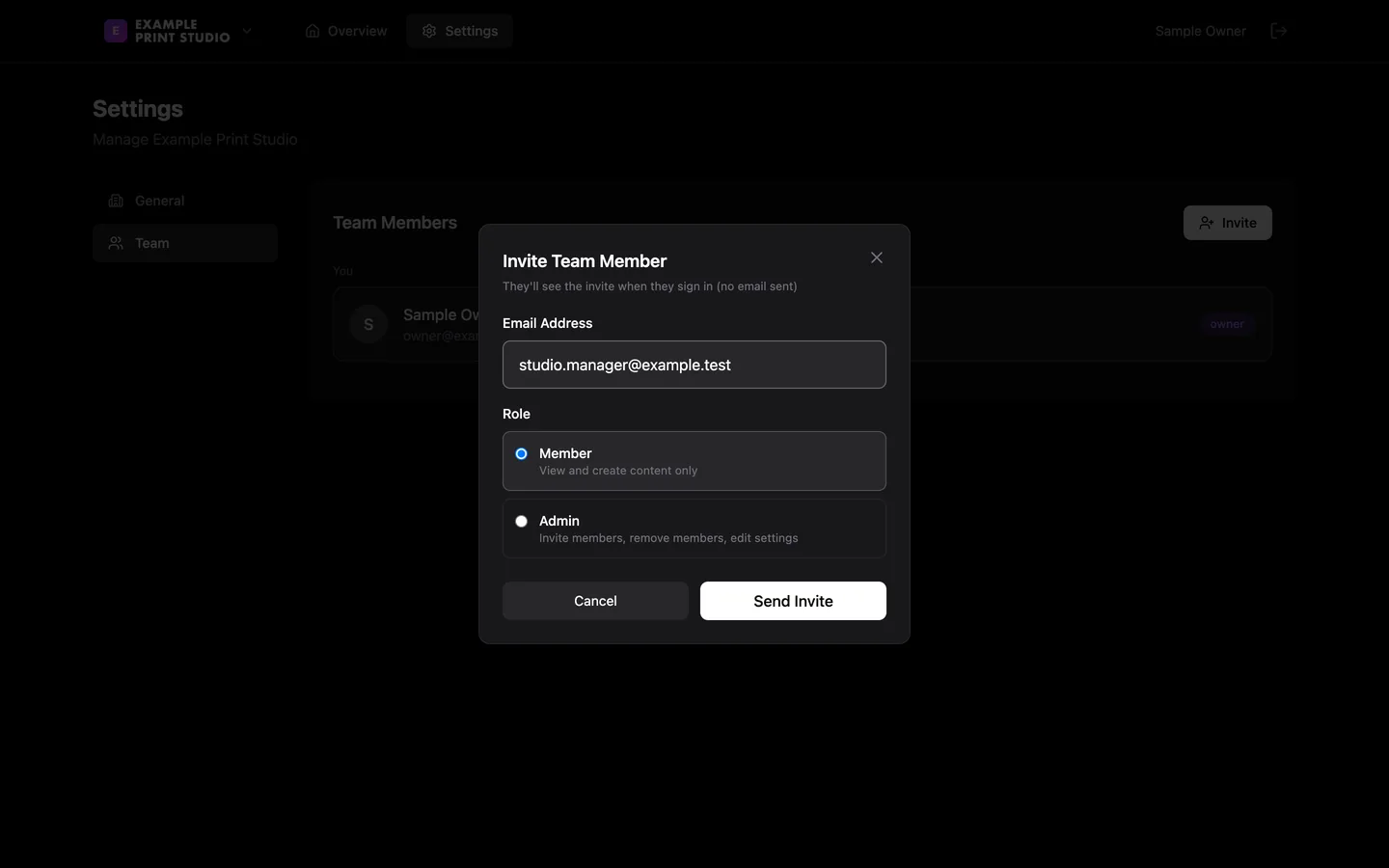
One sign-in can belong to several organisations. Each has an owner, admins and members, and an invitation stays pending until it is accepted.
02
Connected accounts
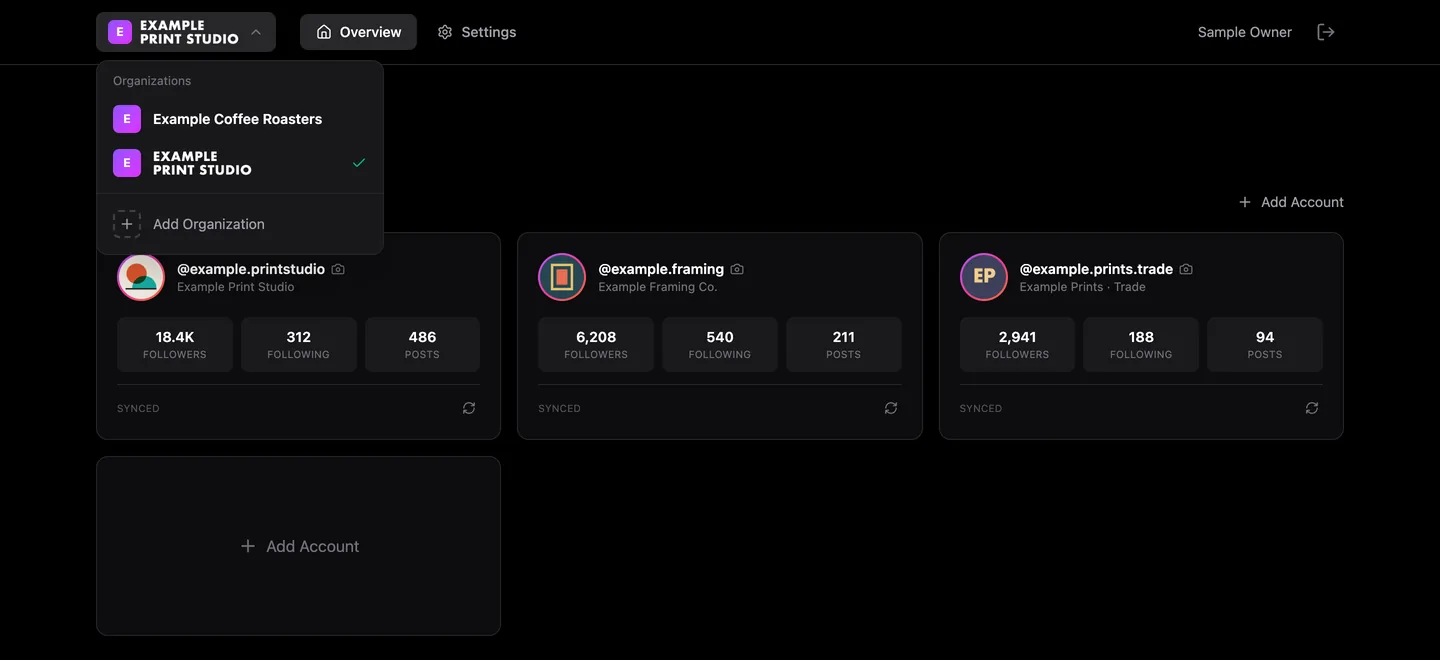
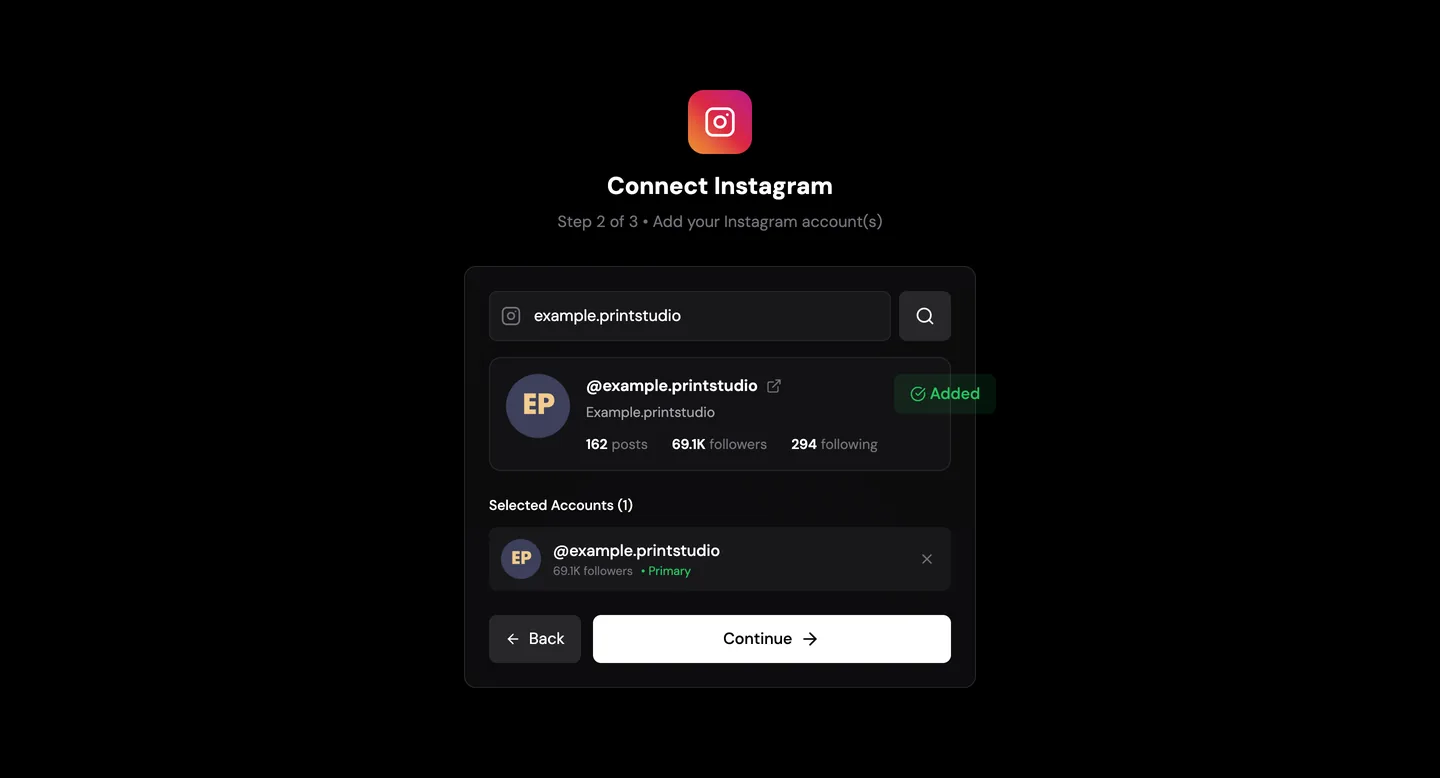
An organisation’s Instagram accounts sit on one page, added by their public username, each with its followers, post count and sync status.
03
The media library
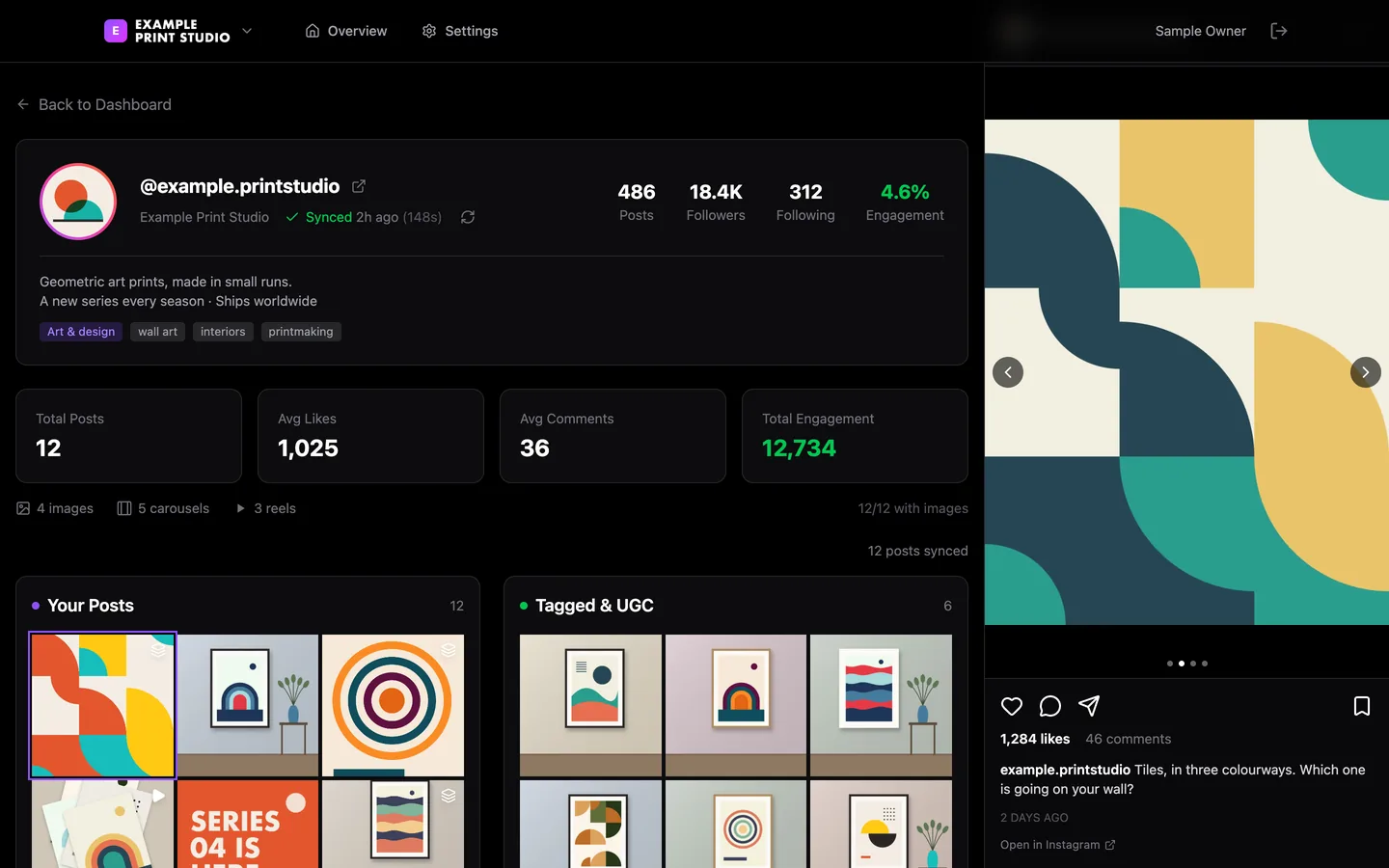
The account’s own posts in one grid, and a second grid set aside for posts it is tagged in. Opening a post steps through a carousel’s slides with its like and comment counts and caption.
04
Sync status
Each account shows when it last synced and how long that took, and a sync that crashes or stalls is flagged.
At a glance / simplified product view
01Organisation
02Connected accounts
03Imported posts
04Media library
Build three · April 2026 to today
The rebuild: organisations, accounts and a media library.
Prototype · sign-in and organisations checked, the Instagram phase not yet signed off
A clean restart that goes in phases, each checked before the next. These are the real screens, clicked through one by one on my own machine with an invented brand and drawn pictures.
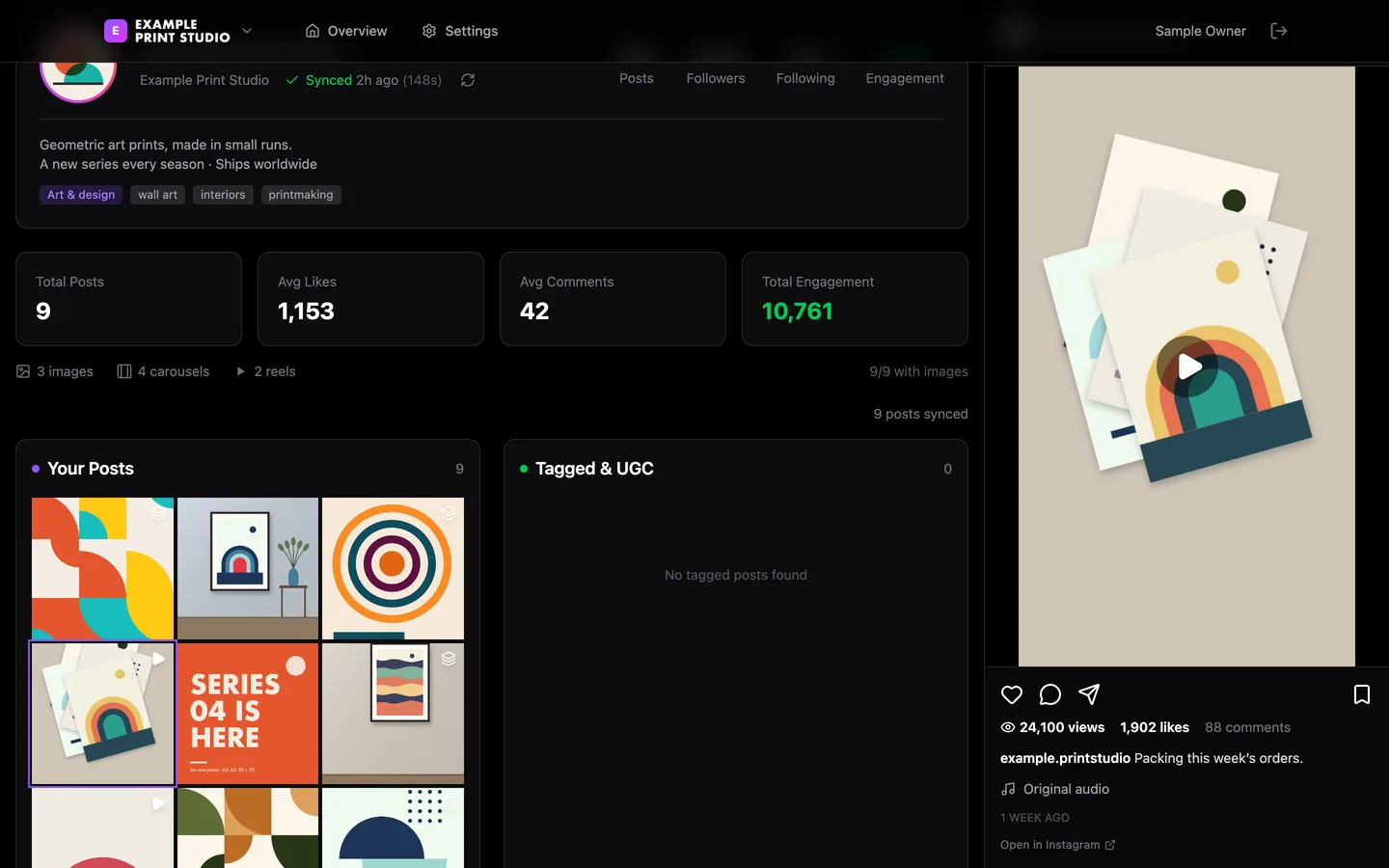
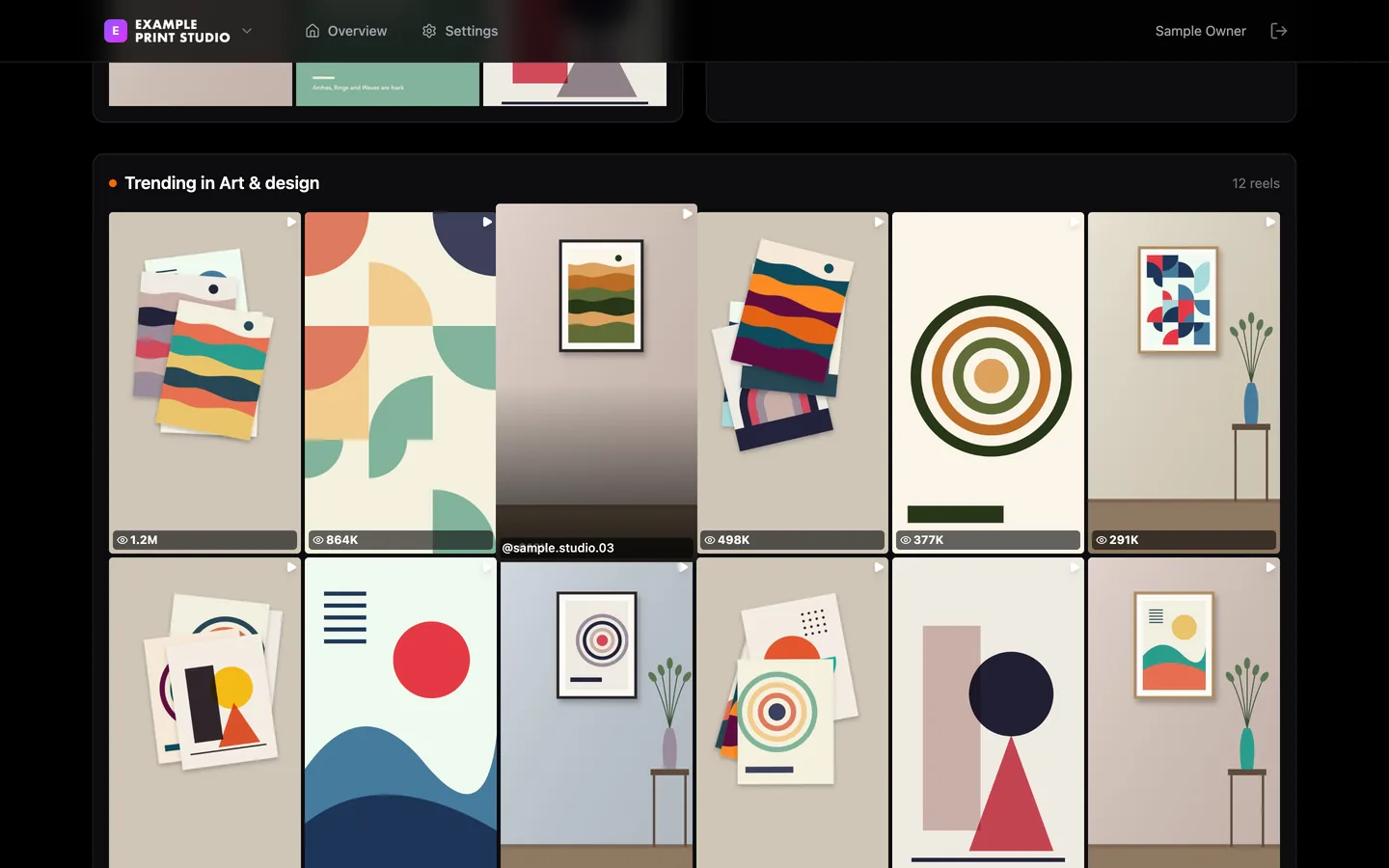
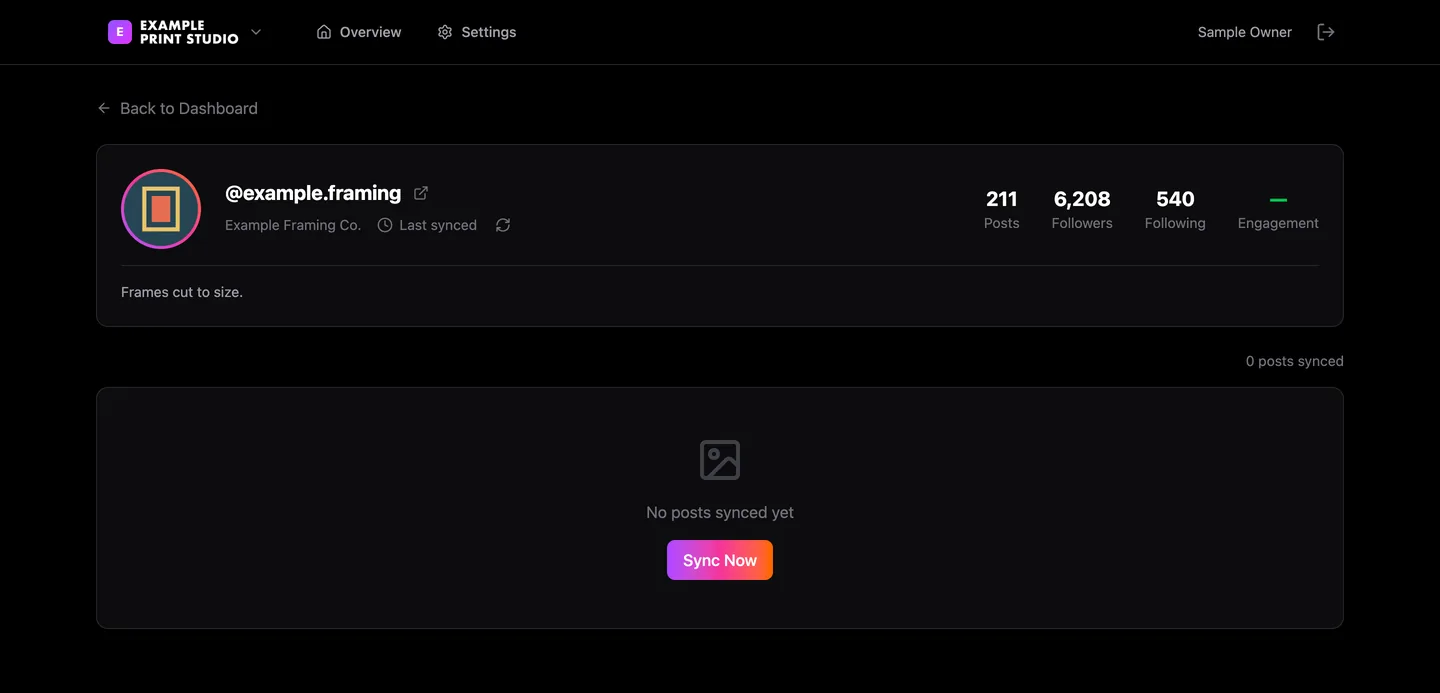
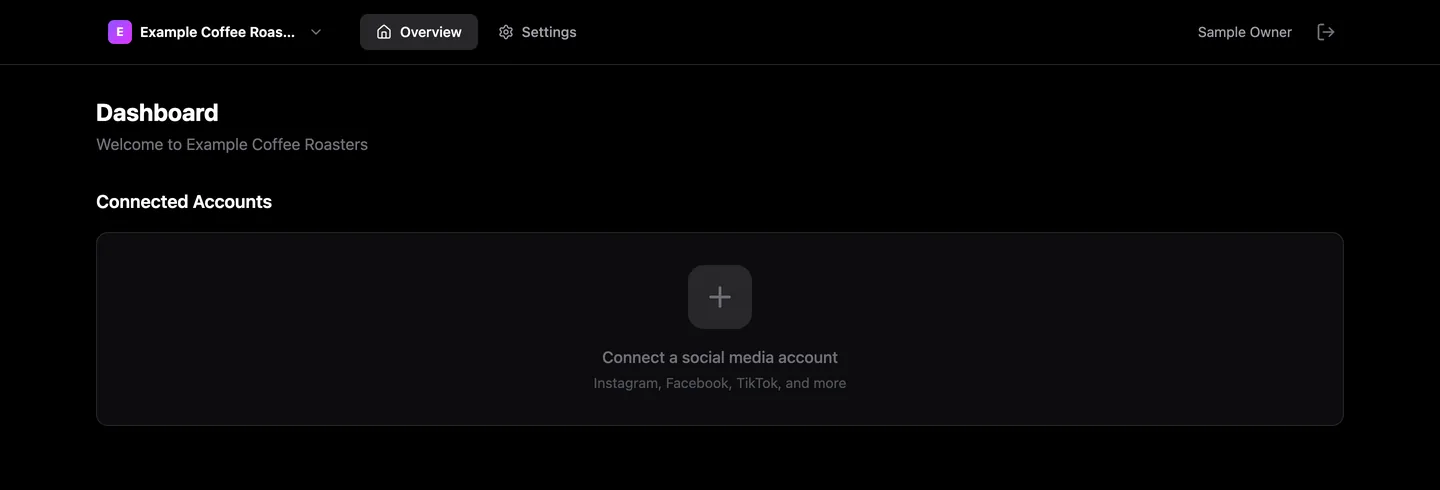
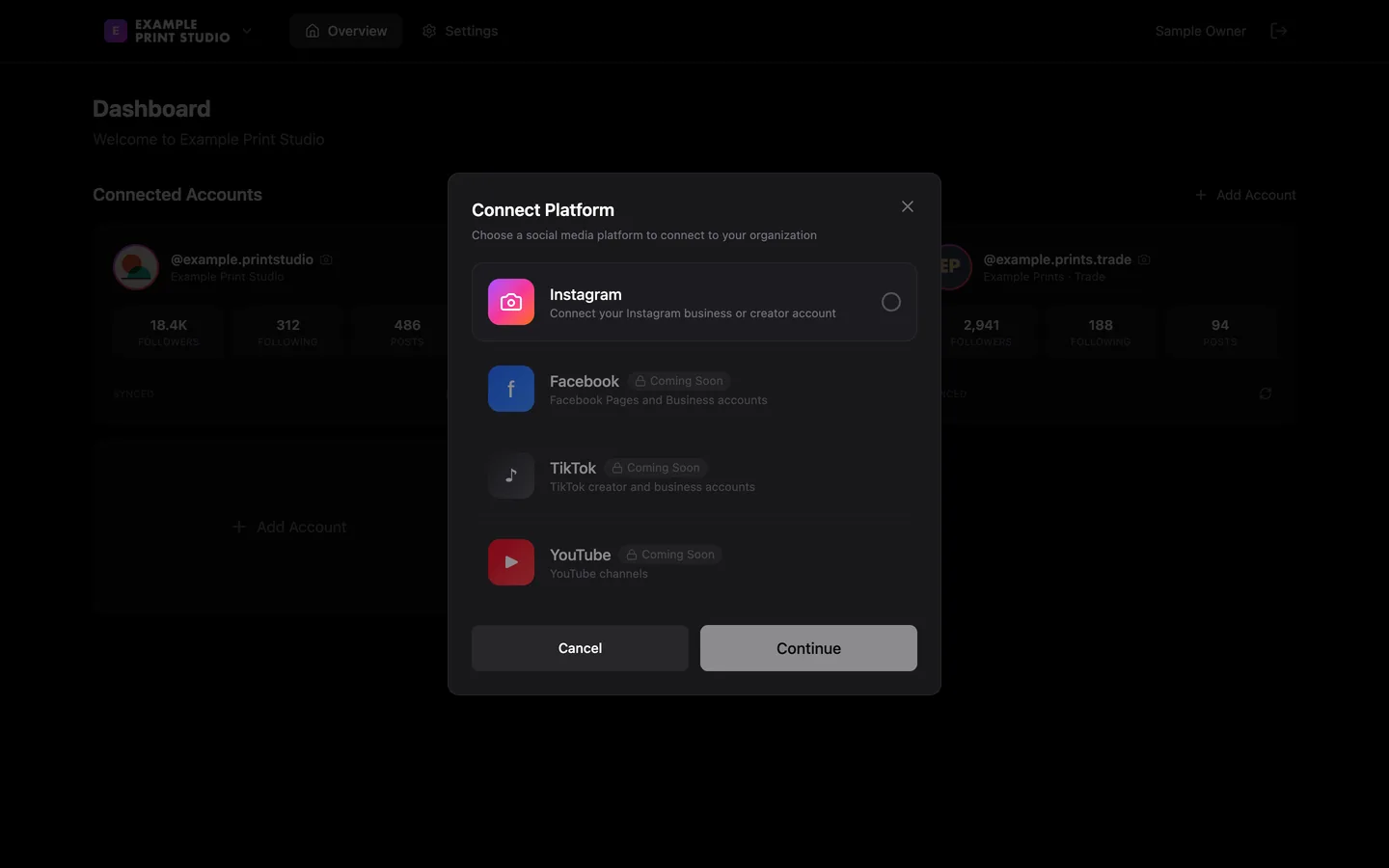
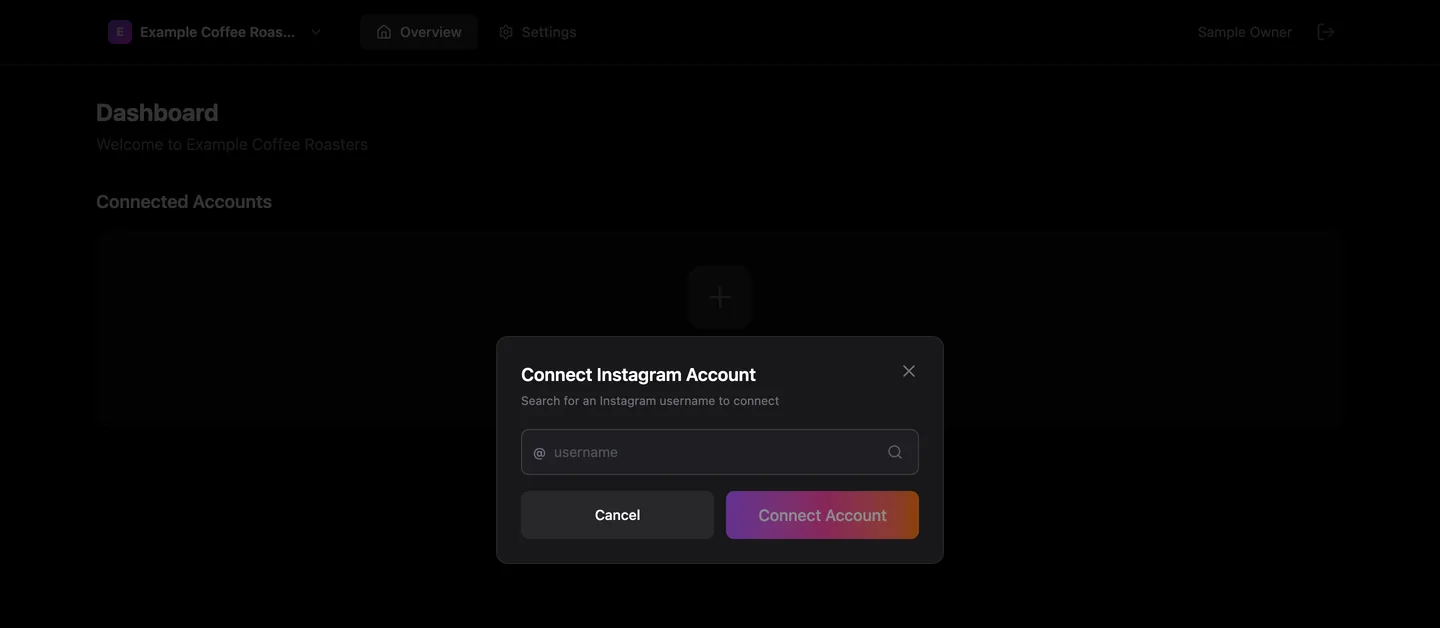
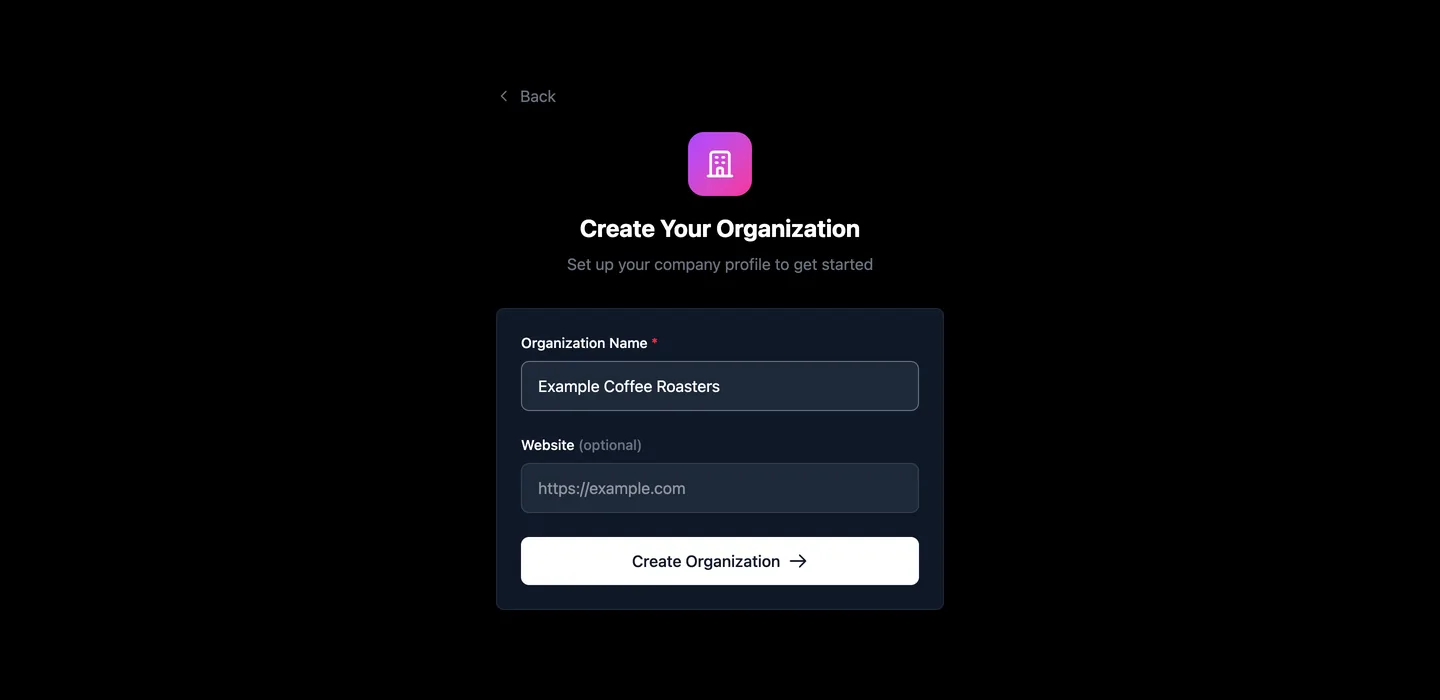
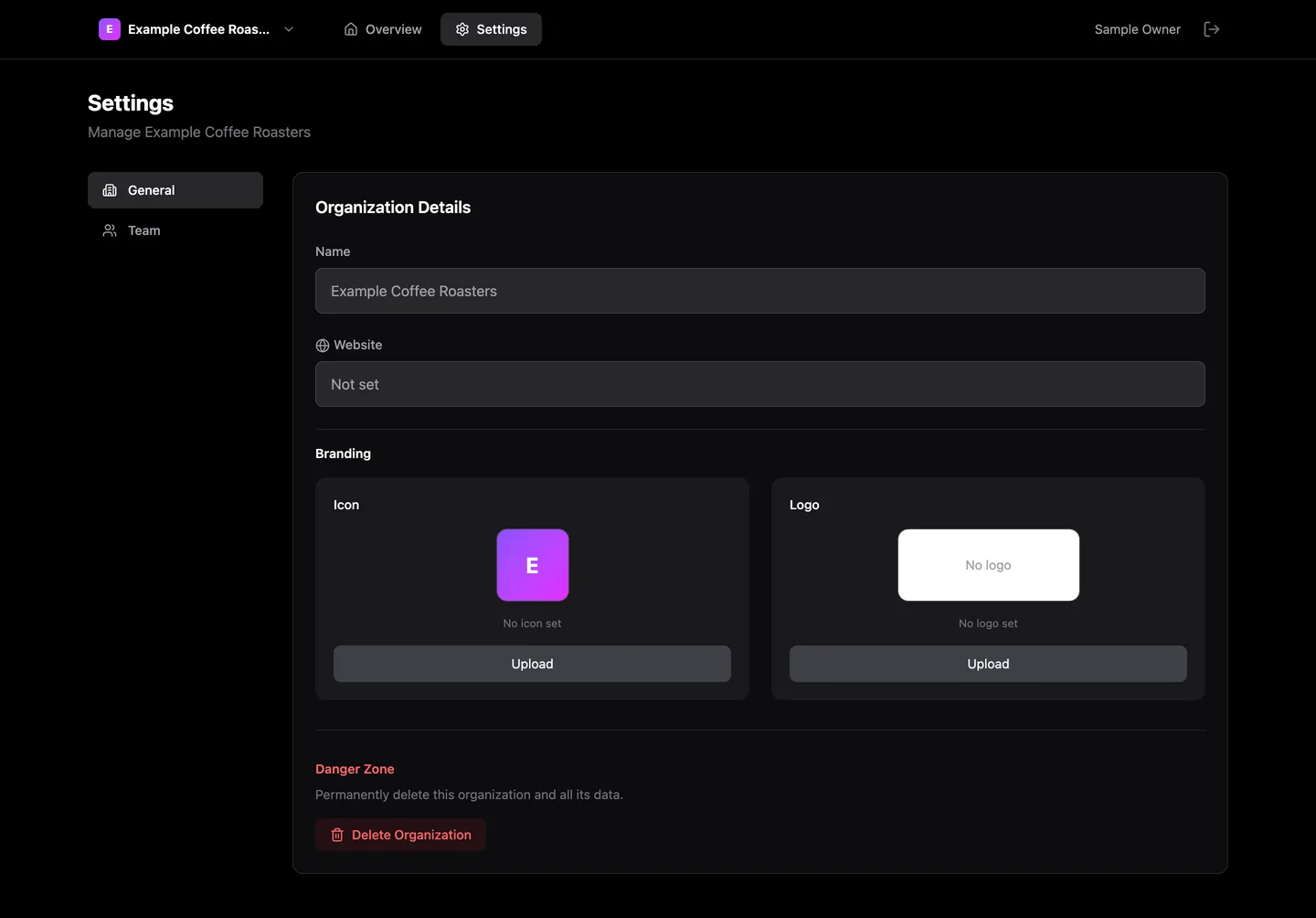
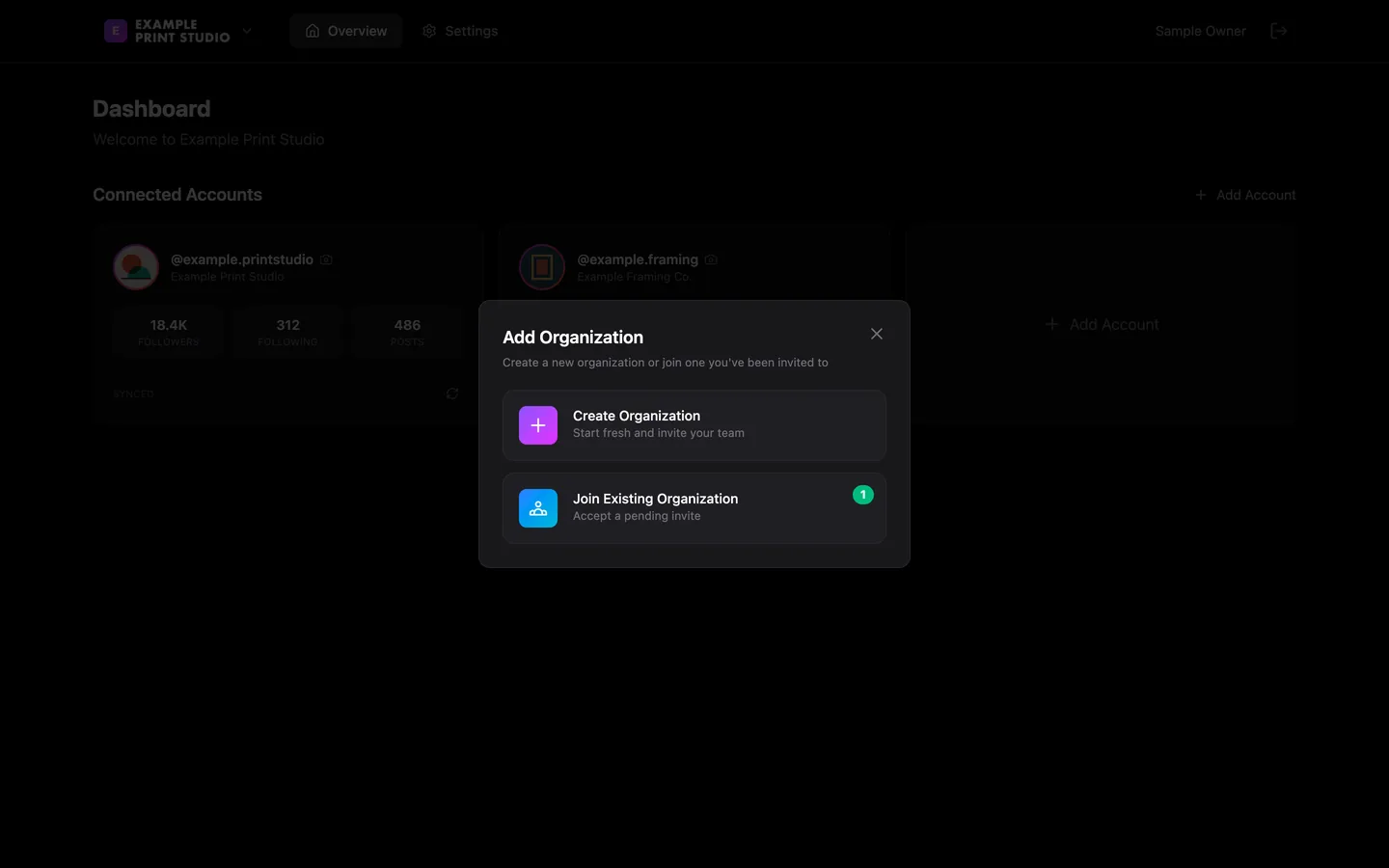
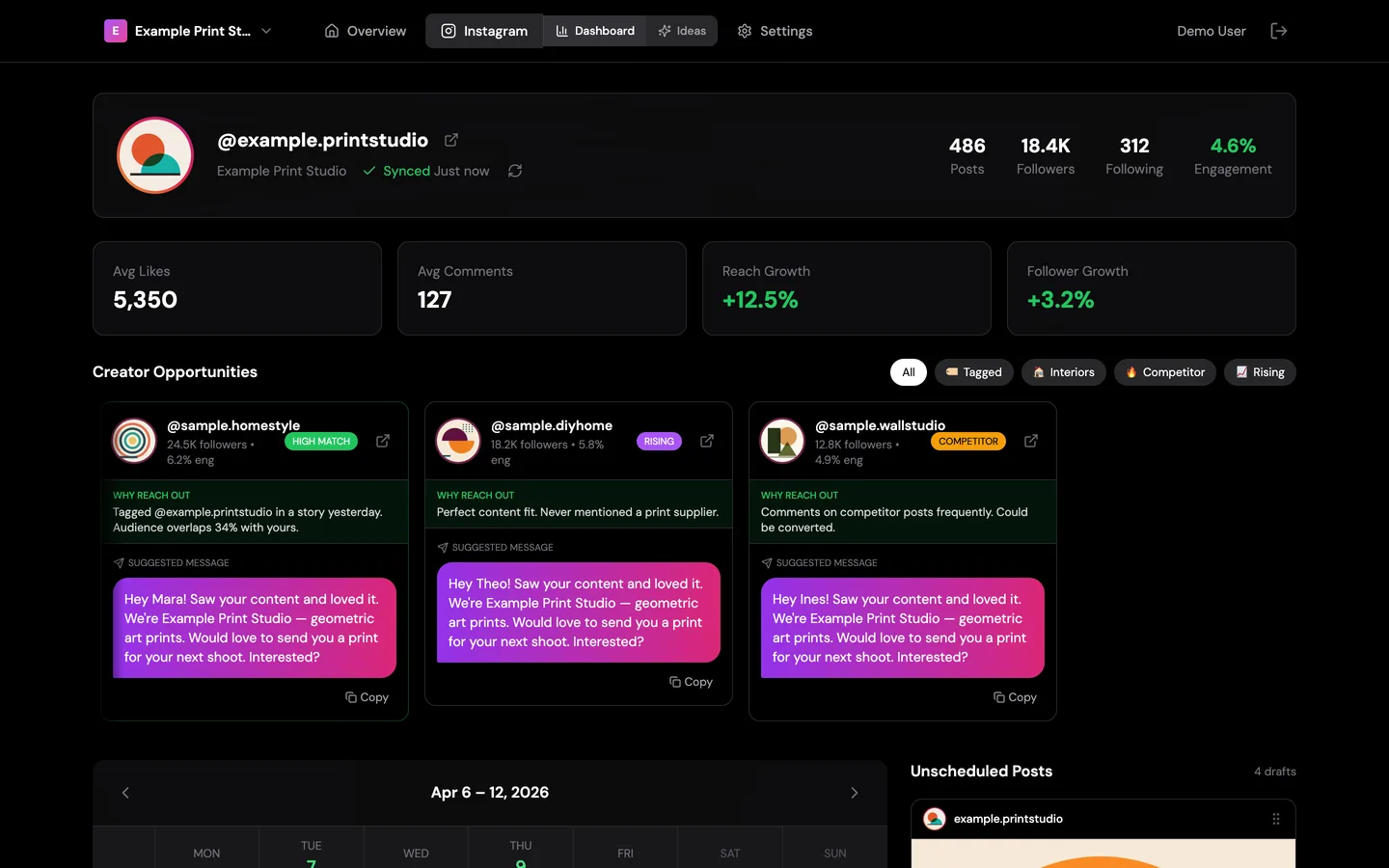
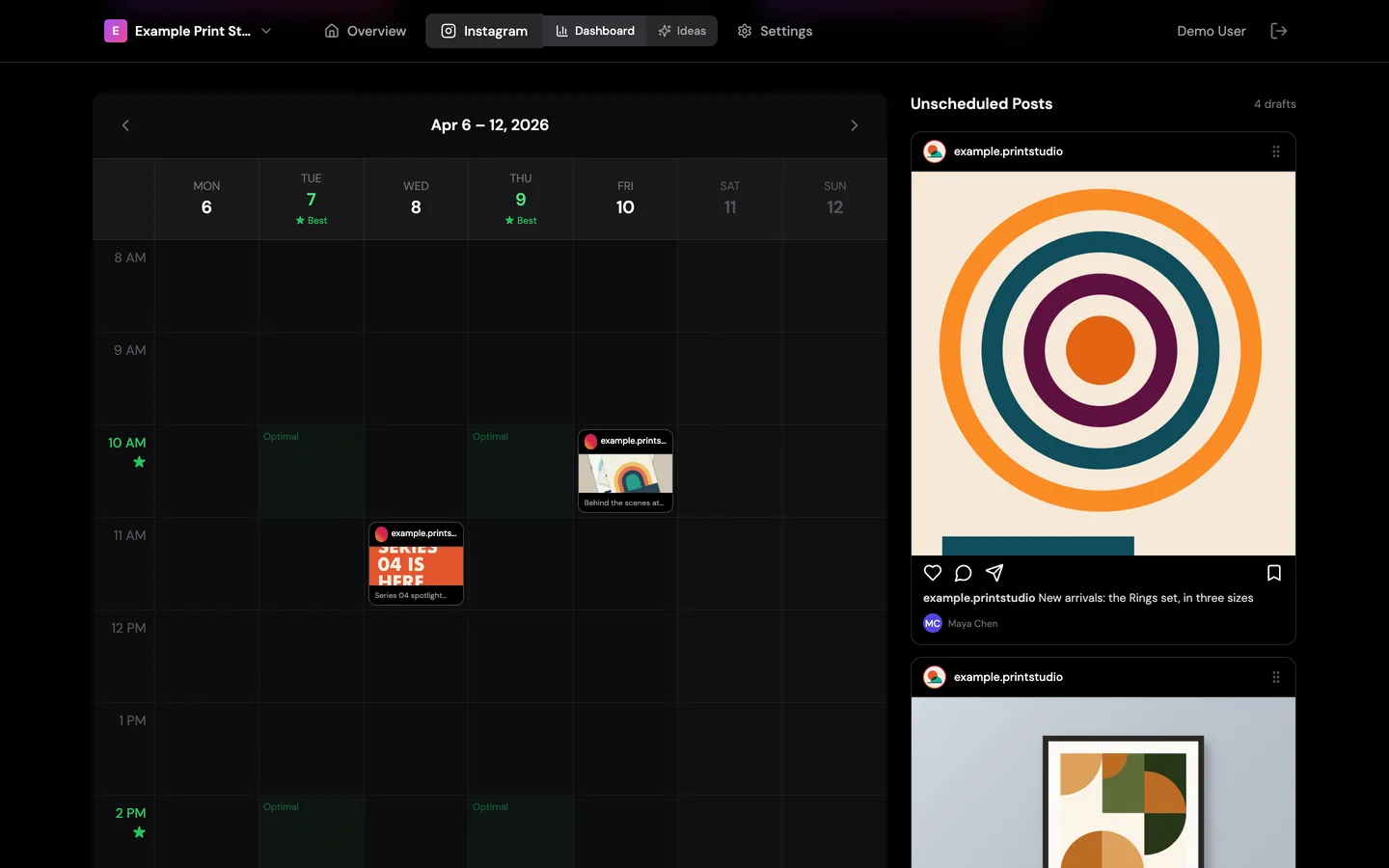
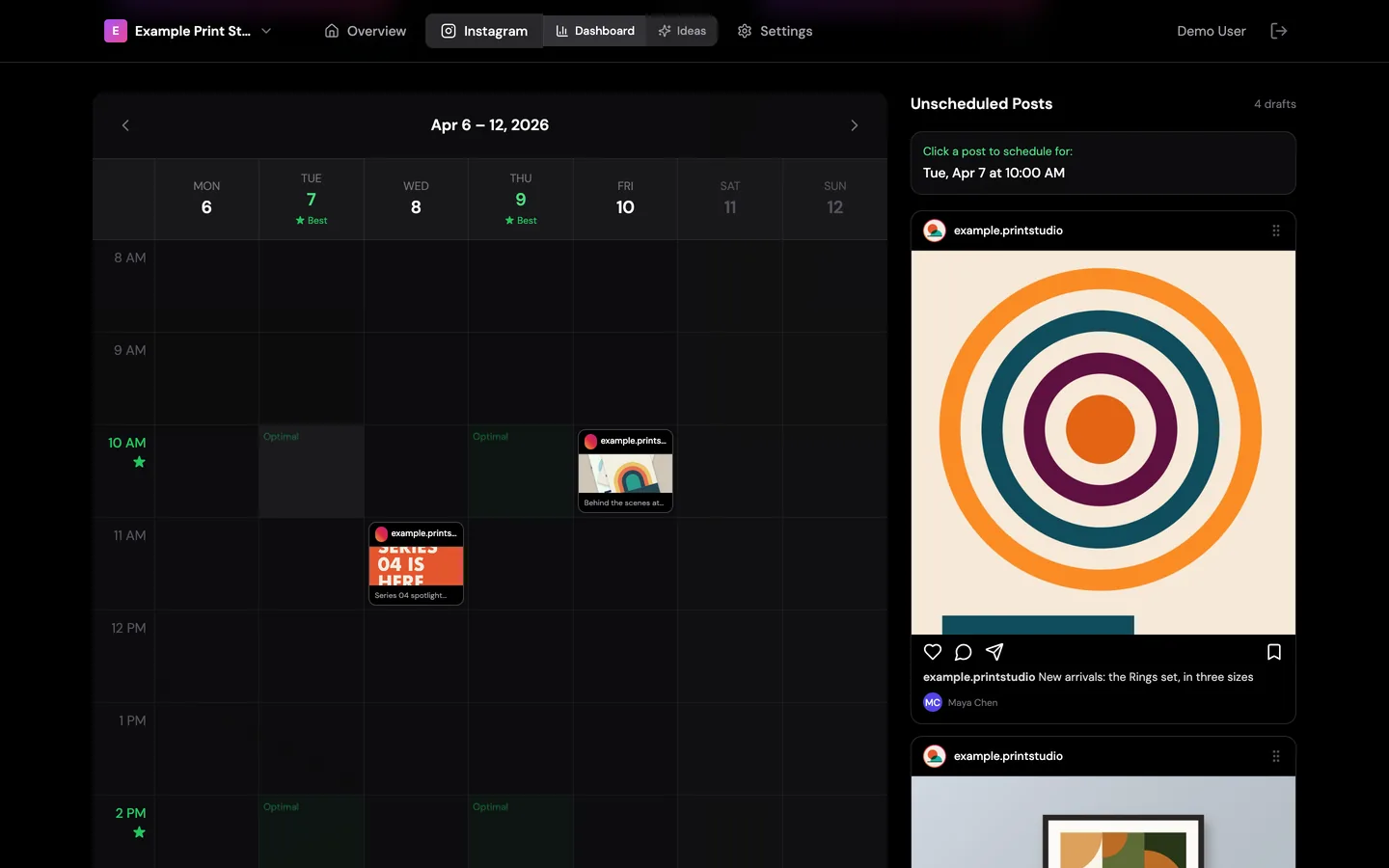
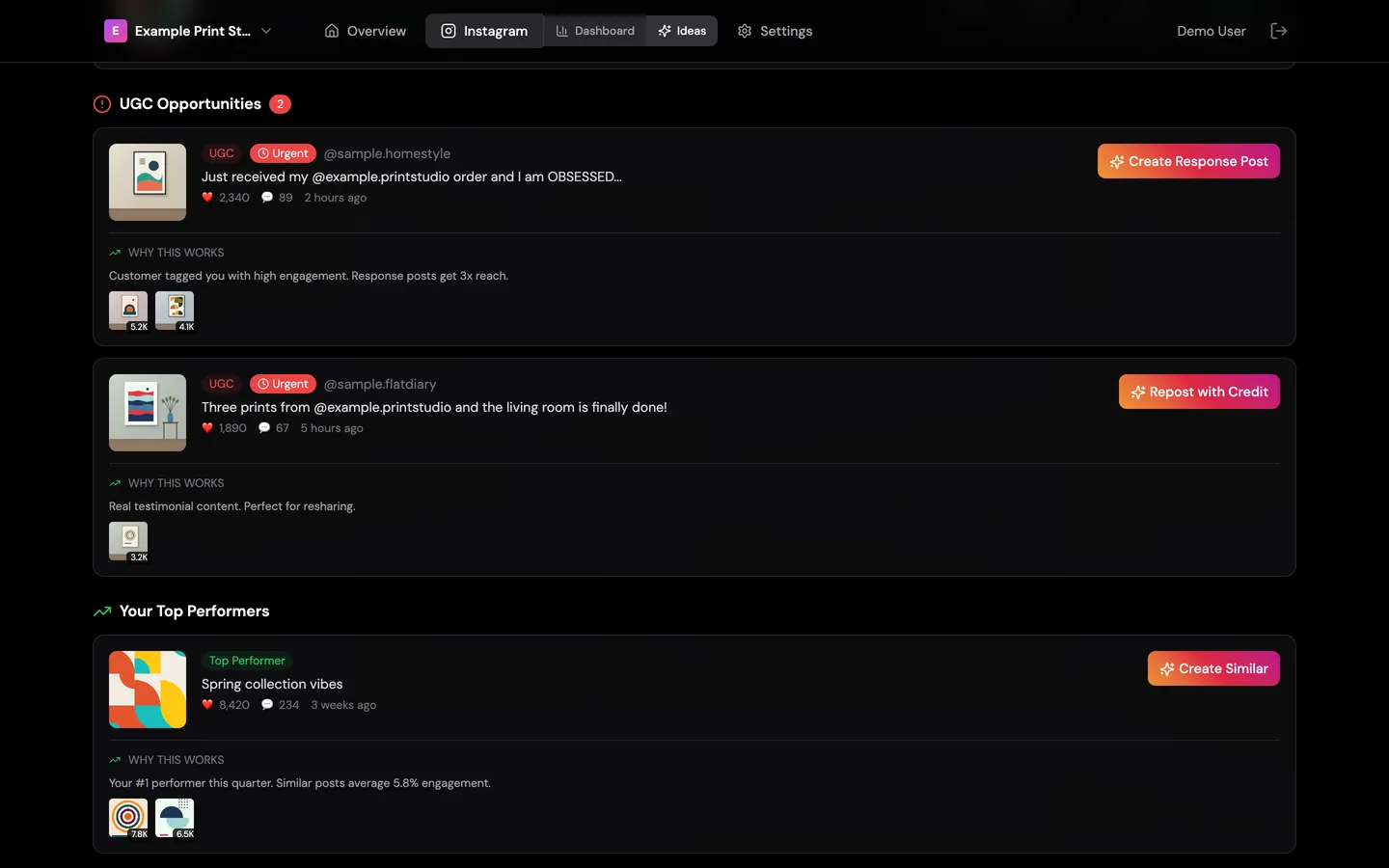
The media libraryOne connected account: its profile, engagement totals, its own posts and a second grid set aside for posts it is tagged in. Local run, sample data.A carousel postOpening a post steps through each slide of a carousel, with its like and comment counts and caption, beside the grid. Local run, sample data.A reelA reel shows its still picture, views, likes and audio name. The video itself is not captured yet. Local run, sample data.Trending reelsA row of popular reels in the account’s field, most viewed first; hovering shows whose reel it is. A first version exists in the code and is not dependable yet. Local run, sample data.Before the first importAn account with nothing imported shows its profile and one action. The import was not run here, because it calls the live service. Local run, sample data.Accounts and organisationsOne sign-in, several organisations, each with its own connected accounts. Local run, sample data.A new organisationA new organisation starts with no accounts and one prompt: connect one. Local run, sample data.Choose a platformInstagram is the only platform switched on; the others are marked as coming. Local run, sample data.Connect an accountAn account is added by its public username. The lookup was not run in this local copy, because it calls the live service. Local run, sample data.Sign-inGoogle sign-in is the only way in. Local run, sample data.First runA new person either creates an organisation or joins one they were invited to; the badge counts waiting invitations. Local run, sample data.A waiting invitationInvitations are listed inside the app with the role offered; no email is sent. Local run, sample data.Create an organisationA name and an optional website are all it asks for. Local run, sample data.Organisation settingsDetails and branding for an organisation. In this build the name and website cannot be edited here, and the upload and delete buttons are not connected yet. Local run, sample data.Team and rolesThe owner, and invitations waiting for an admin and a member. Local run, sample data.Invite a teammateAn invitation carries a role, member or admin, and appears for that person the next time they sign in. Local run, sample data.Add another organisationFrom the switcher, the same person can create or join a second organisation. Local run, sample data.
Build two · April 2026
The planning dashboard: outreach, a week planner and post ideas.
A clickable design · stopped before its foundations were dependable
A larger second attempt, designed screen by screen before sign-in had passed a real test. The screens run in its own demo mode, and every number and message on them is placeholder content.
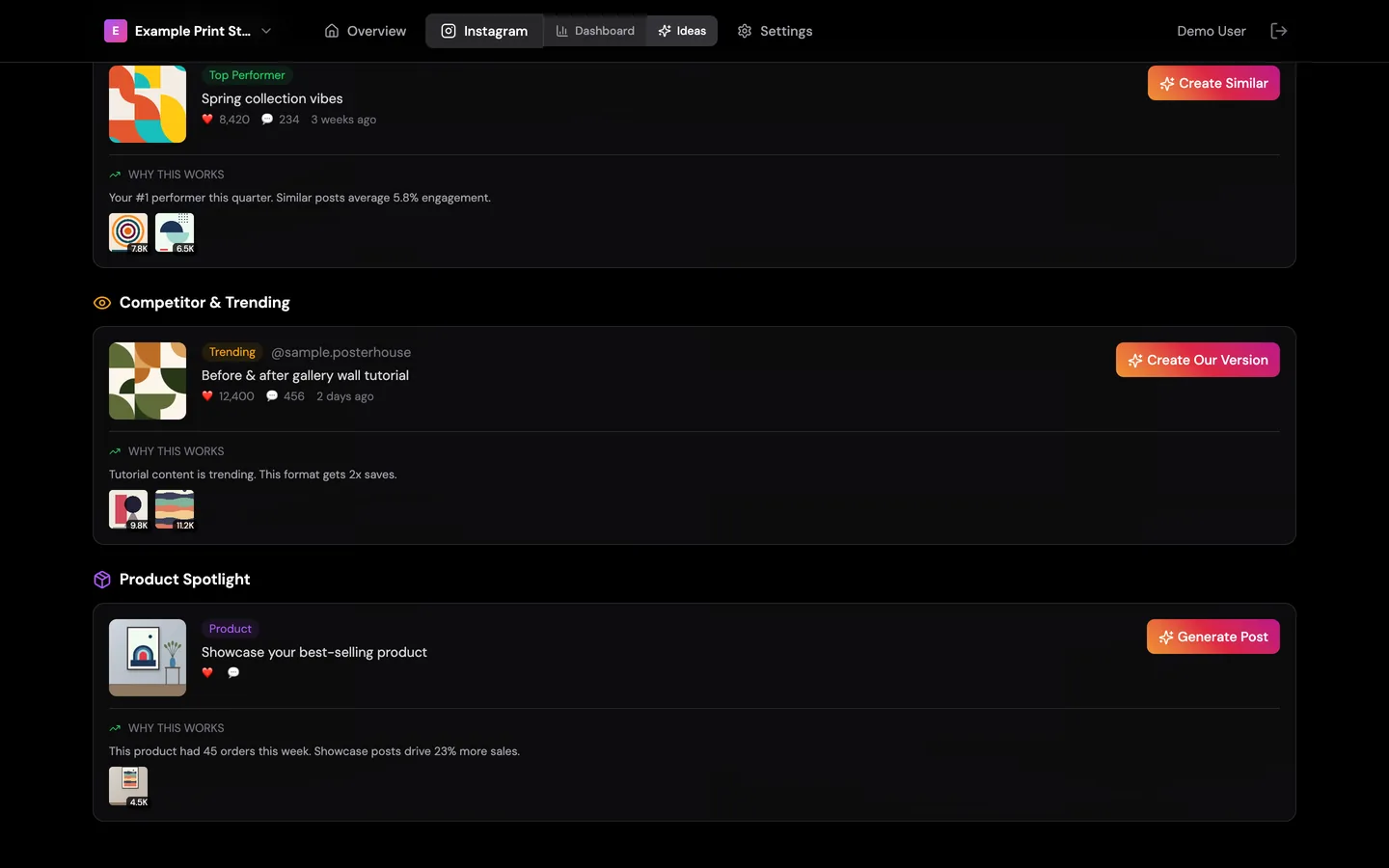
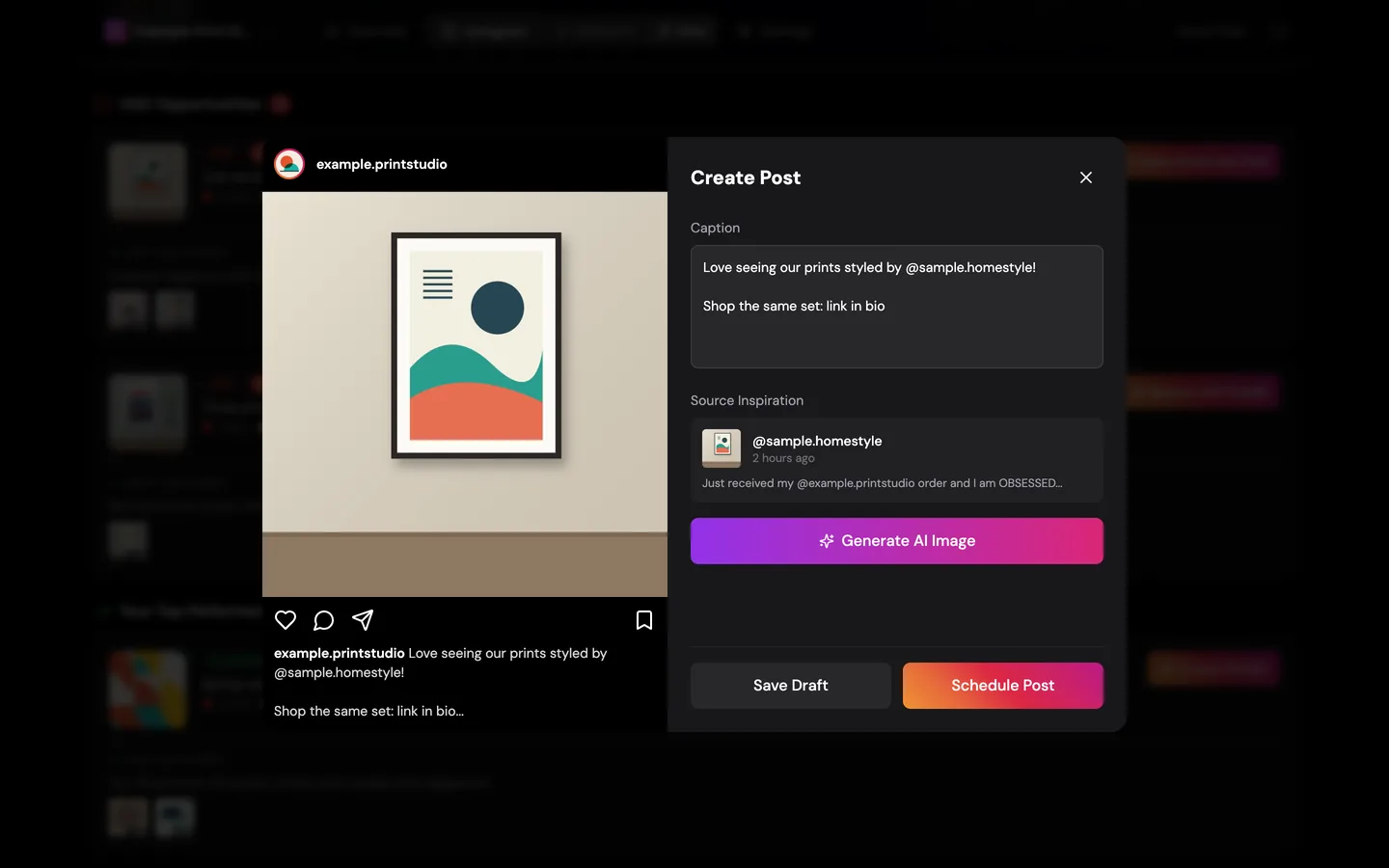
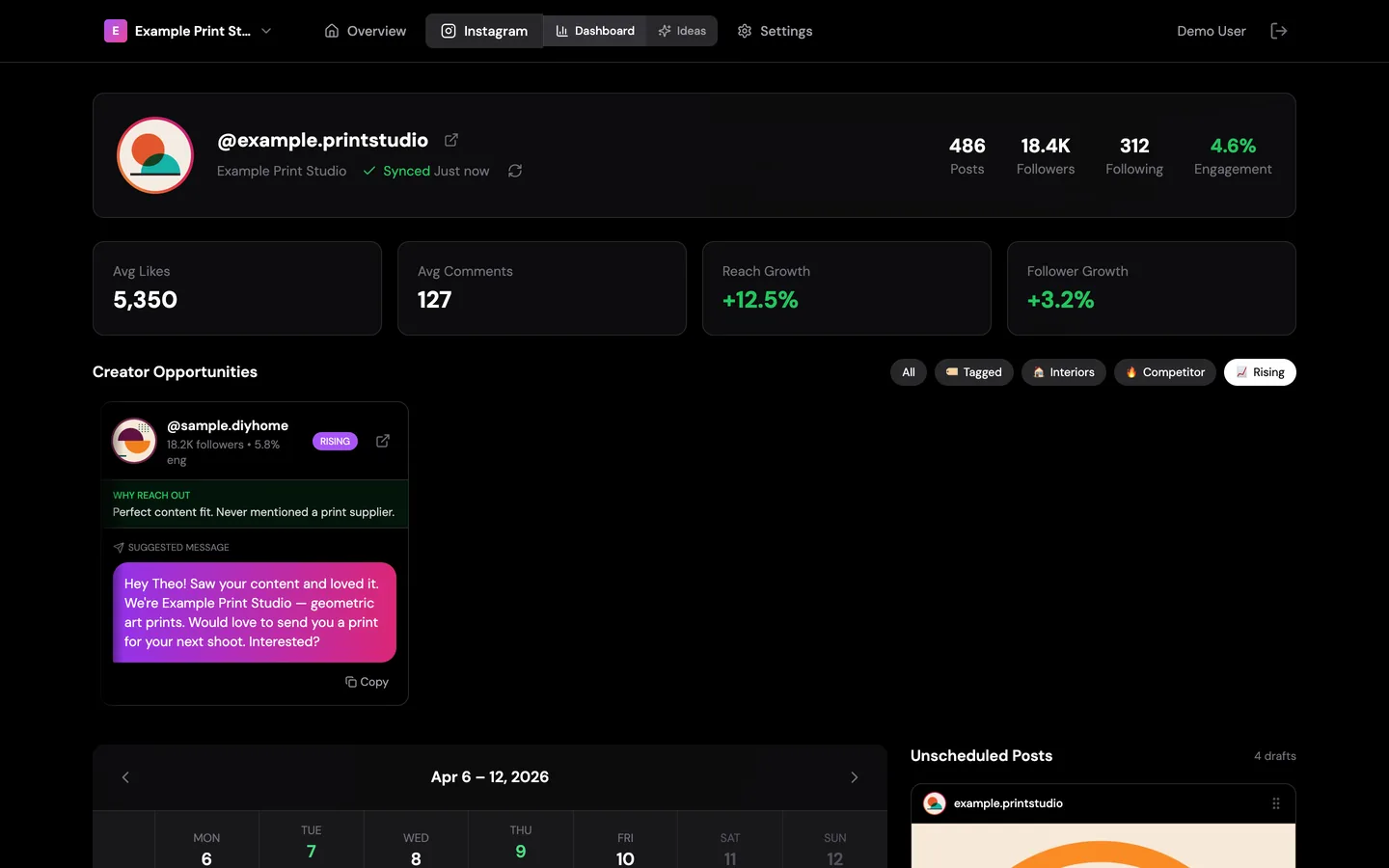
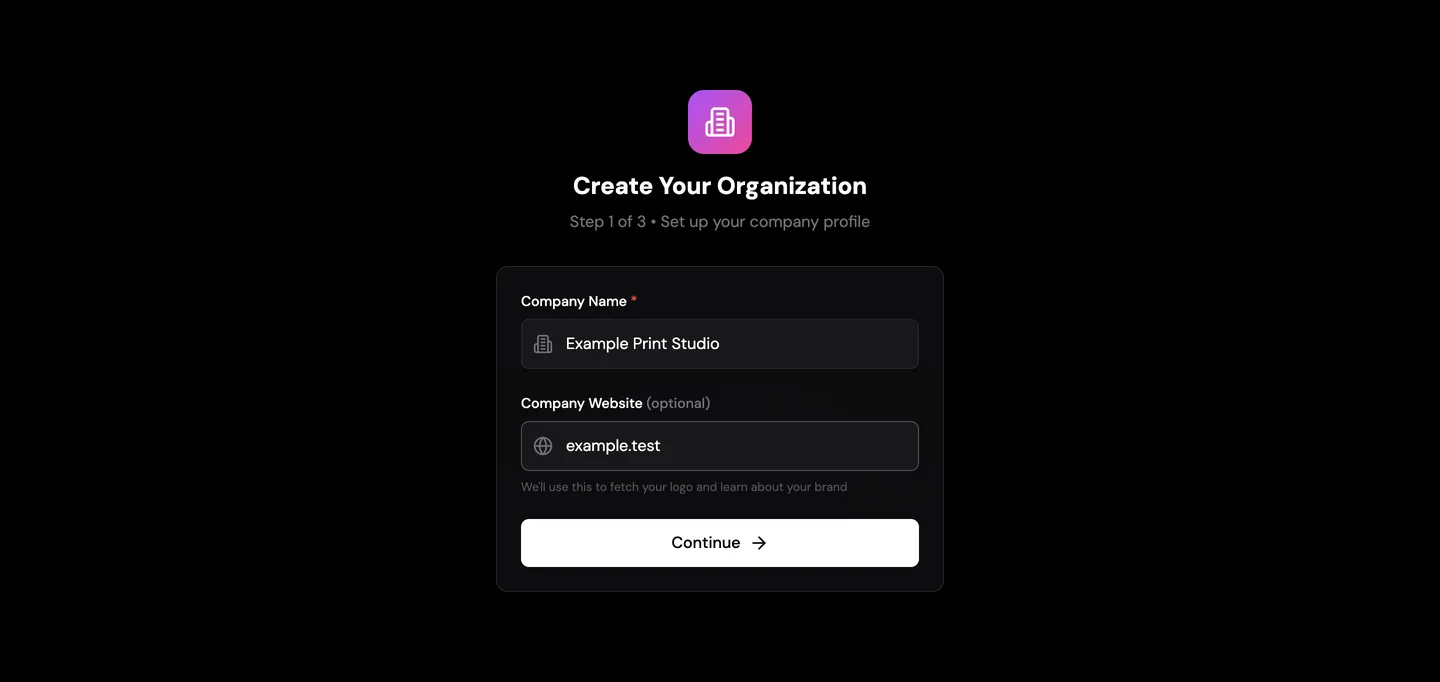
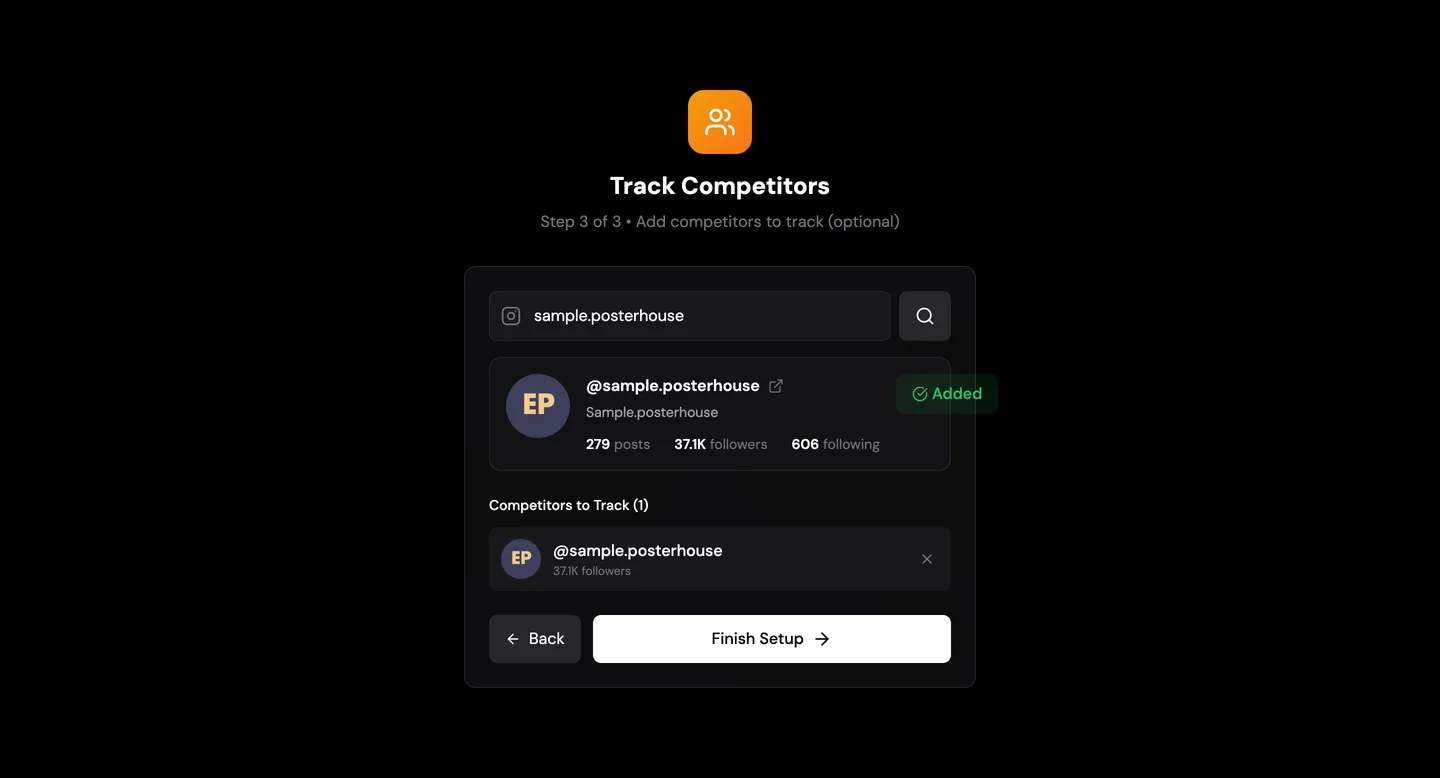
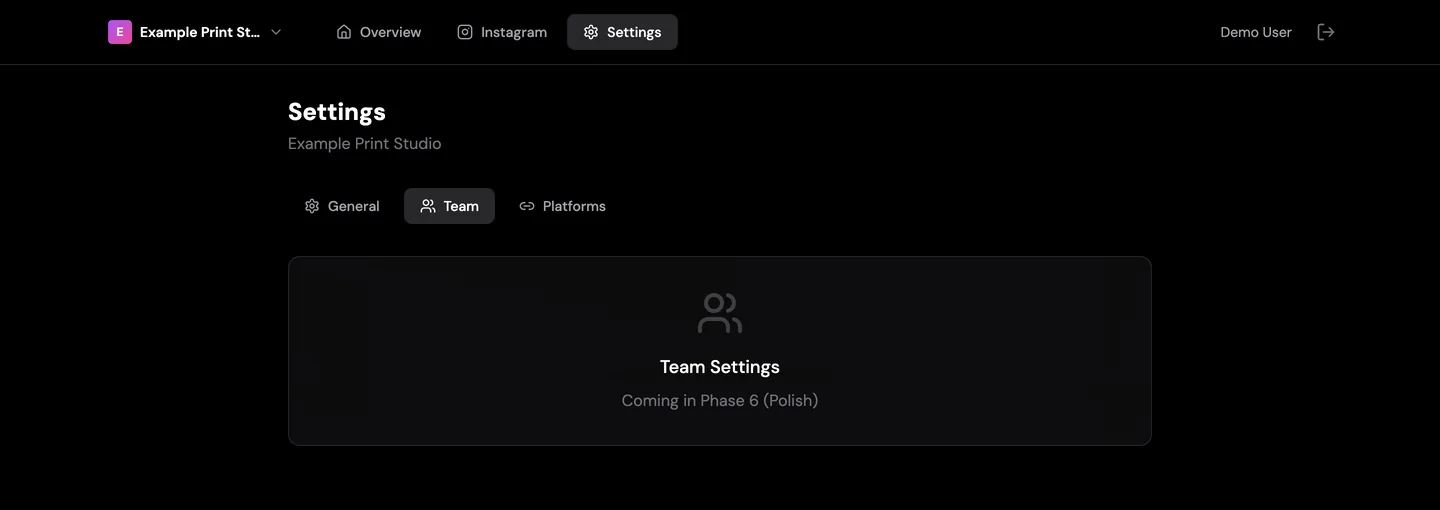
Creator outreachCreators worth contacting, each with the reason and a suggested first message. Demo mode, placeholder content.Week plannerThe week with its best days and hours marked, beside draft posts and who owns each. Demo mode, placeholder content.Picking a slotChoosing an hour arms the drafts on the right to be dropped into it. Demo mode, placeholder content.Post ideasIdeas grouped by where they come from, each with the reason it should work and the posts behind that reason. Demo mode, placeholder content.More idea typesA competitor trend and a product spotlight, in the same reason-and-evidence layout. Demo mode, placeholder content.Post editorAn idea opened as a post: preview, caption and the post that inspired it. The picture button only shows a spinner in this build. Demo mode, placeholder content.Filtering creatorsThe same list narrowed to rising accounts. Demo mode, placeholder content.Set-up, step 1Name the organisation. Demo mode, placeholder content.Set-up, step 2Add the brand’s own Instagram account. The lookup in this build is simulated and its numbers are random. Demo mode, placeholder content.Set-up, step 3Add competitors to watch. Demo mode, placeholder content.SettingsSettings was a placeholder; the build stopped before it was written. Demo mode, placeholder content.Sign-inThe second build kept the first one’s name. Demo mode, placeholder content.
Build one · March 2026
The Social Command Center: a read-out, ideas and a draft.
A working drafting sandbox · it drafts, a person copies and posts
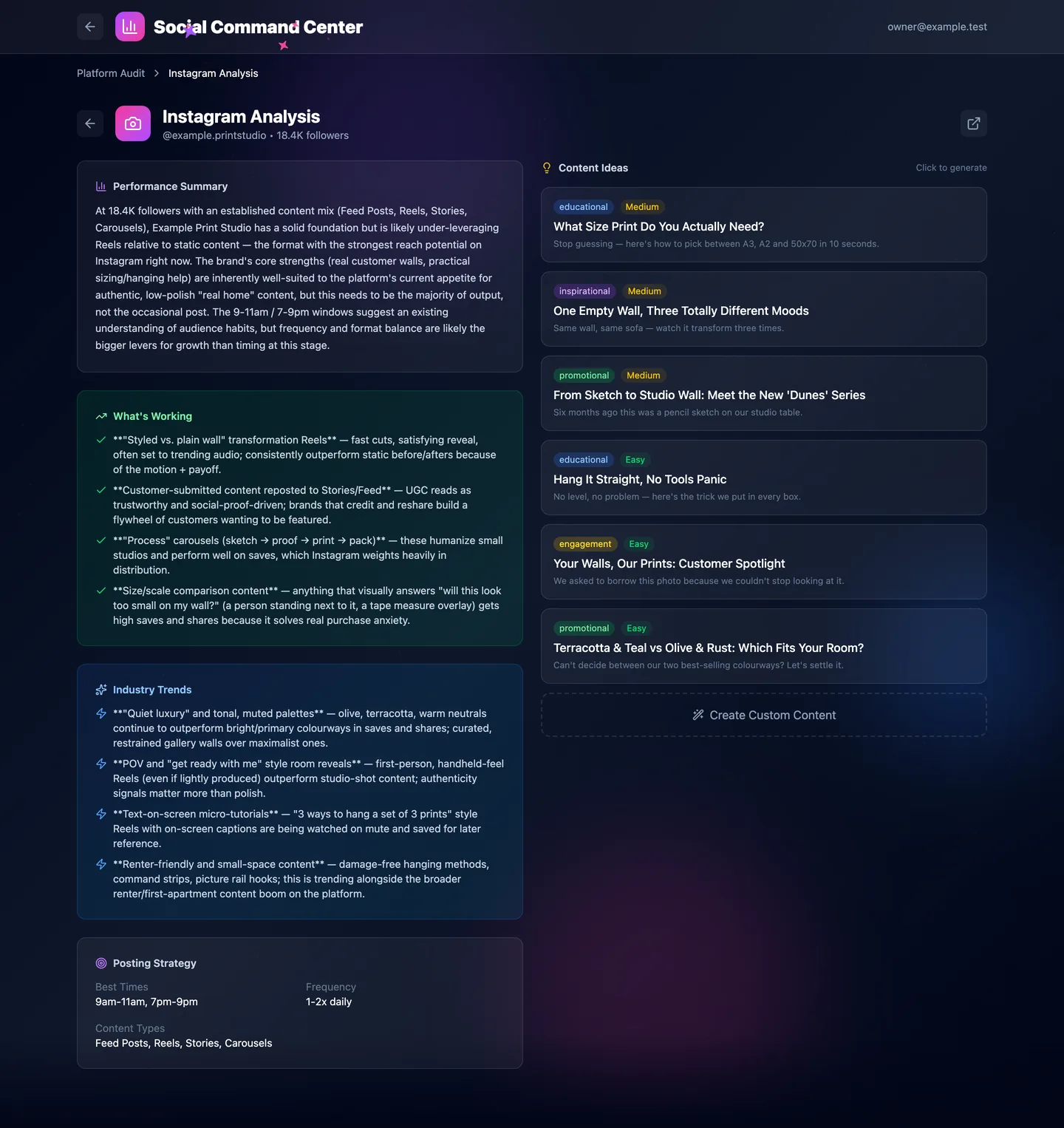
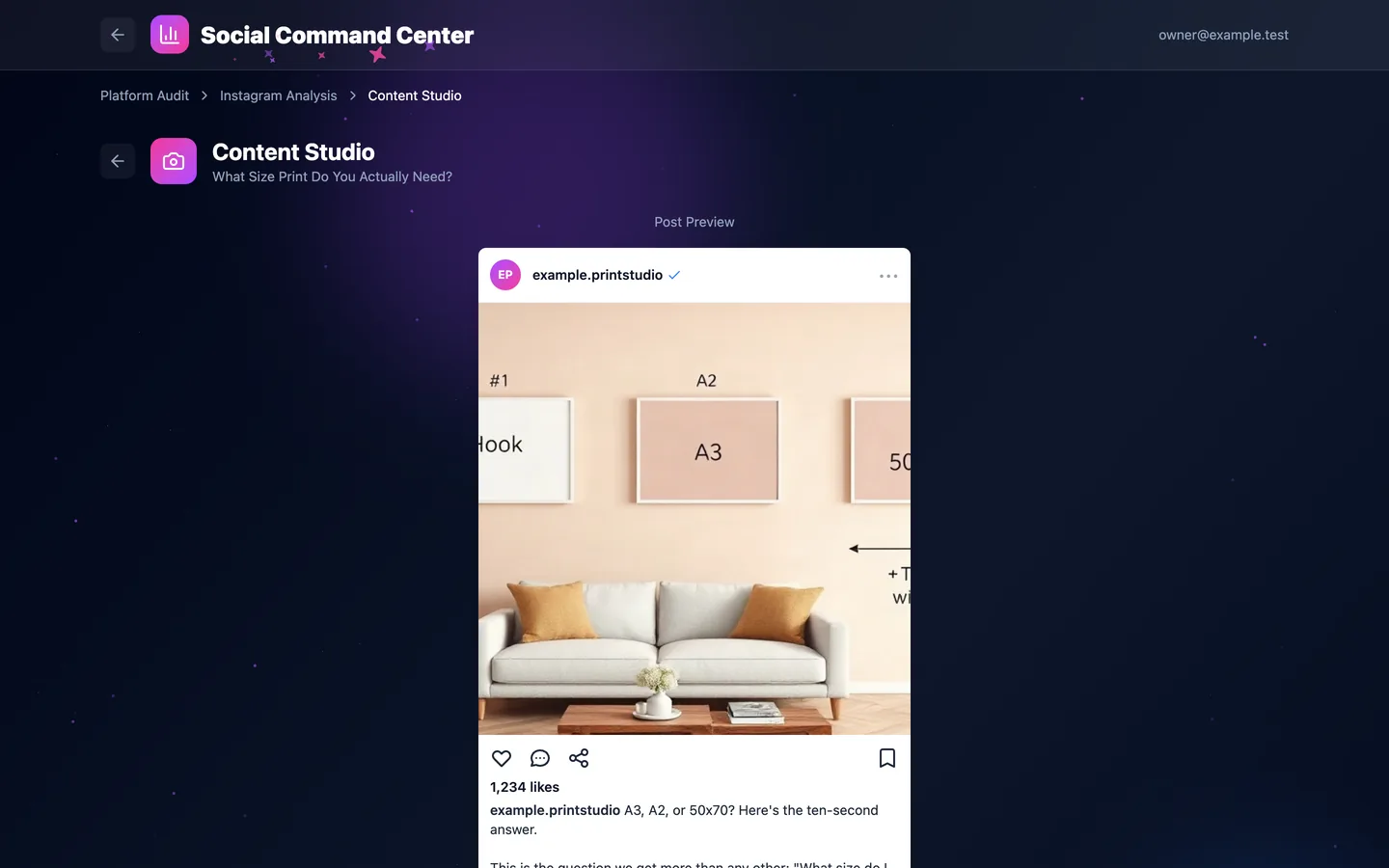
The first version drafts posts. Choose a platform, read an AI strategy summary and six post ideas, pick one, and get a draft that is written, checked for machine-sounding habits and rewritten, then shown as it would look on that platform. It reads no account numbers and posts nothing. These screens are the tool running on my own machine on 1 October 2026, pointed at an invented brand, so the read-out, the ideas and the draft are its real output for that brand.
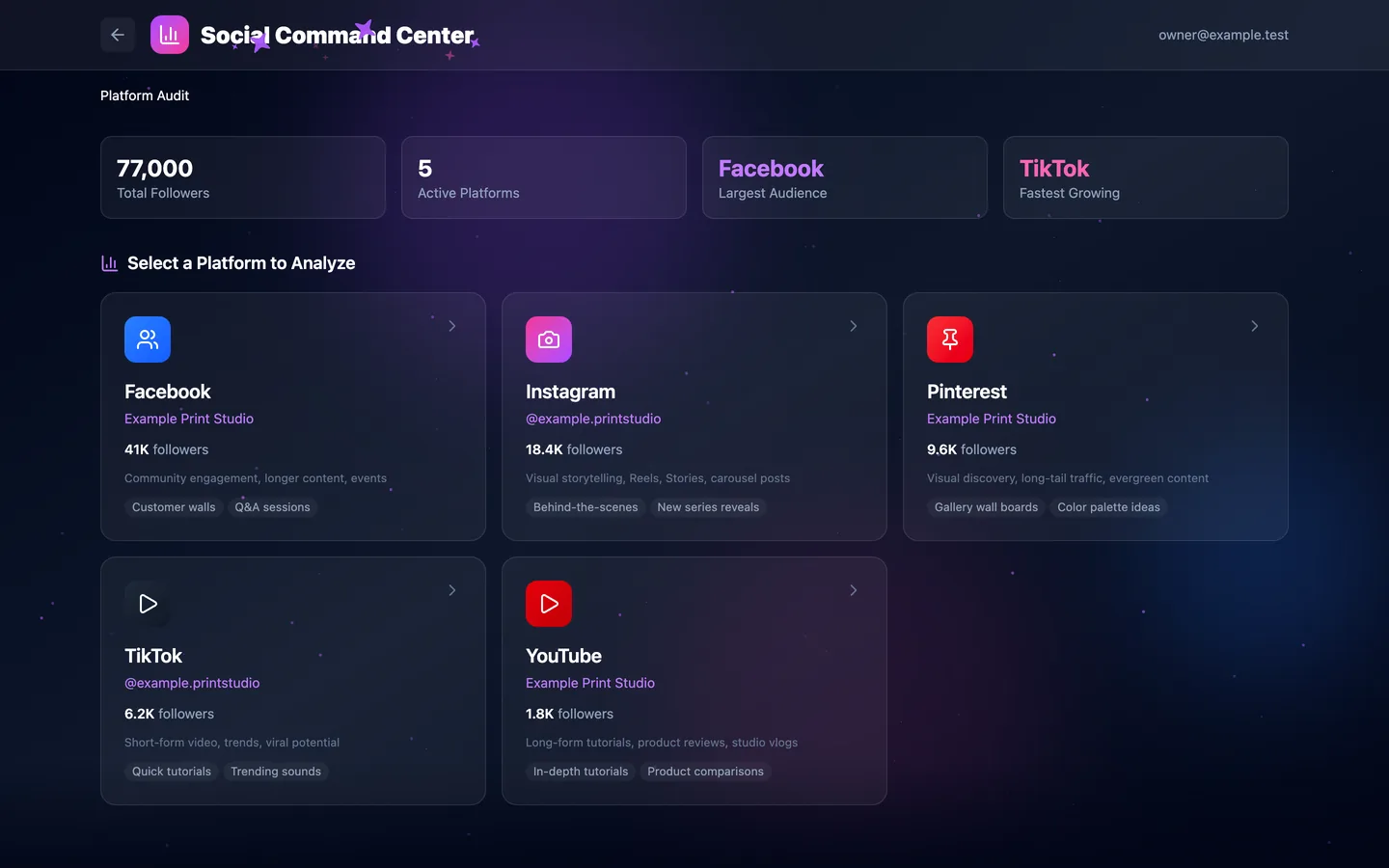
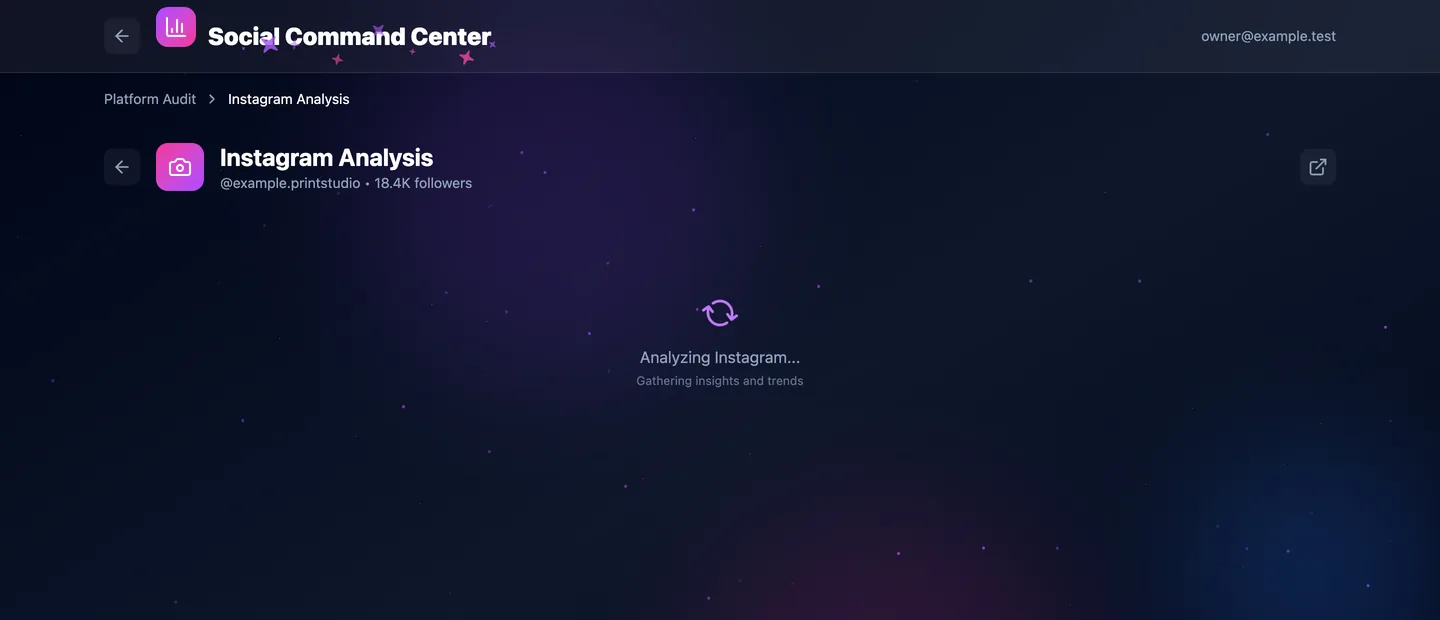
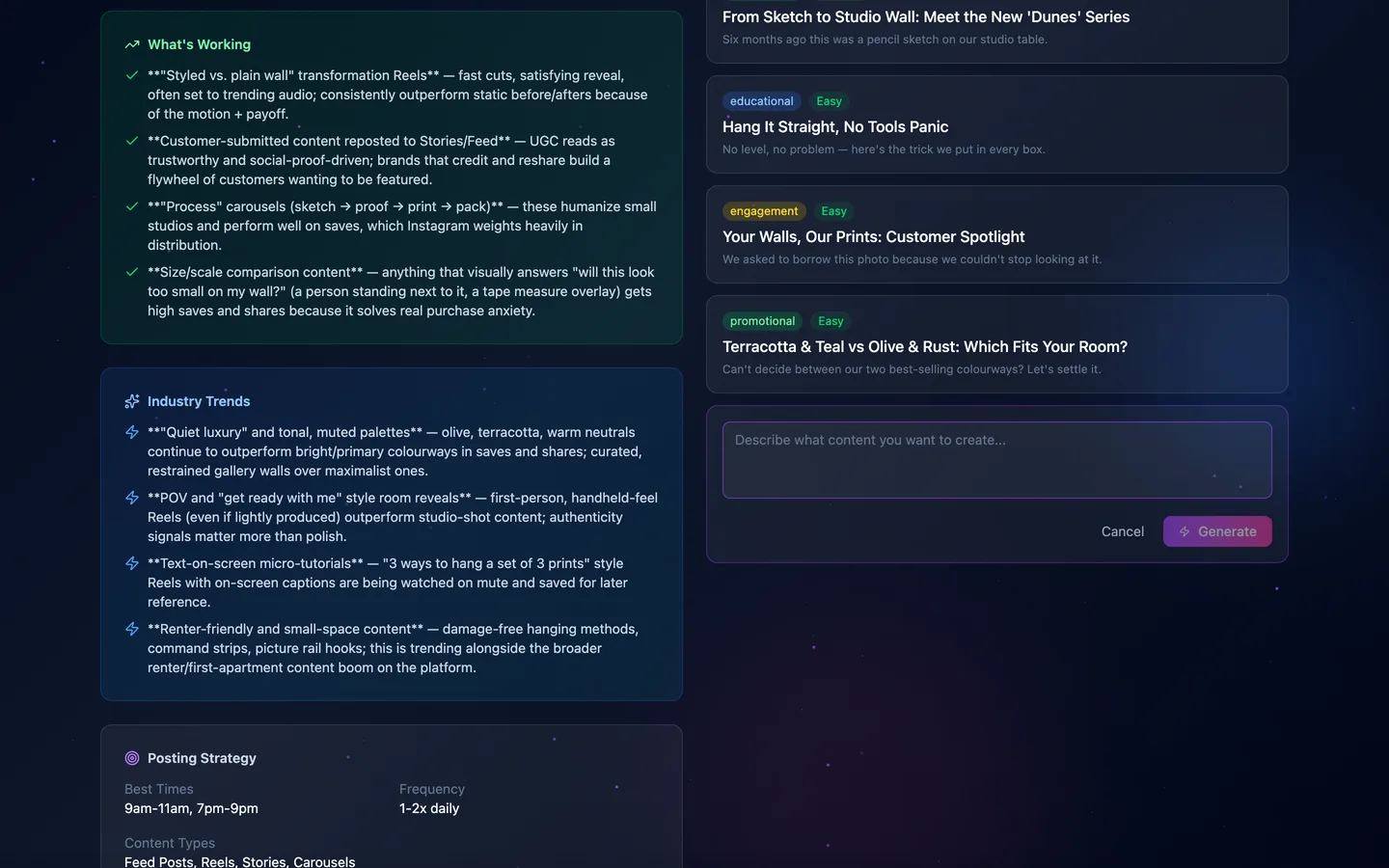
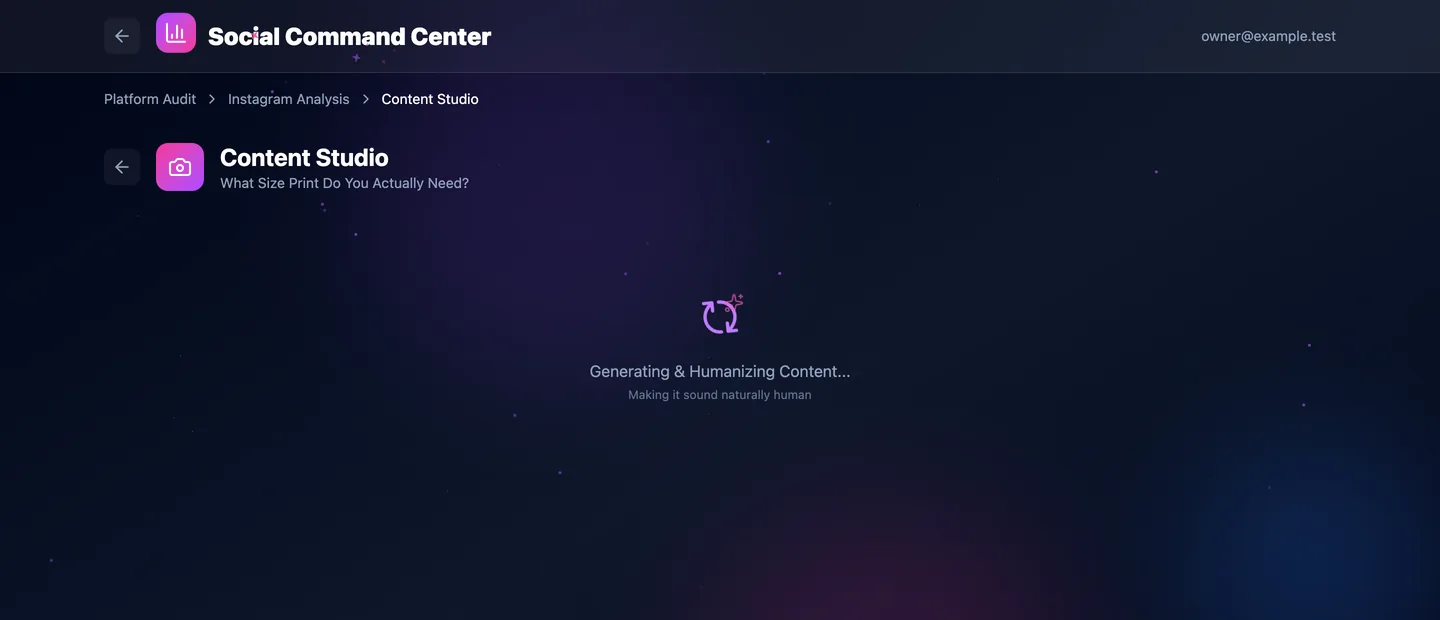
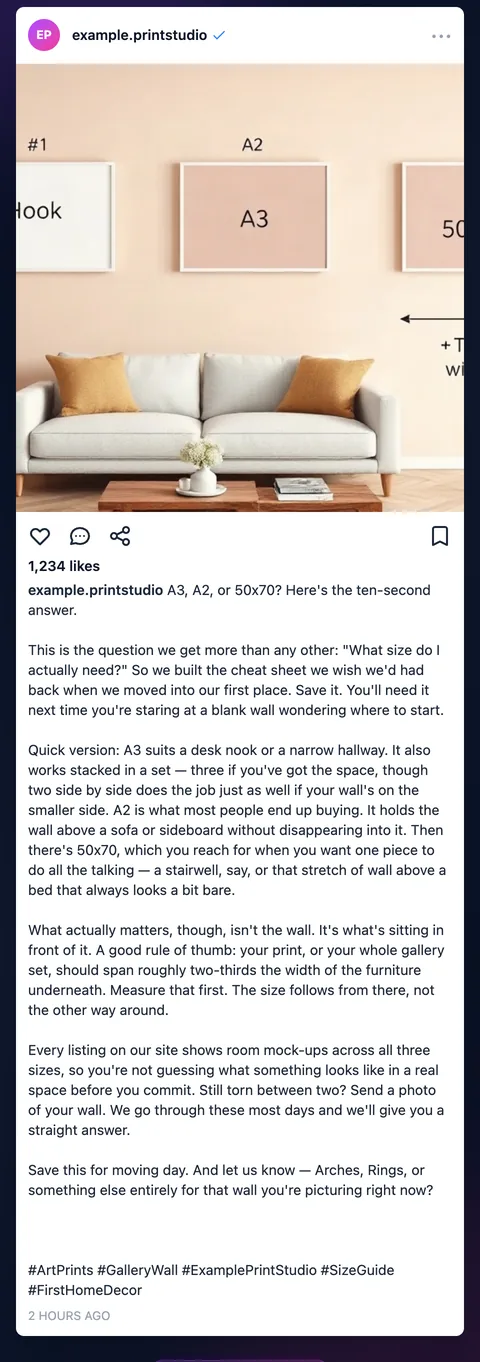
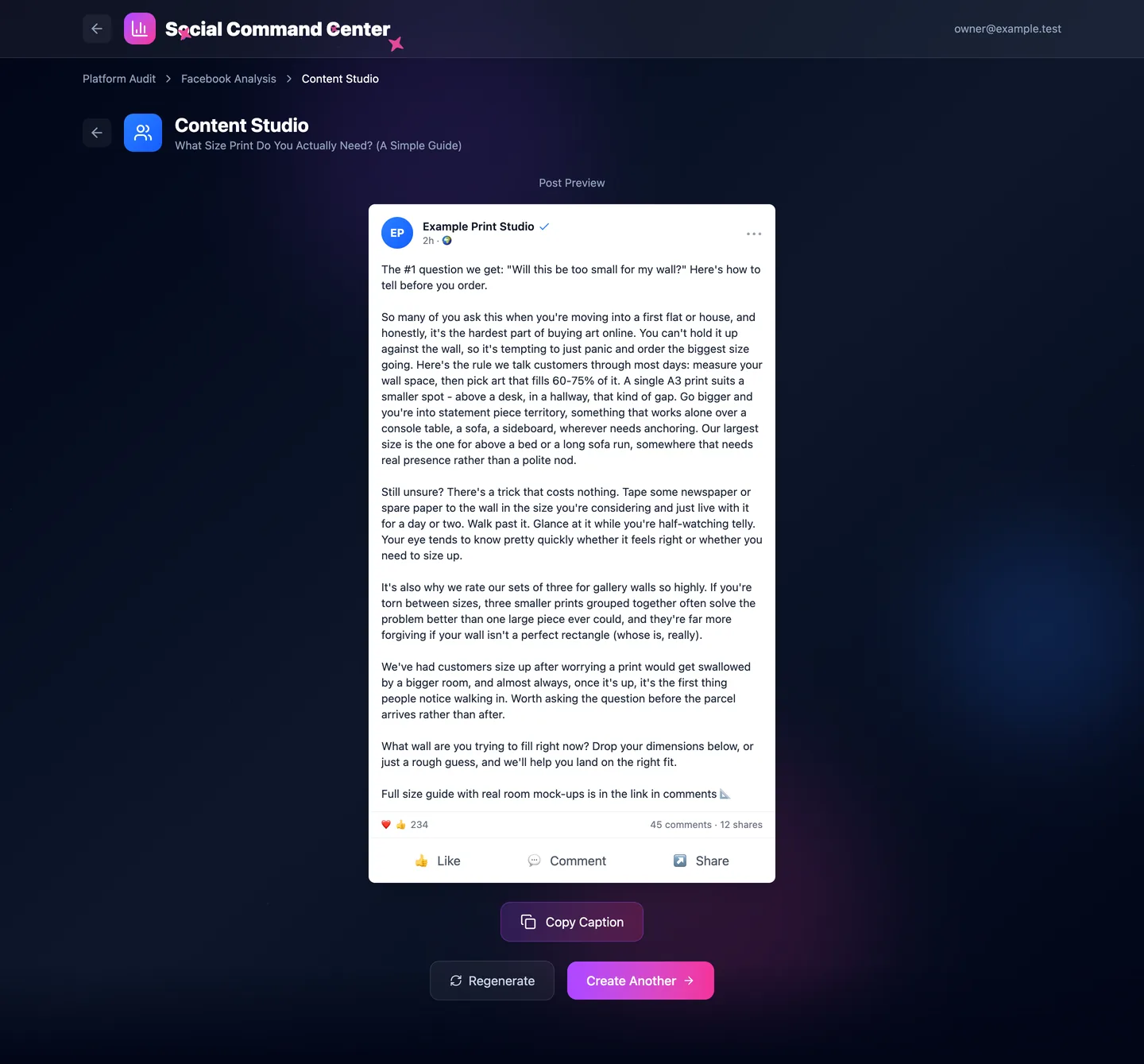
Choose a platformFive platforms for one brand. The follower figures are typed into the tool, not read from the accounts. Local run, invented brand; the text is the tool’s own output.ReadingThe wait while the read-out and the ideas are written. Local run, invented brand; the text is the tool’s own output.Your own topicInstead of a suggested idea, a topic can be typed in. Local run, invented brand; the text is the tool’s own output.The read-out and six ideasA summary, what tends to work, current trends and posting times on the left; six post ideas on the right, each tagged by type and effort. Bold markers show as raw asterisks, a flaw this build never fixed. Local run, invented brand; the text is the tool’s own output.DraftingThe draft is written, checked for machine-sounding habits and rewritten before it is shown. Local run, invented brand; the text is the tool’s own output.The draft, as an Instagram postThe finished draft in a mock-up of the platform, with a generated picture, ready to copy. Nothing is posted. Local run, invented brand; the text is the tool’s own output.The whole captionThe same draft from top to bottom: the picture, the caption and its hashtags. Local run, invented brand; the text is the tool’s own output.The same flow for FacebookEach platform gets its own format and its own mock-up. This draft came without a picture. Local run, invented brand; the text is the tool’s own output.
Where it stands
A prototype, clearly labeled.
Two parts are unfinished. Importing: capturing every slide of a carousel is not yet dependable, a reel is saved as a still picture and not its video, a sync that finishes with gaps is still marked as synced, and bringing in the posts an account is tagged in is not built, because Instagram shows them only after sign-in. And keeping each organisation’s data private to its own members is not finished. Finding what is trending in an account’s field, and AI drafting on top of the library, come after that.
 AI Media Manager